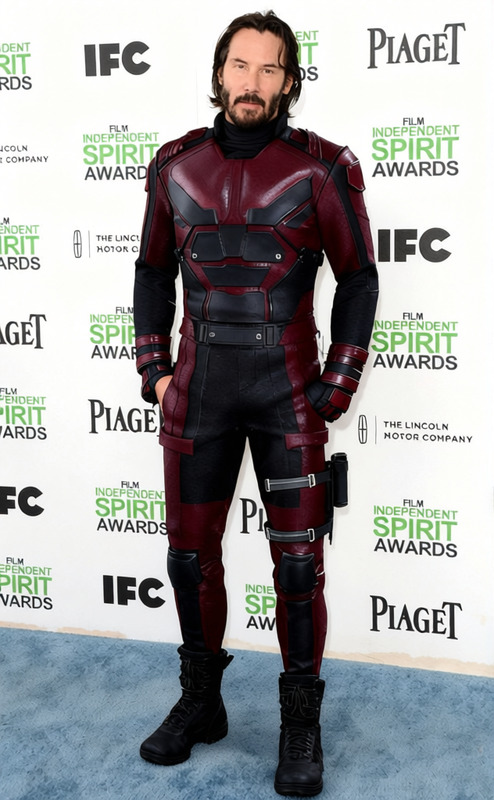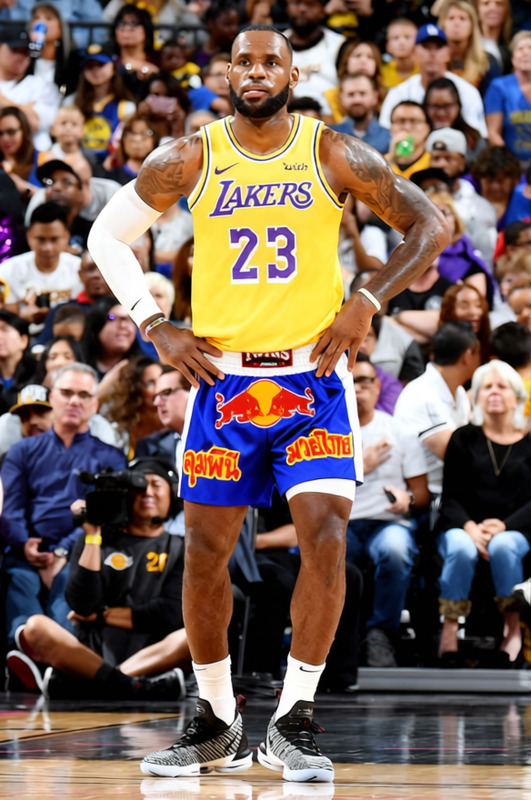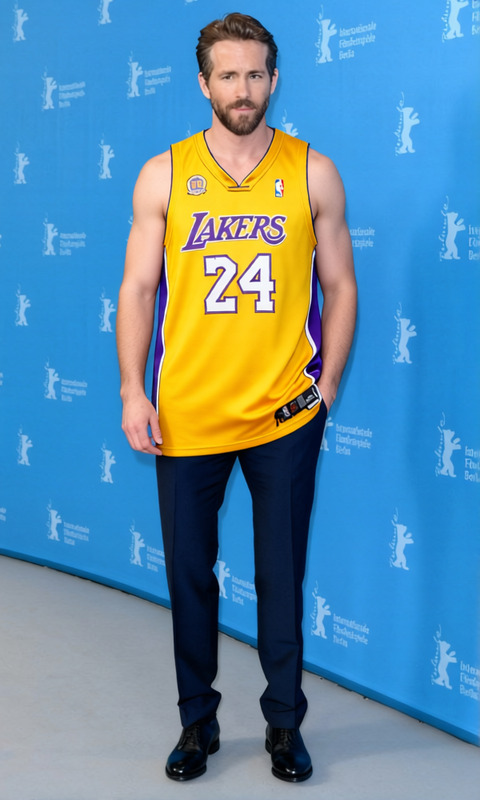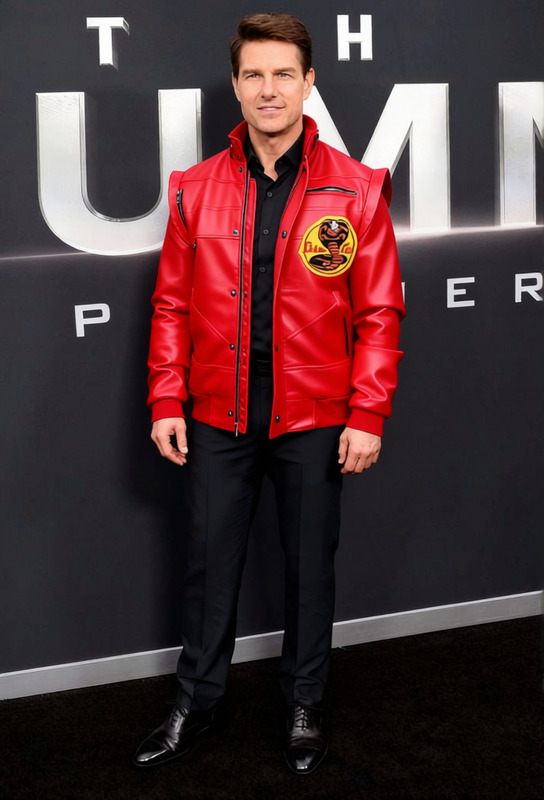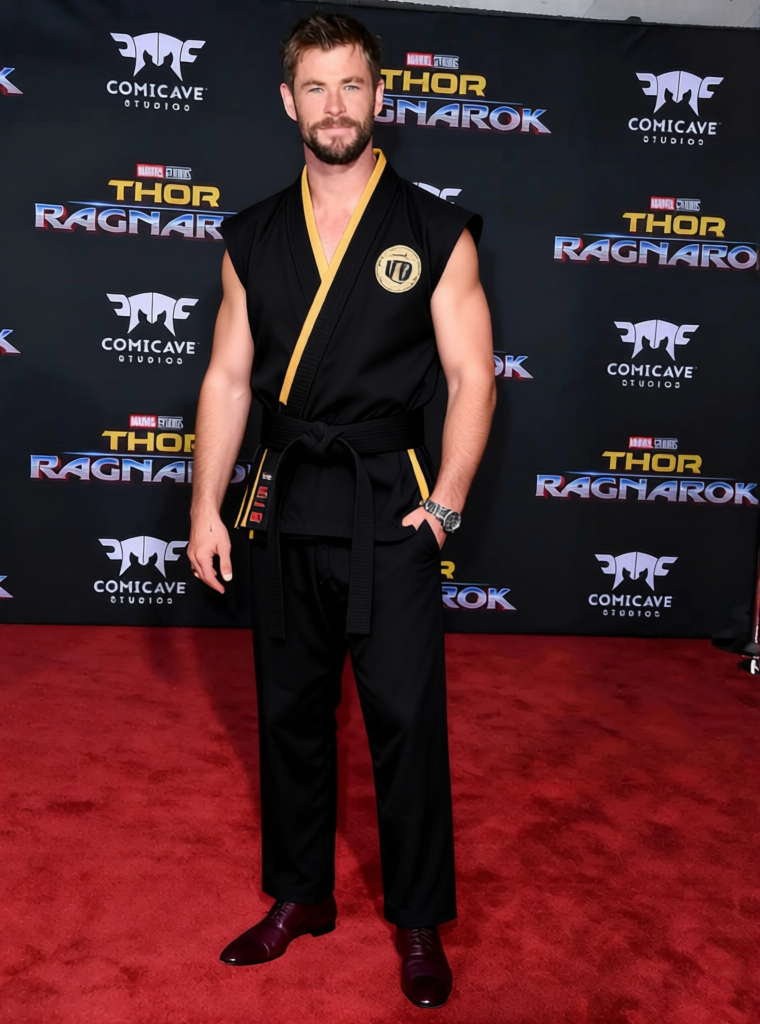
Miguel Diaz Black Cobra Kai Karate Gi
- Image
- 760 × 1024 px
Any aspect ratio
Overview
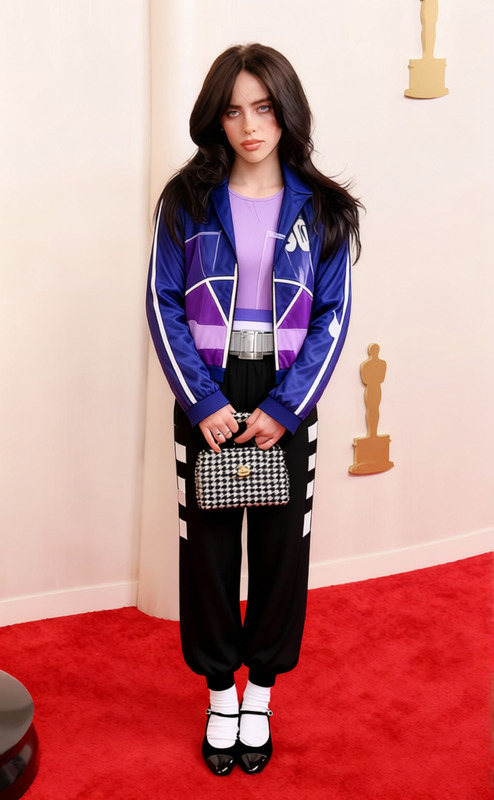
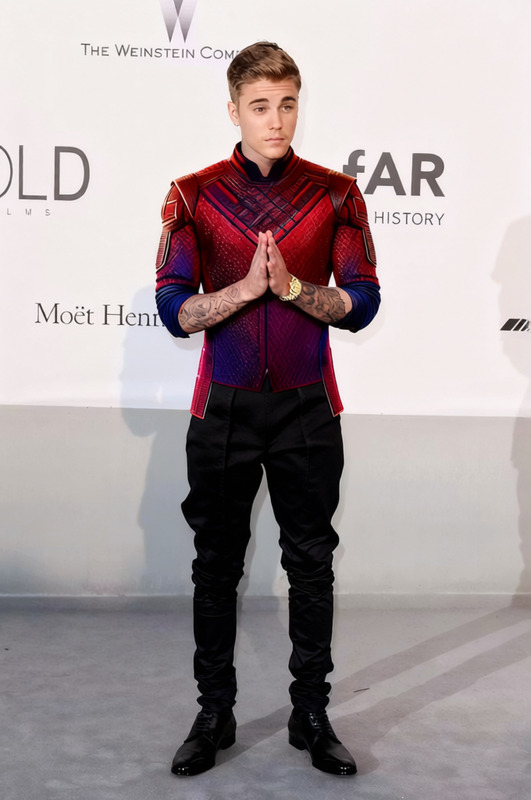
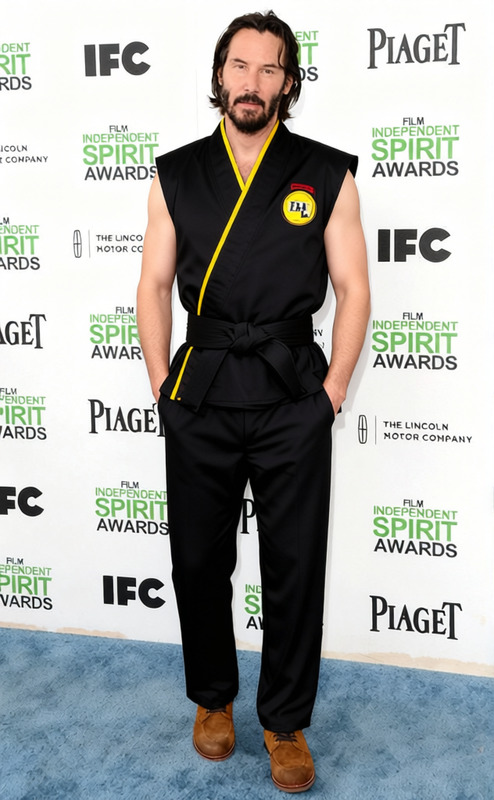
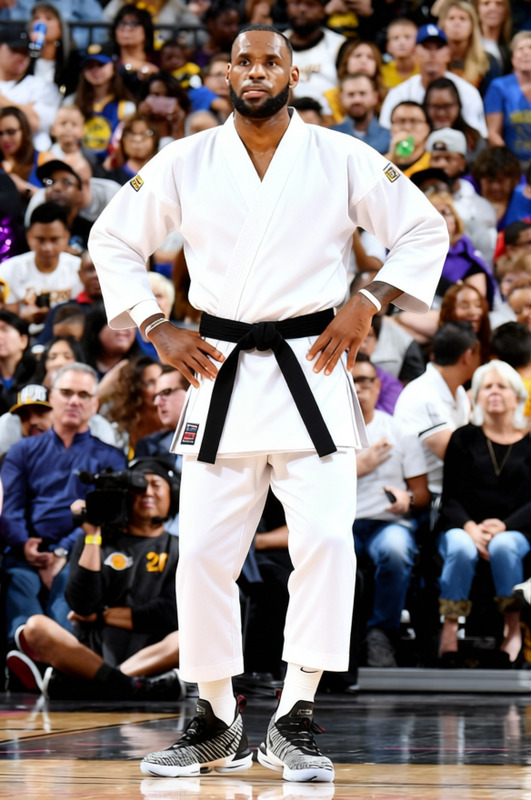
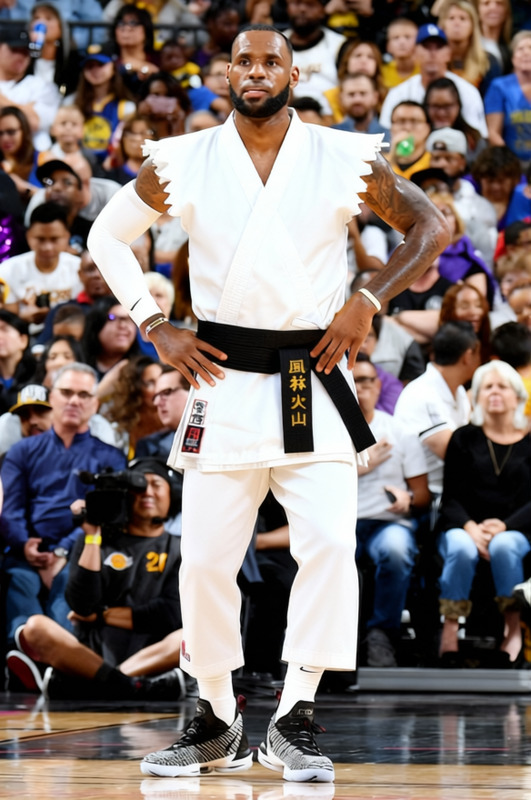
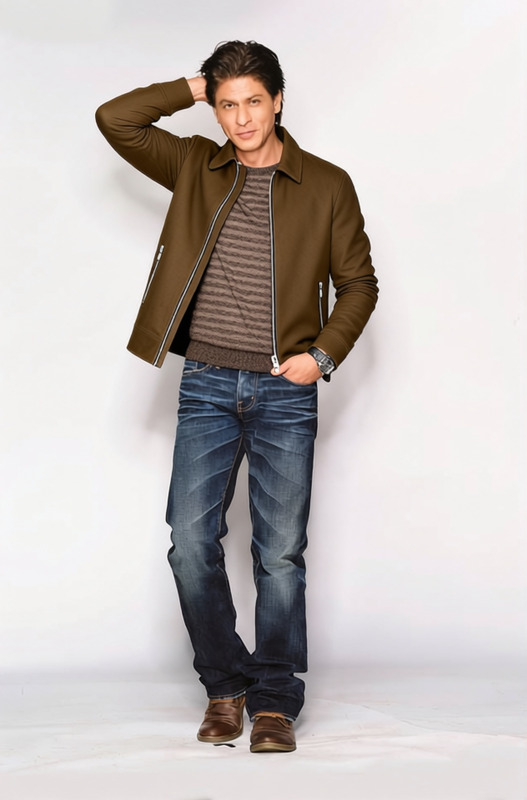
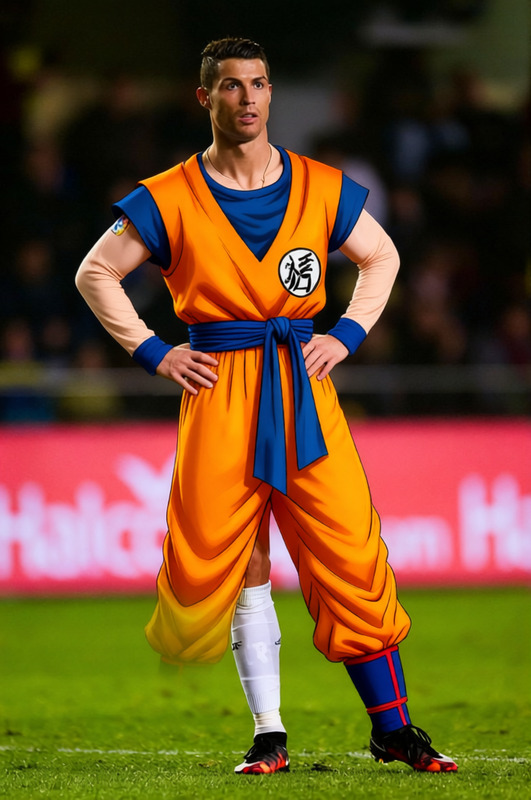
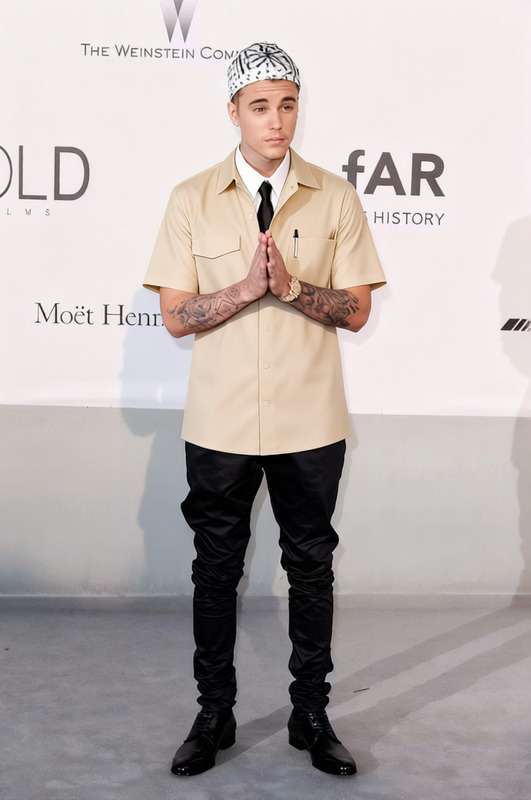
The 'Miguel Diaz Black Cobra Kai Karate Gi' template lets you superimpose the iconic Cobra Kai gi on your subject effortlessly. This versatile Clothes Changer template supports various video and image formats, making it perfect for fan edits, themed social media content, and creative projects. Discover the simplicity of transforming any outfit into the signature attire worn by Miguel Diaz.
What It Does
This template enables users to overlay the signature black Cobra Kai karate gi onto any selected character or individual. Suitable for both static images and dynamic videos, it adopts a Full Body Generator to accurately map the gi, ensuring a natural and authentic appearance. Whether you’re editing a GIF or crafting a dramatic video clip, achieve a seamless look with minimal effort.
Who It's For
Ideal for creatives, video editors, and social media influencers looking to inject some Cobra Kai flair into their content. This template is perfect for those creating tribute videos, promotional materials, or novel social media posts. It's also a vital tool for fans wanting to artfully represent their favorite character with precision, aligned with dynamic content creation such as AI GIF Generator or AI Video Generator outputs.
Summary
With the 'Miguel Diaz Black Cobra Kai Karate Gi' template, transform your visuals by adding an instantly recognizable piece of pop culture attire. Supported by robust AI technology and a user-friendly interface, this tool provides a practical solution to cumbersome costume changes in media content creation. Enhance your visuals now and explore your creativity further with tools like the AI Clothes Changer.
How To
Choose Your Template

Customize the Inputs

Generate & Download

Use Cases
Fan Edits
- GIFs and short videos
- Creative photo manipulations
Social Media Content
- Instagram stories
- TikTok transformations
Marketing Materials
- Branded content
- Event promotions
Best Practices
Ensure Proper Lighting
Use well-lit images or videos for best results, ensuring the gi blends naturally into the environment.Maintain Image Clarity
Select high-resolution images to prevent pixelation when applying the gi.Adjust Carefully
Use the template's controls to adjust the gi's position, ensuring it aligns naturally with the body's movement.
Frequently asked questions
More Like This