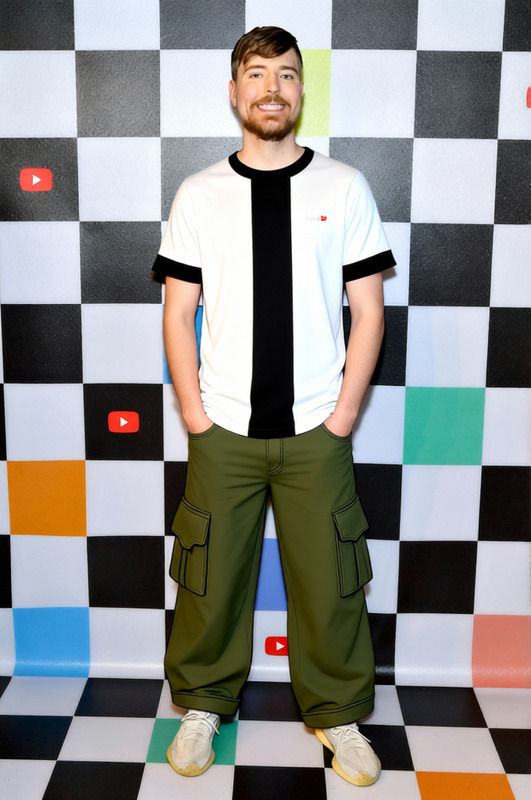
Christopher Moltisanti Fila Tracksuit With White Tee 2
- Image
- 760 × 1024 px
Any aspect ratio
Overview
Transform your videos with the Christopher Moltisanti Fila Tracksuit With White Tee 2 template. This AI Clothes Changer template allows creators to swap the clothing of subjects in their footage with realistic results. Perfect for content creators looking to update wardrobe styles without reshooting scenes.
What It Does
This template uses AI technology to replace existing outfits in your video with the iconic Fila tracksuit and white tee. By streamlining the process of wardrobe changes, it saves production time and helps maintain visual consistency across different scenes. It's part of our broader set of tools, including the Video Face Swap, to elevate video content creation.
Who It's For
Ideal for video producers, filmmakers, and content creators focused on fashion or storytelling. Those working in the advertising sector and need to showcase different outfit variations will find it highly beneficial. It integrates seamlessly with tools like the Image to Video converter for holistic project enhancements.
Summary
With the Christopher Moltisanti Fila Tracksuit, redefine your video content by effortlessly changing outfits in post-production. This template is part of a suite of tools designed to offer creative freedom and workflow efficiency. Discover how it fits with other tools like the AI Image Editor to maximize your content's impact.
How-To
Choose Your Template

Customize Your Inputs

Generate Your Video

Use Cases
Film and TV Production
- Save on wardrobe budgets
- Ensure continuity
Fashion Advertising
- Create dynamic, varied ad content
- Maintain brand aesthetics
Social Media Content
- Engage audiences with new looks
- Quickly adapt to trends
Best Practices
High-Quality Source Footage
Ensure your source video is of high quality for the best clothing swap results.Consistent Lighting
Maintain consistent lighting in your video to allow the AI model to accurately render the new outfit.Use Related Tools for Maximum Impact
Combine with the AI Talking Photo for interactive and engaging content.Preview Changes
Always preview the output to make final adjustments before publishing.