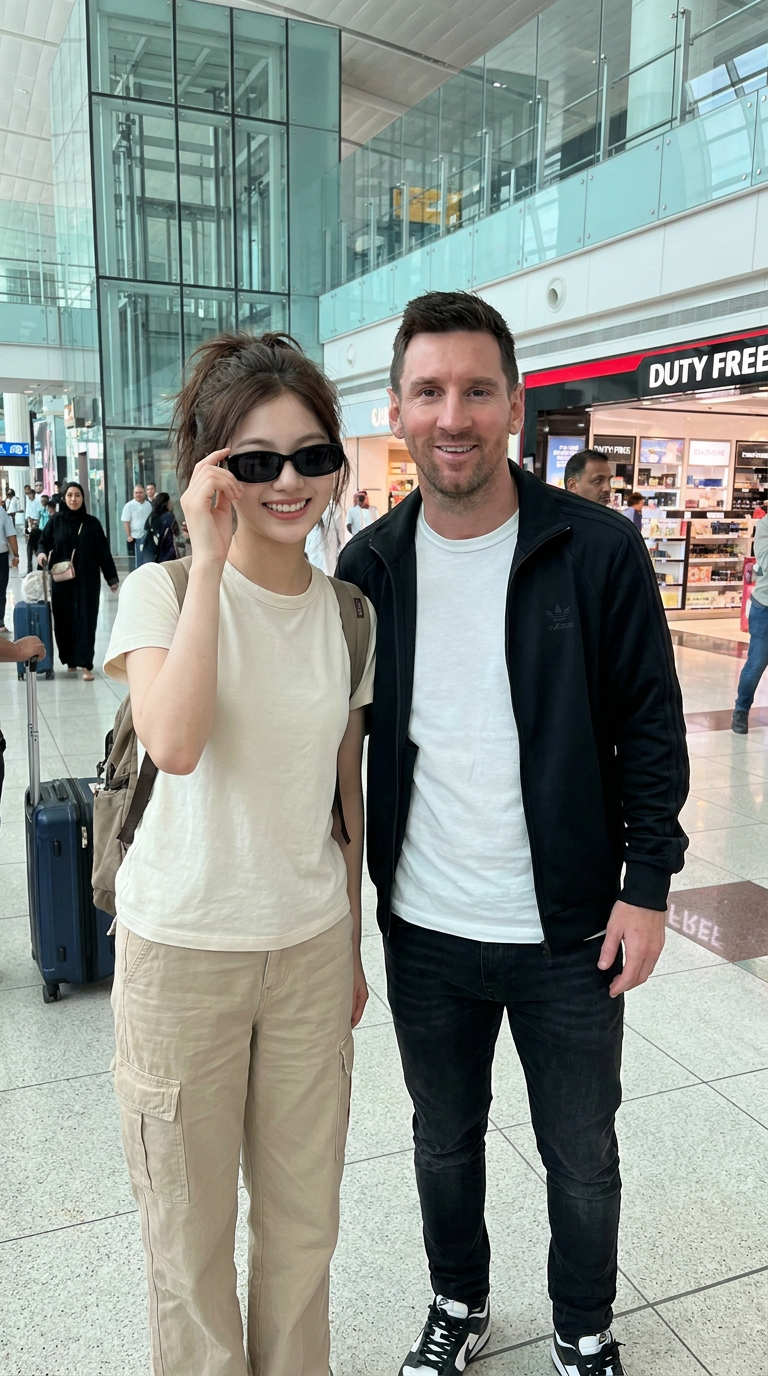
Airport Selfie With Messi
- Model
- Nano Banana Pro
- Image
- 768 × 1376 px
Prompt
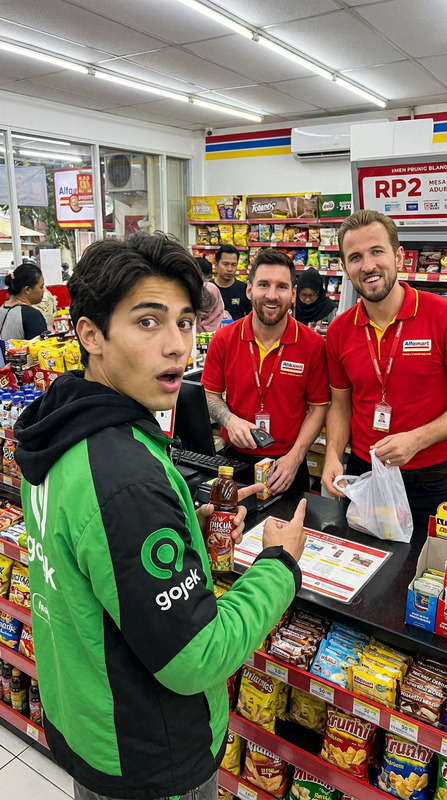
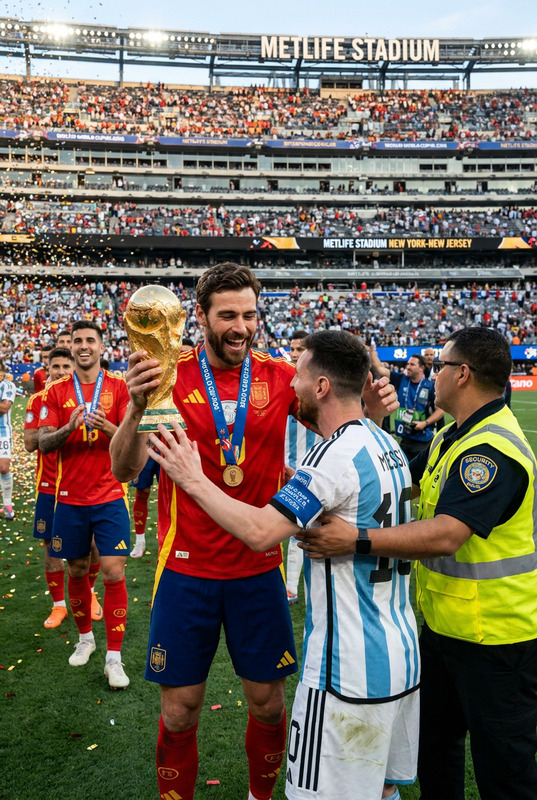
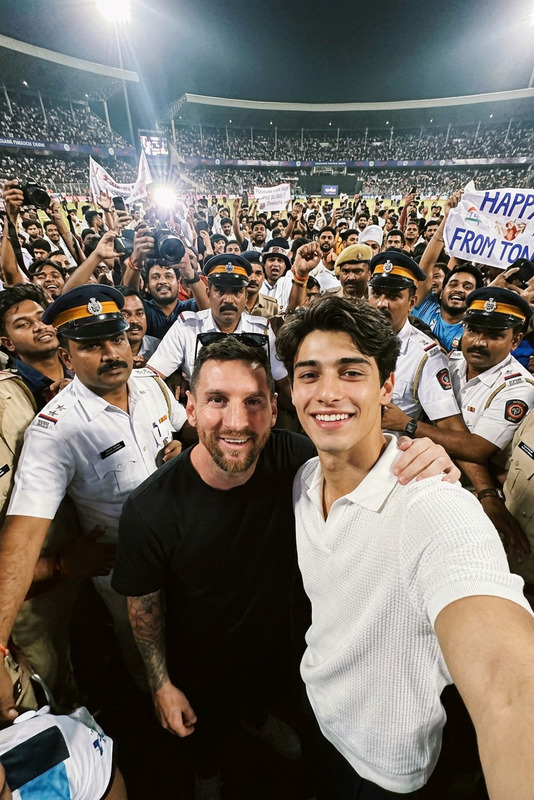
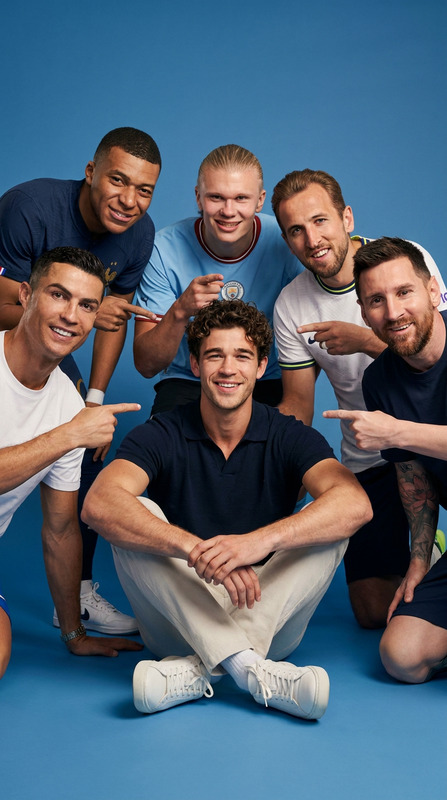
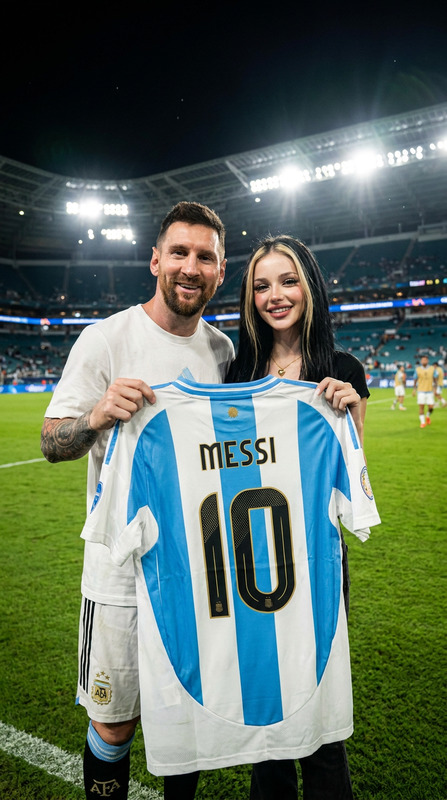
A candid, high-resolution photo of me standing next to world-famous soccer player Lionel Messi at an international airport in Dubai. We both smiled naturally and posed for a casual photo. I'm a young girl, with messy dark brown hair, wearing beige pants, a light cream shirt, black rectangular sunglasses, and a backpack. Lionel Messi is wearing a white t-shirt, black jacket, black jeans and sneakers. The backdrop is a modern glass airport terminal with many people around. Natural daylight, natural celebrity meeting atmosphere, surreal, sharp focus, professional photography, 4K quality, realistic skin tones.
Any aspect ratio
Overview
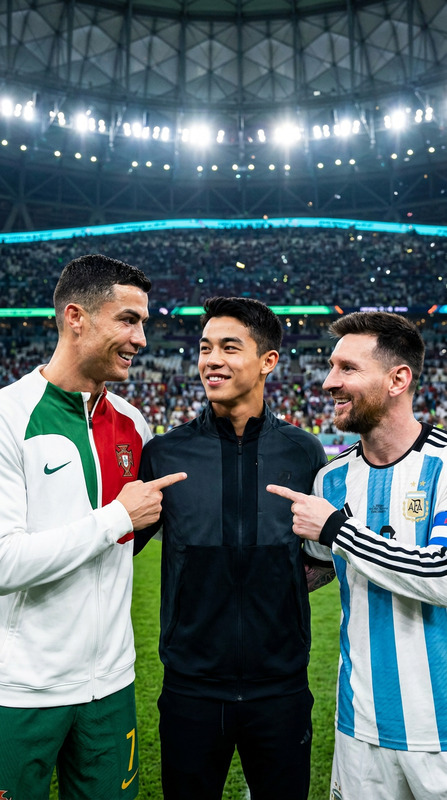
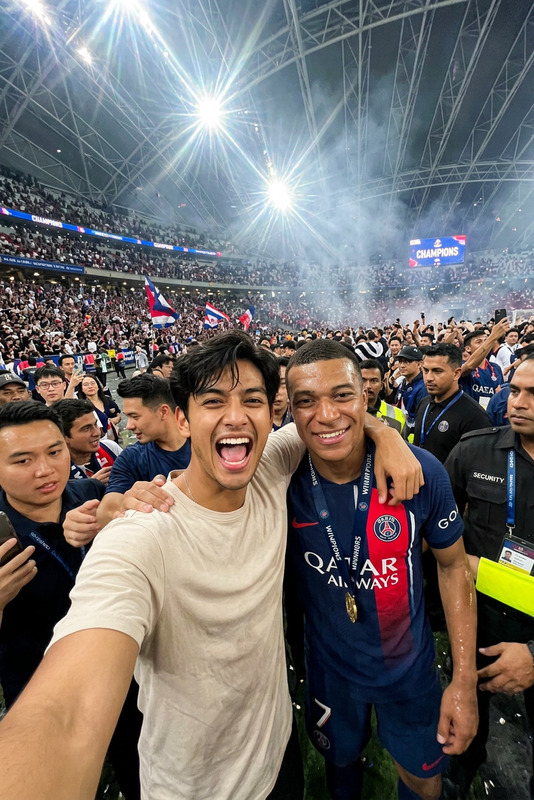
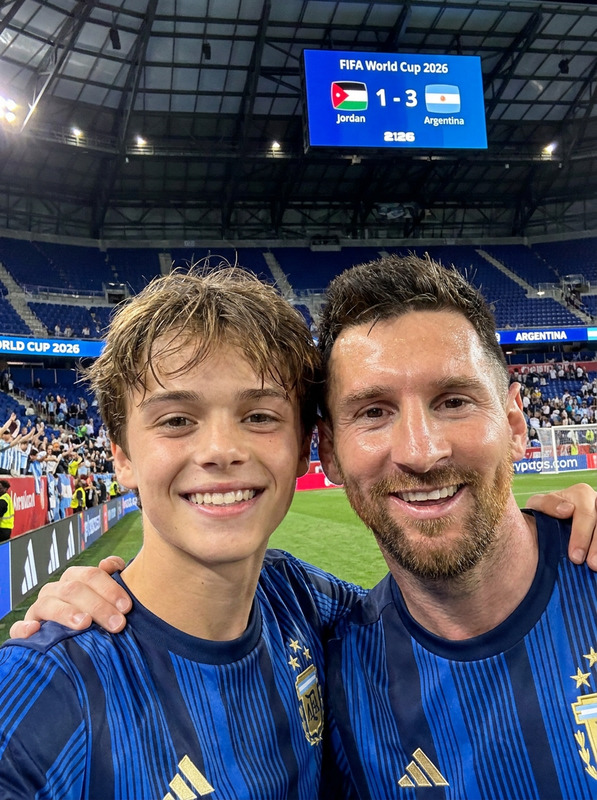
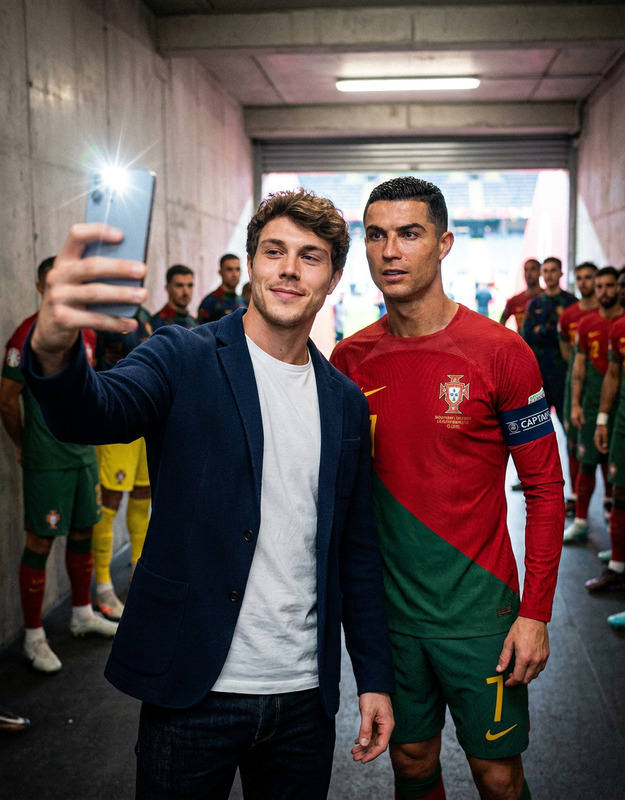
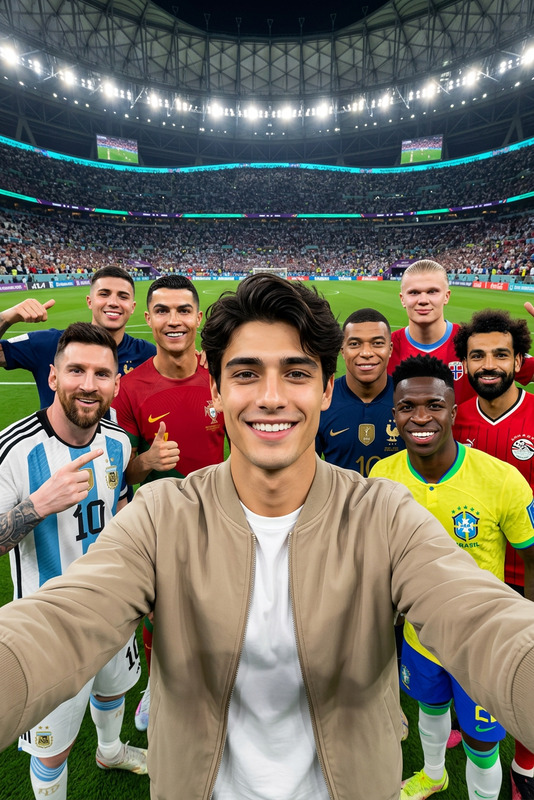
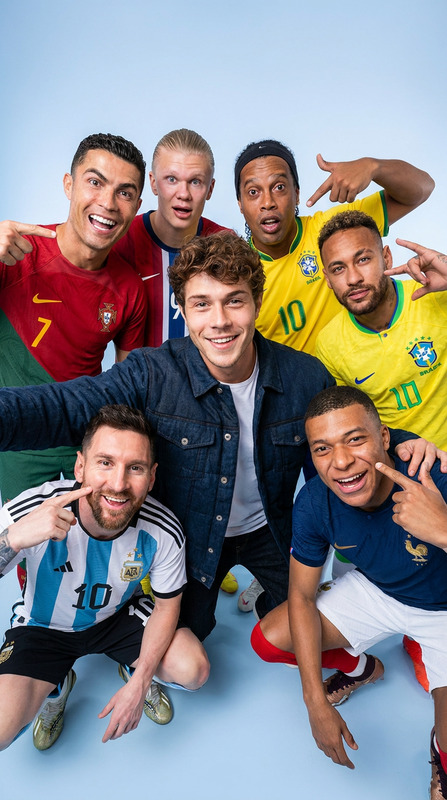
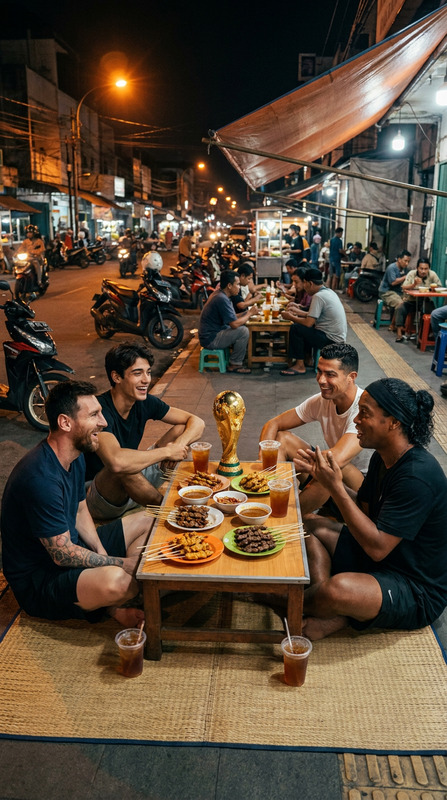
Create a stunningly realistic photo of you standing beside soccer superstar Lionel Messi with the 'Airport Selfie With Messi' AI Image Editor template. This tool utilizes the advanced nano-banana-pro model to craft a high-resolution image with a naturalistic and vibrant feel.
What It Does
This template leverages AI to place you next to Lionel Messi in a dynamic airport setting, achieving 4K quality and realistic skin tones. The composition includes natural light and a setting filled with bustling travelers, producing an outcome that feels professional and true to life.
Who It's For
Perfect for avid soccer fans, social media influencers, or anyone who wants to make a unique statement with their photos. This template also serves event organizers and brand marketers looking to craft themed imagery quickly.
Summary
The 'Airport Selfie With Messi' is an innovative way to produce photo-realistic images capturing a fictional celebrity encounter. It complements our suite of AI Product Photography and Profile Picture Generator tools, broadening your creative possibilities.
How to Use
Choose the Template

Customize Your Image

Generate Your Photo

Use Cases
Social Media Engagement
- Boosts follower interaction
- Creates sharable content
Marketing Campaigns
- Increases ad recall
- Engages target audiences
Best Practices
High-Resolution Images
For best results, start with high-resolution input images to ensure the final output is sharp and clear.Use Natural Poses
Select inputs where you are naturally posed, as this further enhances the realistic aspect of the finished photo.Experiment with Settings
Utilize different clothing and hairstyle options in your inputs to see what best fits your style or campaign needs.