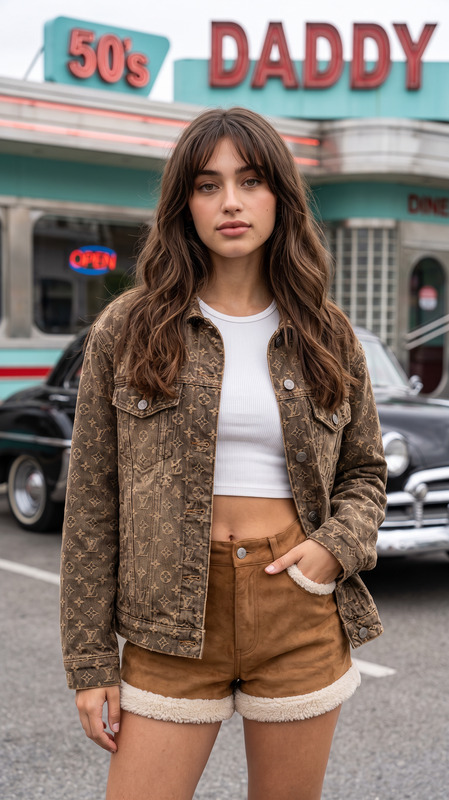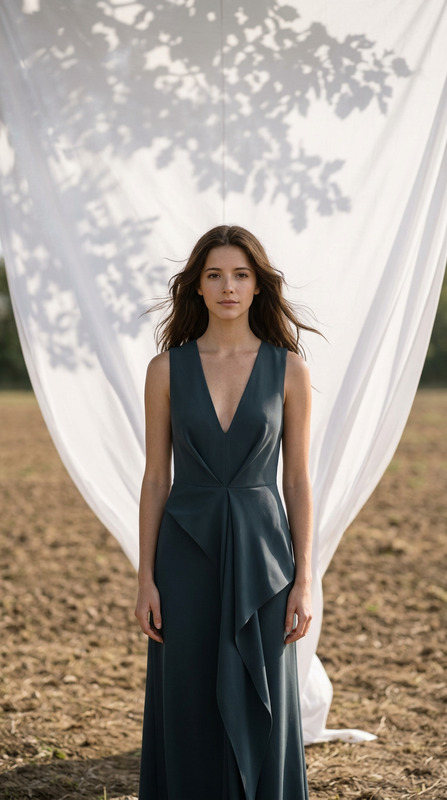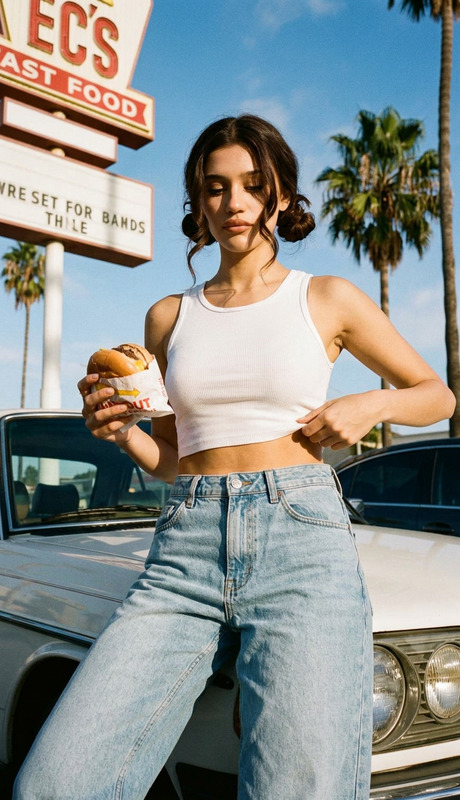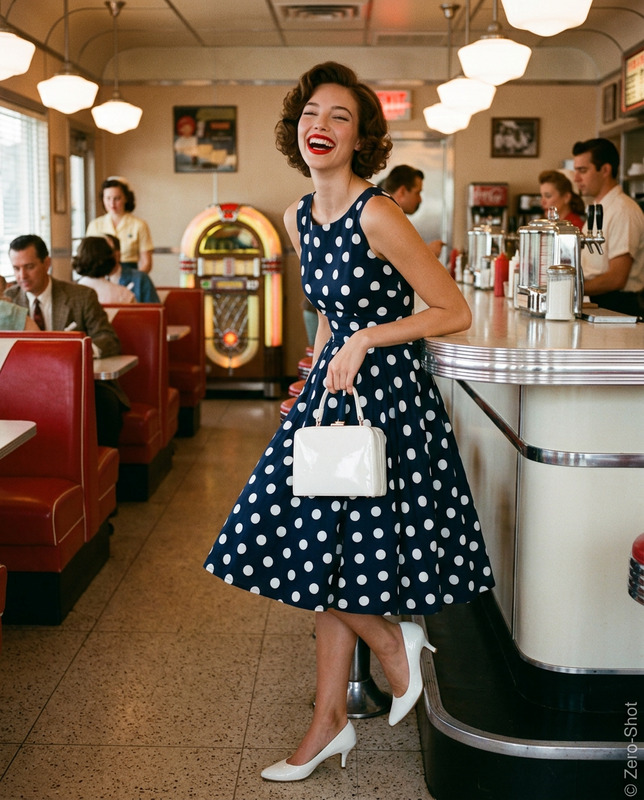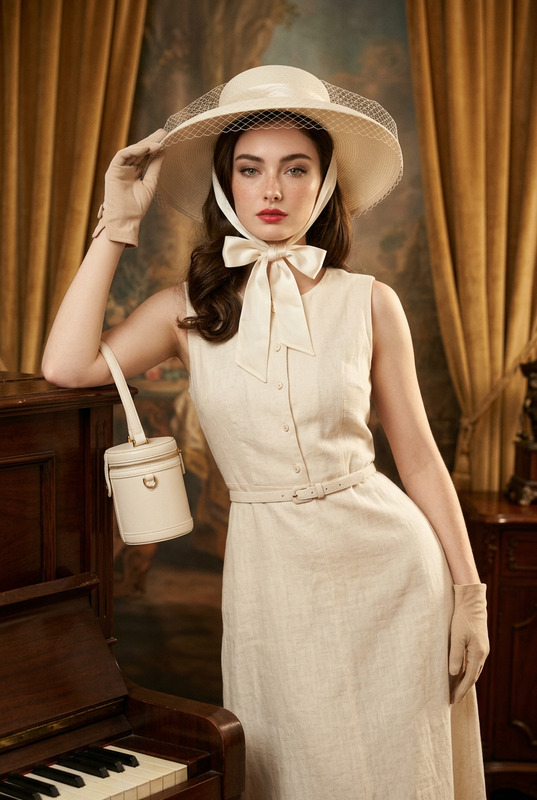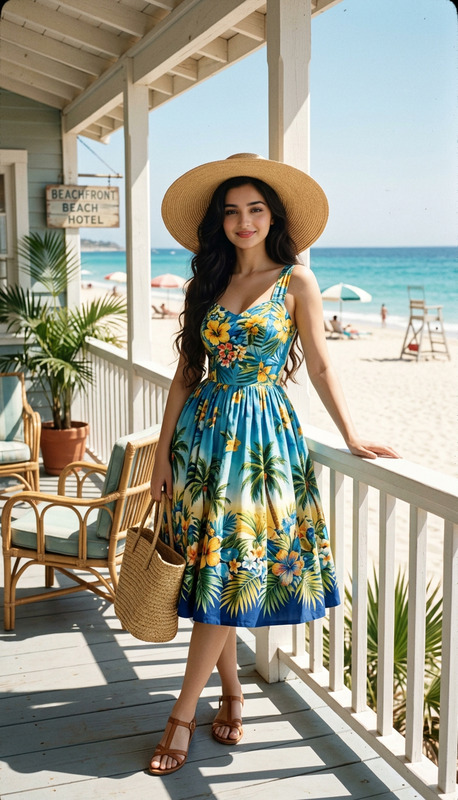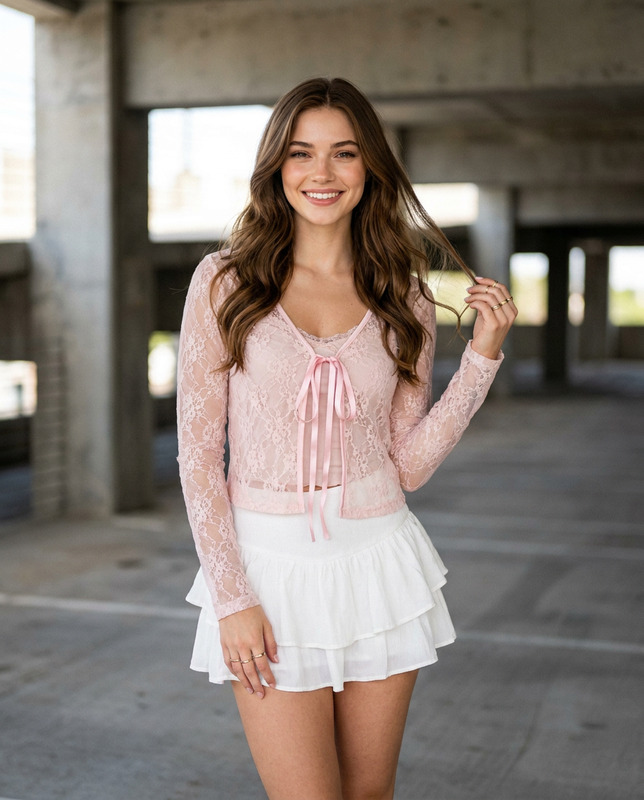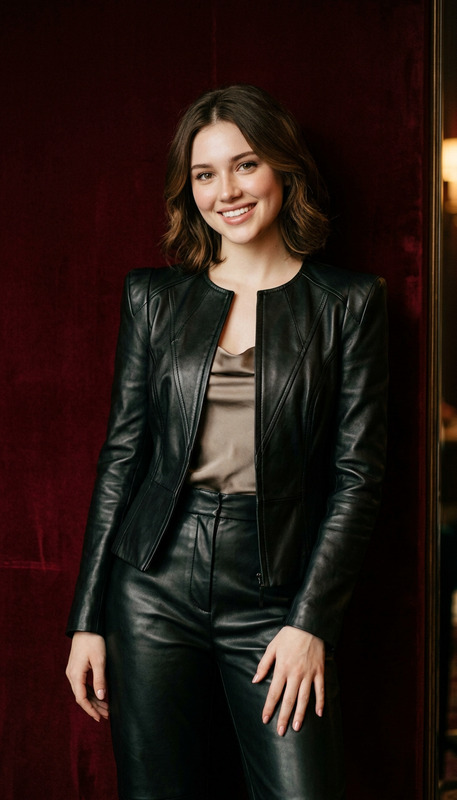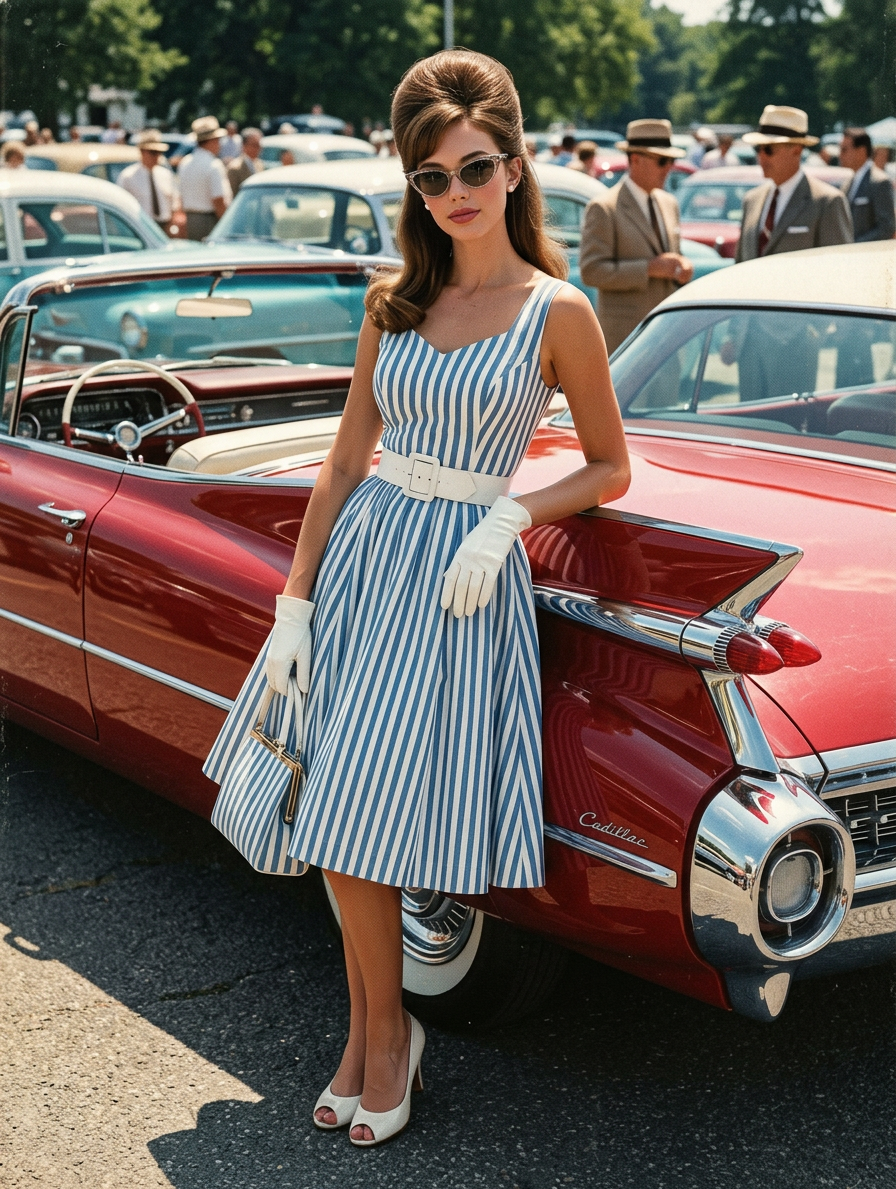
Classic Car Show
- Model
- Nano Banana 2
- Image
- 896 × 1189 px
Prompt
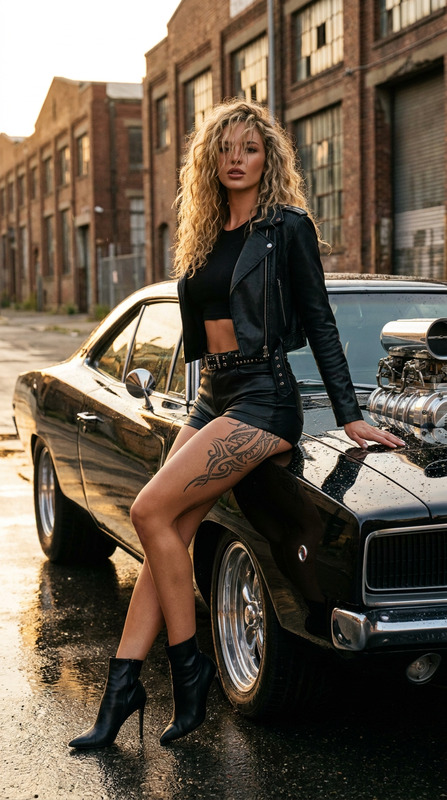
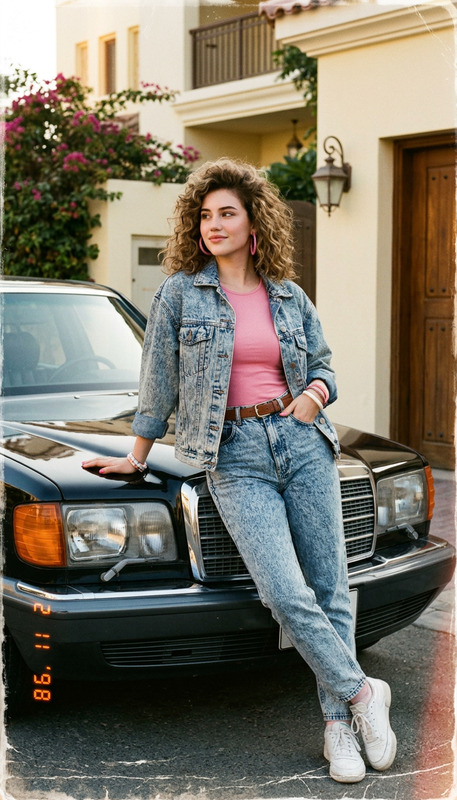
Use the uploaded reference image as the primary facial identity source. Preserve the exact facial features, face shape, eyes, nose, lips, jawline, skin tone, hairstyle influence, and overall likeness of the woman from the reference image. Do not alter, beautify, reshape, or replace her identity. Create a stylish full-body vintage portrait of the same woman leaning naturally against the tailfin of a classic candy-apple red 1950s Cadillac. She is wearing a playful blue-and-white vertical stripe swing dress with a flattering retro silhouette, a wide white waist belt, white patent leather gloves, and white peep-toe heels. She holds a small matching striped handbag. Her hair is styled in a dramatic high-volume beehive hairstyle. She wears elegant cat-eye sunglasses, enhancing the glamorous 1950s fashion vibe. The setting is an outdoor classic car show filled with polished vintage vehicles and spectators dressed in period-appropriate 1950s clothing. The lighting is bright high-noon sunlight, creating sharp dramatic shadows and brilliant reflective highlights on the Cadillac’s chrome trim and glossy red paint. The overall image should feel like a retro printed fashion catalog: slight color bleeding, subtle halftone printing texture, a lightly aged print finish, and a charming mid-century commercial photography aesthetic. Style: ultra-realistic vintage fashion photography, full-body composition, realistic skin texture, detailed fabric folds, polished chrome reflections, authentic 1950s styling, bright outdoor lighting, retro printed catalog feel, photorealistic, highly detailed, elegant nostalgic atmosphere, premium quality. Negative Prompt changed identity, different face, distorted facial features, over-beautified face, bad anatomy, extra fingers, extra limbs, deformed hands, cropped body, blurry, low quality, low resolution, cartoon, anime, CGI, plastic skin, modern clothing, modern hairstyle, modern car, unrealistic proportions, messy background, unreadable accessories, harsh artifacts, oversaturated colors, watermark, logo, text
Any aspect ratio
Overview
Step into the world of classic glamour with the Classic Car Show template. This AI Image Editor template focuses on creating ultra-realistic vintage fashion portraits, capturing the essence of the 1950s era. With the AI Image Editor, you can transform your reference photos into stylish full-body portraits that echo the charm of mid-century fashion photography.
What it Does
This template uses advanced AI technology to retain the identity and features of the reference subject while designing a full-body vintage portrait. The template's detailed settings allow for photorealistic rendering, embodying the vintage catalog aesthetics in terms of color, texture, and fashion details. This blends perfectly with our AI Image Generator to bring authenticity to the 1950s style captured by retro commercial photography.
Who it's For
The Classic Car Show template is ideal for photographers, designers, and vintage enthusiasts looking to create striking vintage-themed portraits. It's also a valuable tool for marketers and content creators in the fashion industry who wish to evoke a nostalgic vibe in their campaigns, using tools like the AI Profile Picture Generator for seamless integration.
Summary
Through the Classic Car Show AI template, you can craft a vintage fashion photograph that mirrors the glitz and glamour of the 1950s. The use of precise facial reference and a detailed styling prompt ensures that every image retains authenticity while showcasing premium visual quality.
How to Use
Choose the Template

Customize Your Inputs

Generate Your Image

Use Cases
Retro Fashion Campaigns
- Vintage-inspired marketing materials
- Editorial spreads for retro clothing brands
- Promotional content for vintage events
Event Photography
- Classic car shows and themed festivals
- Historical reenactments photography
- Themed parties and gatherings
Creative Art Projects
- Illustrative photobooks with a mid-century theme
- Personal creative projects with a historical feel
- Decorative art pieces for exhibitions
Best Practices
Use High-Quality Reference Images
Ensure your reference image is of high quality for the best portrait results. This impacts the authenticity of facial features and overall image fidelity.Focus on Consistent Styling
Maintain consistency in the styling elements, such as clothing patterns and accessories, to enhance the vintage aesthetic appeal.Adjust Prompt for Lighting and Position
Fine-tune the prompt to match the lighting conditions and object positioning for accurate shadowing and highlight effects, composing a realistic 1950s vibe.