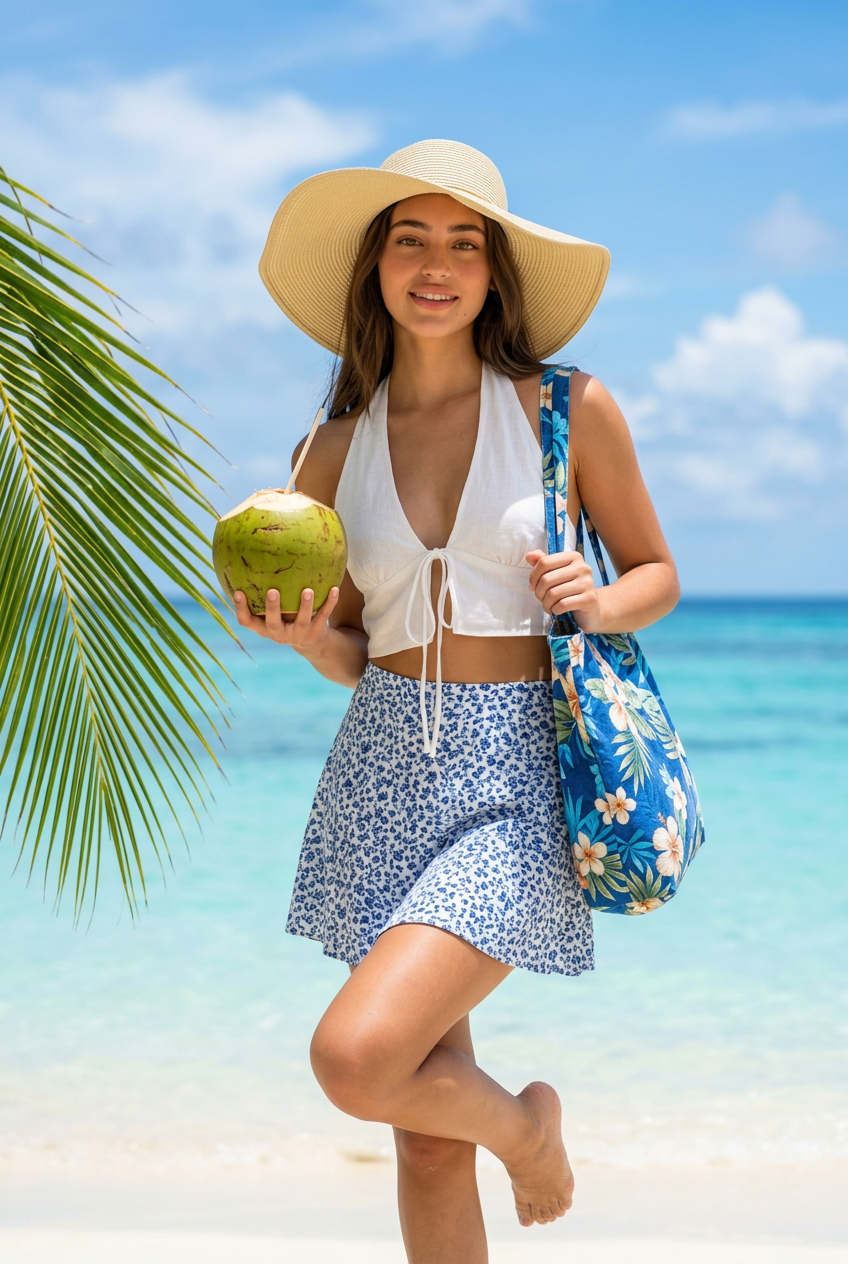
Tropical Beach Coconut Sun Hat
- Model
- Nano Banana 2
- Image
- 848 × 1264 px
Prompt
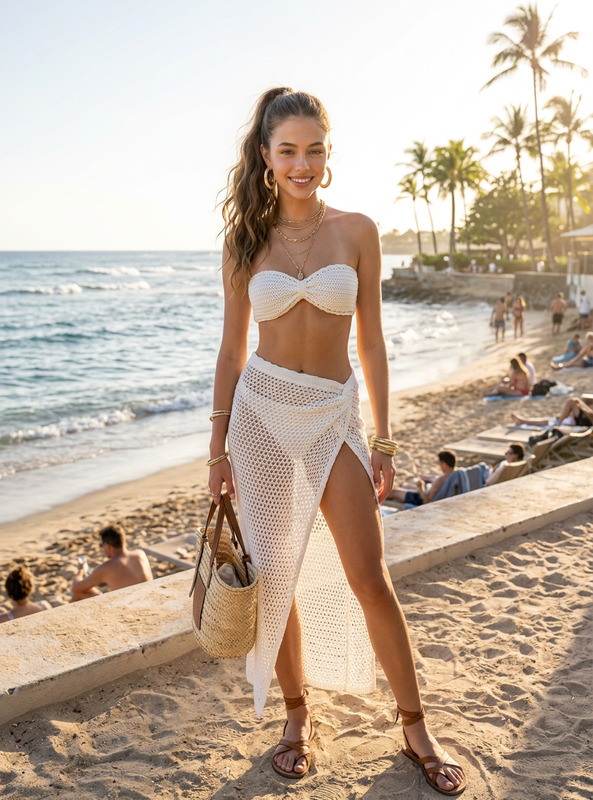
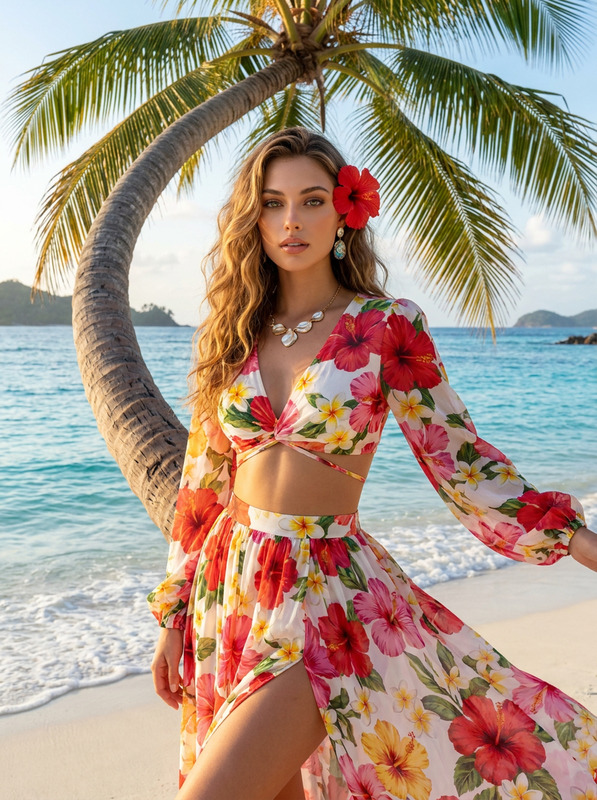
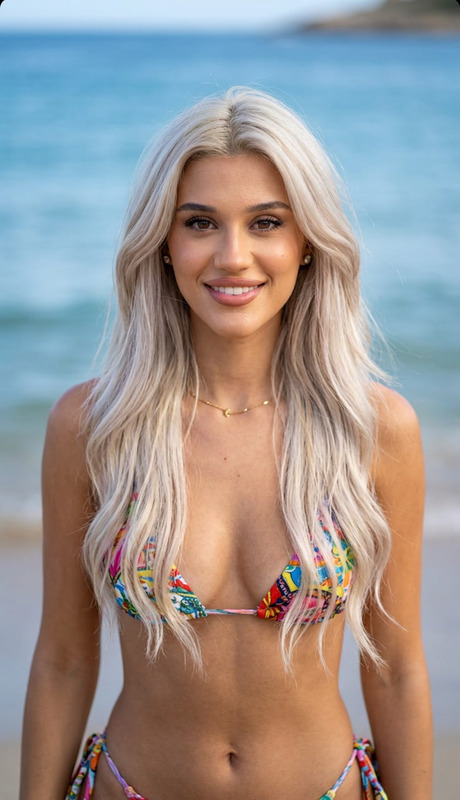
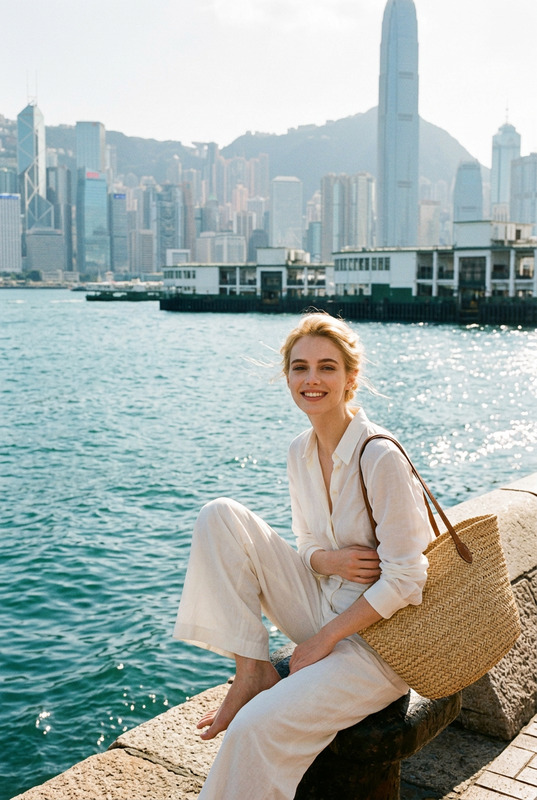
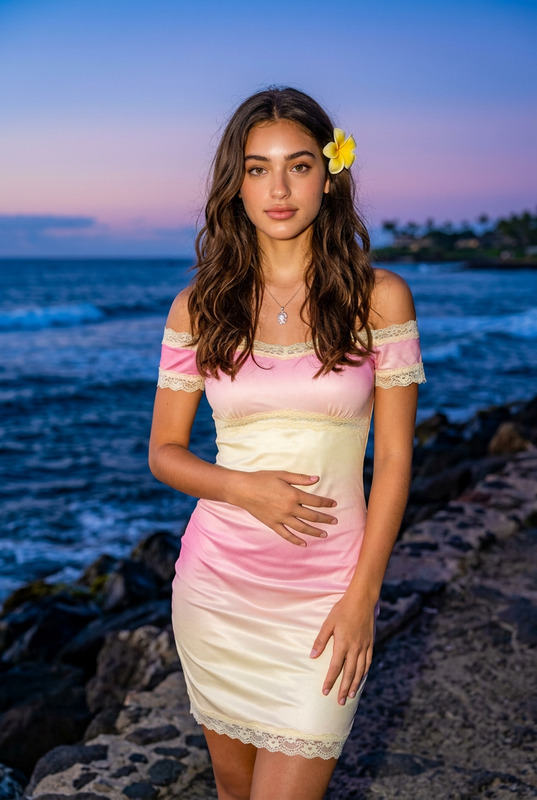
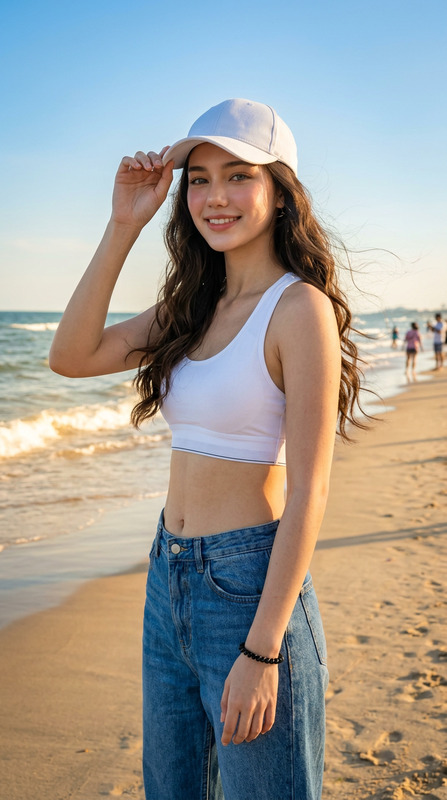
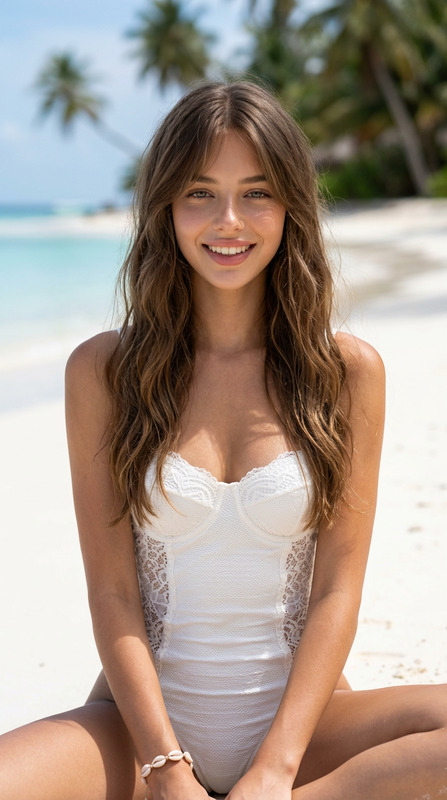
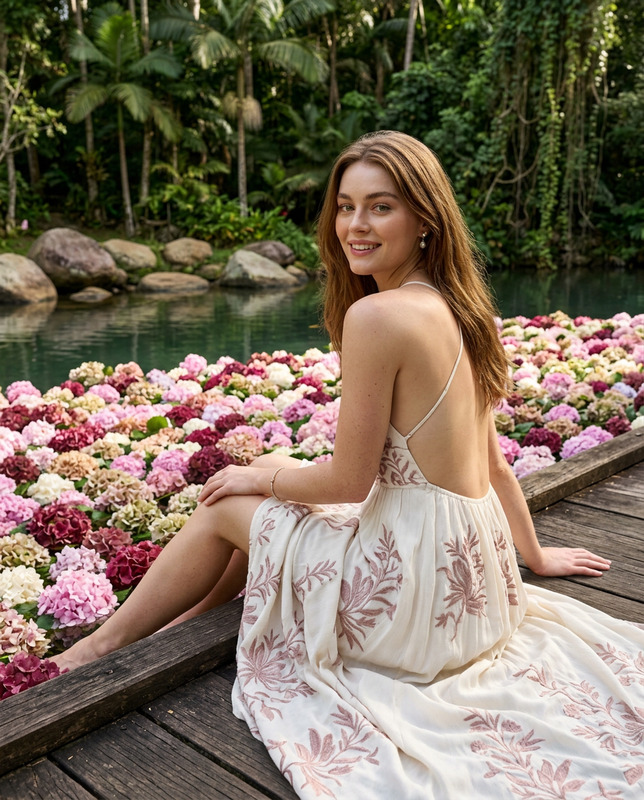
Based on the subject in the uploaded image, recreate a new image while keeping their facial features, overall vibe, and hairstyle unchanged. The scene is set on a sunny island beach, with a casual, lifestyle-oriented Instagram aesthetic and a fresh, bright summer atmosphere portrait. The subject stands at the edge of a light-colored sandy beach, leaning slightly forward. One leg is naturally lifted and bent, while the other supports the body’s weight. One hand holds a fresh green coconut with a straw inserted at the top, while the other hand lightly pinches the strap of a shoulder bag. The subject faces the camera directly, making eye contact, with a lively and natural expression and a relaxed, playful pose. Outfit: a white halter tie-up cropped top, a blue printed short skirt, and a light blue tropical floral tote bag worn on the shoulder. The subject wears a large light straw-colored woven sun hat with a naturally fluffy, spread-out brim, creating a strong island vacation vibe. The scene includes clear light blue seawater, a distinct coastline, a bright blue sky, and fluffy white clouds. On the left side of the frame, a lush tropical green seaside plant is included as a foreground framing element. The transition between the beach and the ocean is clearly defined, and the background is clean and minimal, without clutter. Lighting combines strong natural midday seaside sunlight with a slight direct flash fill, resulting in clear, luminous skin tones. Colors are high in saturation but not overly intense. The blue sky, ocean, sand, and outfit create a crisp and vivid contrast. The image should be sharp and transparent, in a vertical full-body portrait format, with a lifestyle, photogenic, and refined feel, delivering a realistic, high-end social media editorial quality.
Any aspect ratio
Overview
The Tropical Beach Coconut Sun Hat template in the AI Image Editor offers creators a way to enrich photos with vibrant, beach-themed aesthetics. By merging the subject's natural features with a picturesque coastal backdrop, this tool is ideal for social media influencers and digital marketers looking to enhance their imagery with a touch of tropical flair.
What It Does
This template utilizes the advanced capabilities of the AI Image Editor to maintain the subject's facial features and overall vibes while transforming the scene into a sunny beach environment. The model, nano-banana-2, ensures that the visual elements such as the sandy beach, coconut, and sun hat are seamlessly integrated into the new composition.
Who It's For
Perfect for lifestyle bloggers, Instagram content creators, and digital advertisers aiming to craft an engaging summer aesthetic. This template helps maintain consistent branding and visual style while incorporating the fresh and bright atmosphere typical of vacation snapshots. By using the AI Talking Photo, creators can add further dynamism to their social media content.
Summary
With this template, transform your portraits into island-style artworks that captivate viewers. Maintain the integrity of the original photo while infusing it with an uplifting, beach-ready vibe. Suitable for anyone looking to boost their visual content with realistic, high-end editorial quality, ideal for platforms that thrive on vivid style contrasts and clarity.
How-To
Choose Your Template

Customize Your Inputs

Generate Your Image

Use Cases
Social Media Enhancement
- Instagram posts
- Facebook updates
- Pinterest boards
Marketing Campaigns
- Online ads
- Promotional flyers
- Website banners
Personal Blogging
- Vacation diaries
- Lifestyle tips
- Travel guides
Best Practices
Use High-Quality Images
For the best results, begin with high-resolution images. This ensures facial features and textures remain clear in the final output.Maintain Consistent Lighting
When possible, start with images that have natural lighting to complement the template's beach theme.Focus on Styling
Ensure that the subject's clothing and accessories are aligned with the tropical theme for a cohesive look.