young-man-with-soda
Overview
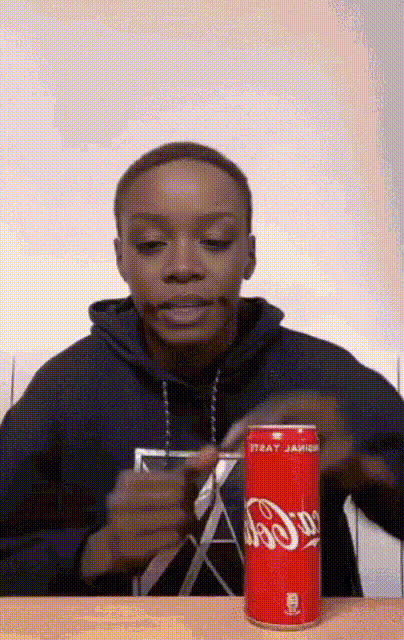
Create side-splitting videos effortlessly with the "Young Man with Soda" face swap template. Swap faces with a young man savoring a soda, and watch your video become an instant hit on social media. This template is a fun way to showcase your creativity and humor.
What It Does
This Video Face Swap template allows you to replace the face of a young man with your own or anyone else's from a photo. The result is a professional-looking video with smooth transitions that makes it look like you are the one enjoying the soda. It's perfect for creating funny or engaging content for social media platforms.
Who It's For
This template is ideal for content creators, social media enthusiasts, and anyone looking to add a humorous twist to their videos. Whether you're looking to engage your audience on TikTok or entertain your followers on Instagram, this template provides the tools to easily enhance your content.
Summary
The "Young Man with Soda" template is your gateway to creating funny and entertaining videos with a personal touch. It's user-friendly and integrates well with other AI Talking Photo tools for more dynamic content. Discover the potential of creative video transformations suited for humor and engagement.
How To
Choose Your Template

Customize Your Inputs

Generate Your Video

Use Cases
Social Media Engagement
- Create viral-ready videos for Instagram Reels.
- Drive engagement on TikTok.
Personal Entertainment
- Entertain friends and family with custom videos.
- Spice up home video content.
Best Practices
Optimize Image Quality
Use high-resolution images to ensure the best face alignment and swap results.Align Faces Correctly
Before generating, adjust the face's position to match the original model's orientation.Blend with Background
Choose images with similar lighting for a more realistic swap effect.