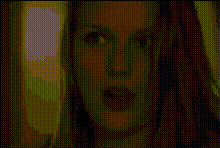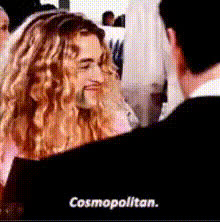
woman-says-baloney-officially
Overview
Inject humor into your videos with the Woman Says Baloney Face Swap template. This tool modifies videos by placing a specific face onto another person's body, creating entertaining and unexpected results. Ideal for injecting a light-hearted twist into any video project.
What It Does
This template leverages advanced video face swap technology to allow users to overlay a chosen face onto a designated body in a video. Gain access to multiple configuration options to adjust the positioning and blending of the face to ensure it fits naturally onto the target clip. For more faces in motion, explore our Head Swap and Body Swap tools.
Who It's For
Perfect for content creators, marketers, and social media managers looking to captivate audiences with funny and shareable content. Those engaged in meme video production or regular video promotion will find this tool invaluable. It also suits individuals wanting a unique way to surprise friends and followers.
Summary
The Woman Says Baloney Face Swap template is a powerful resource for creating comical and engaging video content. Accentuate your creative works by substituting faces with ease, broadening the possibilities beyond standard video production. For additional transformative capabilities, consider integrating with our Face Swap Video and Image to Video products.
How To
Choose Your Template

Customize the Face Swap

Generate and Download

Use Cases
Social Media Engagement
- Create funny videos for Instagram stories
- Engage your Twitter followers with humorous face swaps
- Add a quirky twist to TikTok posts
Marketing Campaigns
- Enliven email campaigns with amusing video links
- Enhance brand storytelling by adding humor
- Use in outreach materials to surprise and delight
Personal Projects
- Surprise friends with custom videos
- Create memorable birthday messages
- Develop humorous tapestries for family events
Best Practices
Select High-Quality Source Videos
For the best output, use videos with clear face shots and adequate lighting to ensure smooth blending.Experiment with Different Faces
Try switching out various faces to discover the funniest combinations. Our AI Image Editor can help perfect these faces for swapping.Check Audio Sync
Ensure that the audio of your original video aligns well with the new face visuals for a seamless experience.