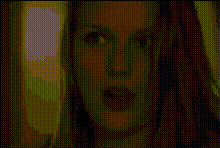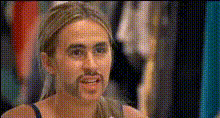
woman-making-funny-face-8
Overview
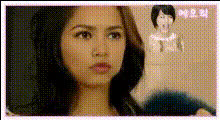
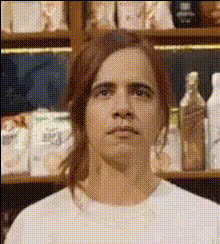
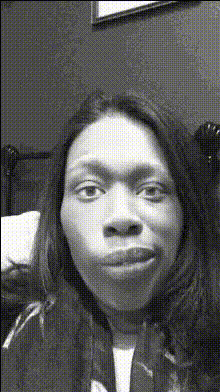
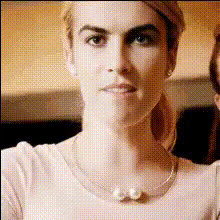
The "Woman Making Funny Face" template uses Video Face Swap technology to transform your videos into delightful pieces of entertainment. Ideal for social media and marketing campaigns, you can switch faces within any clip to create content that's both amusing and engaging.
Leverage this tool to enhance your storytelling capabilities and capture your audience's attention with minimal effort. The resulting video can bring out laughter and interaction, making it perfect for various social media ads and product videos.
What It Does
This Video Face Swap template allows you to replace the face of a person in a video with another. It automatically adjusts facial expressions and angles for a natural-looking result. The swap works smoothly across various video formats, making it versatile for a range of projects.
With its integration options, this template is compatible with other tools such as the AI Image Editor to further polish your output, and the AI GIF Generator for creating shareable, looping animations.
Who It's For
Whether you're a content creator, marketer, or just looking to have some fun, this template is designed for you. It's perfect for agencies looking to create engaging product launch videos or for individuals wanting to make hilarious clips for social media. This template also suits educators and trainers who wish to add a bit of humor to their training materials.
Summary
This Video Face Swap template is your go-to solution for creating funny and captivating content. By swapping faces in videos, you can craft unique and entertaining experiences for your viewers. Explore related tools like the Face Swap and Head Swap features to add even more creativity to your projects.
How To

Customize the Swap

Generate and Download

Use Cases
Social Media Engagement
Marketing Campaigns
Event Highlights
Best Practices
Select High-Quality Faces
For the best results, use clear and well-lit images of faces.Check Permissions
Ensure you have permission to use the images and videos you're modifying.Experiment with Angles
Try different camera angles to achieve a more natural look in the swaps.