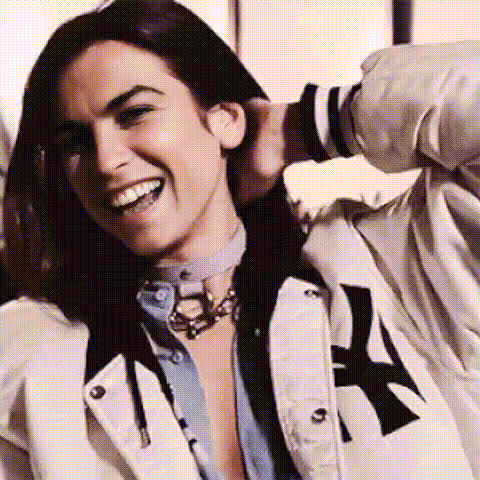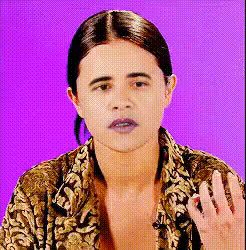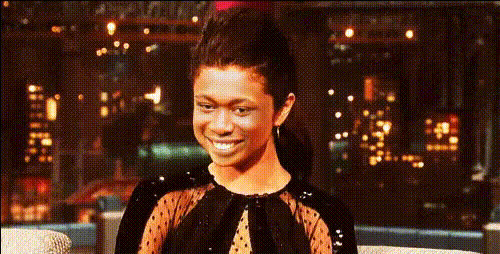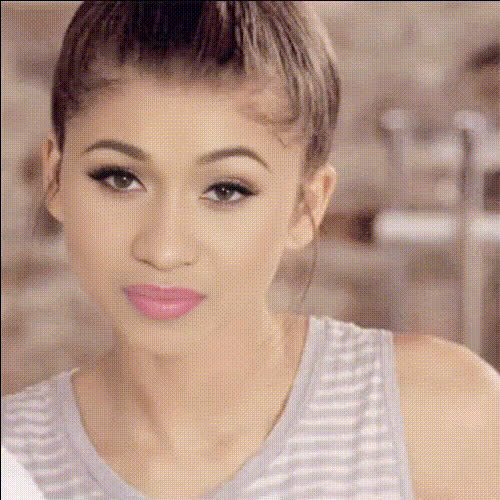
selena-gomez-smiling-waving
Overview
Transform your videos by swapping your face with Selena Gomez, capturing her familiar smile and wave. This Video Face Swap template makes it easy to generate engaging content that stands out. Leverage this tool for creative projects, enhancing your social media presence.
What It Does
Using sophisticated AI technology, this template superimposes Selena Gomez's smiling and waving visage onto any subject in your video. The result is a personalized clip that's both entertaining and visually striking. This template is a popular choice for those seeking to create content that resonates with fans or merely to have fun with AI-driven video editing.
Enhance your video with additional features from the AI Video Generator, ensuring your output is professionally polished.
Who It's For
This template is ideal for social media influencers and digital marketers aiming to expand their reach with captivating content. It's also perfect for creatives and brands looking for unique ways to engage audiences. Additionally, fans of Selena Gomez can have fun creating personalized video messages or tributes.
If you're interested in generating highlight edits for sports or other events, check out our sports highlight edits use case for more inspiration.
Summary
The Selena Gomez Smiling and Waving template offers a fun and efficient method to produce attention-grabbing videos. By swapping faces with a celebrity, your content becomes instantly more shareable and appealing. Use it to bolster your social media strategy or simply as a creative outlet for your AI editing skills.
Explore our AI Face Editor for more ways to customize and enhance your video projects.
How To
Choose

Customize

Generate

Use Cases
Social Media Content
- Create fun videos for TikTok and Instagram.
- Develop unique content that stands out in feeds.
Marketing Campaigns
- Use in advertisements to garner interest.
- Craft memorable experiences for followers.
Fan Projects
- Send personalized fan messages.
- Compile tribute videos with authentic imagery.
Best Practices
Align Faces Precisely
Ensure the face swap is realistic by carefully aligning key facial points during customization.Use High-Quality Inputs
Select videos with good lighting and resolution for optimal face integration.Experiment with Angles
Try different video angles to find the most natural-looking face swap results.