robert-pattinson-surprised-reaction
Overview
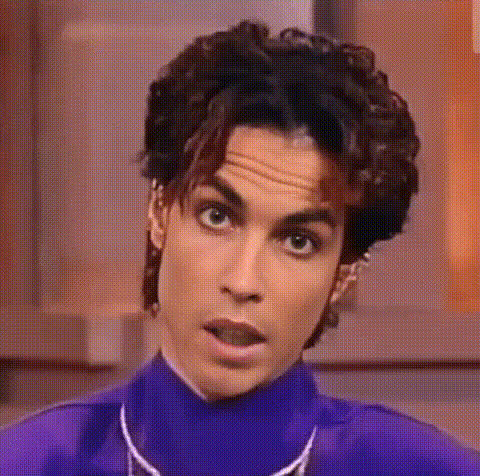
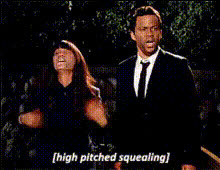
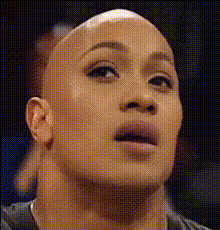
Enhance your video content with the Robert Pattinson Surprised Reaction template. This Video Face Swap template allows creators to insert a humorous twist into their projects, featuring a beloved celebrity's iconic expression. Ideal for grabbing attention and entertaining audiences, this tool is versatile across multiple platforms and formats.
What It Does
This template seamlessly integrates Robert Pattinson's surprised expression into your existing video content. With precise facial mapping and motion adaptation, it ensures that every frame is captured with lifelike accuracy. Perfect for comedic skits, reaction videos, or engaging social media posts, this template breathes new life into conventional face swap effects.
Capitalize on this feature by pairing it with tools like the AI Video Generator to create customized animations or the AI GIF Generator for short, shareable snippets.
Who It's For
The Robert Pattinson Surprised Reaction template is geared towards content creators, social media influencers, and marketing professionals seeking to add a lighthearted touch to their projects. Whether you're developing meme videos or enhancing content with celebrity cameo reactions, this tool is a must-have for anyone looking to boost engagement and shareability.
Summary
Designed to seamlessly integrate into your workflow, this Video Face Swap template allows easy access to Robert Pattinson's distinct surprised reaction. Optimize your creative process by using this template for a variety of content formats, from TikTok videos to professional-grade marketing materials. Explore more creative tools like the AI Meme Generator for endless possibilities.
How-To
Choose the Template

Customize Your Project

Generate and Download

Use Cases
Meme Creation
- Social media posts
- Online forums
- Marketing campaigns
Reaction Videos
- YouTube content
- Tutorials
- Product launches
Fun Social Media Content
- Viral challenges
- Quick reactions
- Gags
Best Practices
Match Video Tone
Ensure that the video background and lighting conditions are compatible with Robert Pattinson's reaction for optimal results.Optimize Duration
Short, impactful clips work best. Consider the AI GIF Generator for brevity and shareability.Combine with AI Tools
Enhance your content further with complementary tools like the AI Talking Photo for animated stills.