rashmi-gautam-closeup
Overview
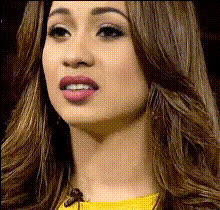
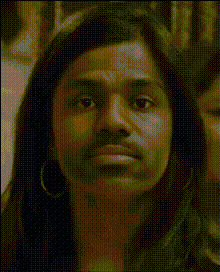
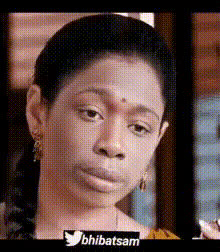
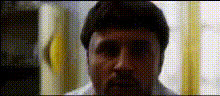
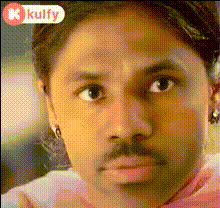
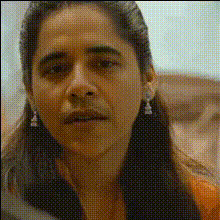
Explore the world of transformations with our "Rashmi Gautam Closeup" Video Face Swap template. This high-quality template is designed to keep your audience captivated by swapping faces into a striking closeup of Rashmi Gautam. Whether you're creating playful content or sophisticated visuals, this template helps you achieve professional outcomes.
What It Does
This template allows you to perform seamless Video Face Swaps, placing any face onto Rashmi Gautam's in close-up scenes. The result is a realistic, engaging transformation that's perfect for generating eye-catching content. Use it to enhance your projects with unique and creative visuals while leveraging the power of Face Swap technology.
Who It's For
The "Rashmi Gautam Closeup" template is ideal for digital content creators, social media marketers, and videographers looking to add innovative elements to their projects. It's also perfect for brands wanting to create social media ads that stand out, as well as for individuals seeking fun personal edits for platforms like TikTok.
Summary
Utilize the "Rashmi Gautam Closeup" Video Face Swap template to effortlessly create visually appealing content. Perfect for both professional projects and entertainment, this template ensures your videos receive the attention they deserve. Discover how this tool, alongside the AI Image Editor, can enhance your creative workflow.
How To
Choose the Template

Customize Your Inputs

Generate Your Video

Use Cases
Social Media Engagement
- Increased audience reach
- Enhanced brand visibility
Promotional Content
- Unique campaign assets
- Memorable ad content
Fan Edits and Parodies
- Community engagement
- Shareable content
Best Practices
High-Quality Inputs
For the best results, ensure your face images are well-lit and of high resolution to match the closeup quality of the template.Align Properly
Use the customization tools to properly align the face with Rashmi Gautam's head position to maintain realism.Preview Before Finalizing
Always preview your edit to ensure the swap looks natural before generating the final video.