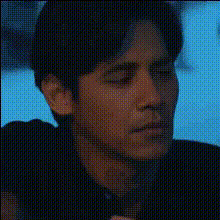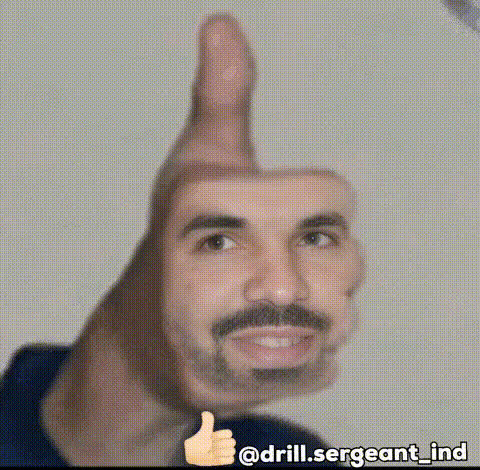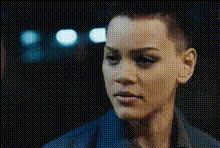
pittaya-serious-face
Overview
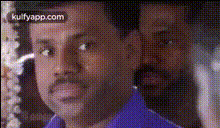
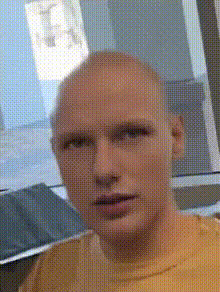
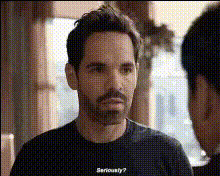
The "Pittaya Serious Face" template in the Video Face Swap category allows you to change the face in any video to add a humorous element or to create unique content. Whether you're looking to enhance your personal videos or craft viral sensations, this tool offers endless creative possibilities.
What It Does
This template seamlessly replaces faces in your videos with a selected face, maintaining expressions and movements for realistic results. Ideal for content creators aiming to add a fun or surprising twist to their videos, the template is powered by advanced algorithms that ensure precise transformations.
Explore our Face Swap Video and discover how it can complement your creative workflow. You might also be interested in our AI Video Generator for generating entirely new video content.
Who It's For
If you're a social media influencer, a video editor, or just someone who loves experimenting with videos, the "Pittaya Serious Face" template is perfect for you. This tool is ideal for creating entertaining content that can go viral, attract followers, and boost engagement on platforms such as Instagram and TikTok.
Check out AI Meme Generator to enhance your comedic content, or explore the AI Profile Picture Generator to create stunning profile images alongside your videos.
Summary
The "Pittaya Serious Face" template offers a straightforward way to swap faces in videos for creative or comedic purposes. Suitable for both novices and experts, it integrates smoothly into various creative workflows. Turn everyday videos into memorable experiences that capture viewers' attention.
For those interested in more comprehensive video transformations, our AI Talking Photo and AI Image Editor provide additional functionality to enrich your media content.
How To
Choose the Template

Customize Your Input

Generate Your Video

Use Cases
Social Media Fun
Marketing Campaigns
Entertainment Content
Best Practices
Select High-Quality Video
For best results, ensure the original video is of high quality to make the face swap appear seamless.Consider Lighting and Angles
Optimal lighting and camera angles will enhance the realism of the face swap.Test Various Faces
Experiment with different face options to find the most entertaining combination.