Mrbeast And Woman Talking
Overview
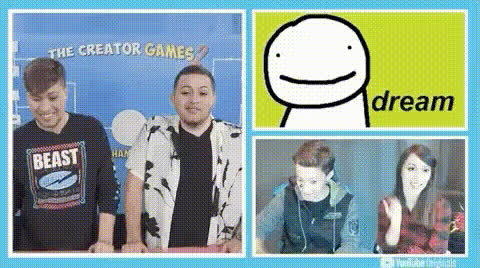
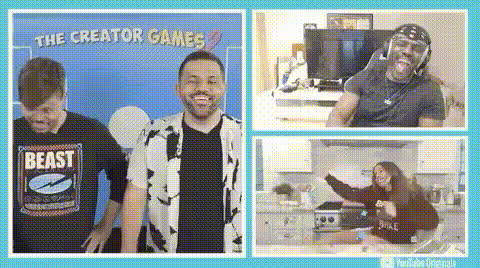
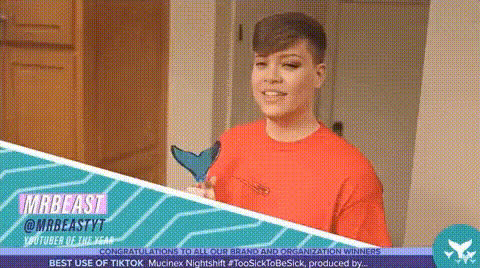
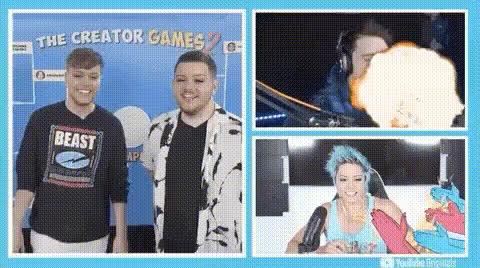
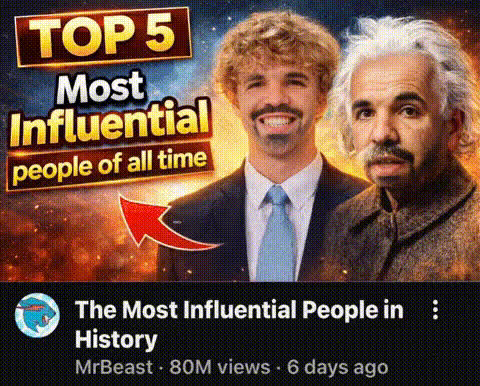
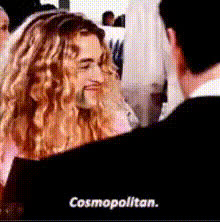
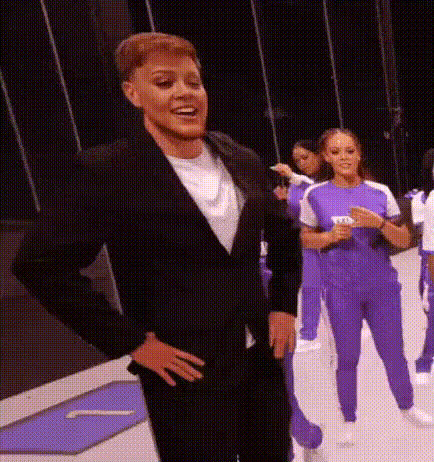
Transform your video content into a viral sensation with the "MrBeast and Woman Talking" video face swap template. This template allows you to effortlessly swap faces in a fun and engaging video format, featuring the popular YouTuber MrBeast and a generic woman character. It's specifically designed for creating amusing clips that stand out on social media platforms.
What It Does
The template integrates the advanced capabilities of video face swapping to alter the identities of characters in a pre-existing video. By using this template, you can replace the original faces of MrBeast and the woman with those from other video clips or images. This creates a humorous and surprising result, perfect for drawing viewer attention.
The technology behind the template leverages similar techniques to those found in popular products like Video Face Swap and Body Swap, ensuring high-quality output.
Who It's For
This video face swap template is ideal for social media managers, content creators, and digital marketers looking to add a humorous touch to their content. It's particularly valuable for those aiming for virality on platforms like TikTok and Instagram.
Comedy channels and meme creators can also benefit from this template, as it allows for creative expression and humorous storytelling. Additionally, those using Text to Video services might find this a useful way to enhance their projects.
Summary
The "MrBeast and Woman Talking" face swap template provides an easy and effective way to create engaging, funny videos. With its simple customization features, you can quickly swap faces and produce high-quality content that captivates your audience. Explore AI Video Generator for more ways to enhance and diversify your projects.
How To
Choose the Template

Customize Your Content

Generate and Download

Use Cases
Social Media Virality
- Perfect for TikTok challenges
- Ideal for meme creation
Marketing Campaigns
- Great for online ad campaigns
- Engage audiences in a new way
Best Practices
Choose High-Resolution Images
Ensure that the images or video clips you swap have high resolution for the best quality results.Match Skin Tones
Adjust skin tone settings during customization to create more realistic and believable face swaps.Test Different Lenses
Experiment with different angles and lenses available in the AI Image Editor to achieve the best visual effects.