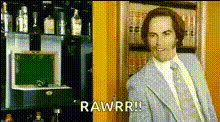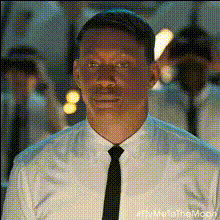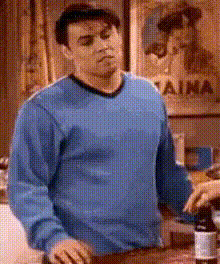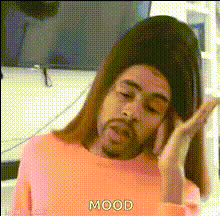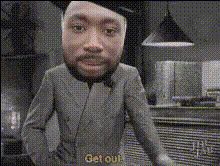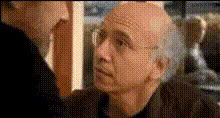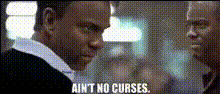
Movie Quote Face Swap Template
Overview
Turn classic movie moments into something uniquely yours with the Movie Quote Face Swap Template. This video face swap tool allows you to mix iconic scenes with familiar faces, creating personalized clips that surprise and delight. Tap into your creativity and explore the endless possibilities of transforming famous movie dialogue with your own spin.
What It Does
This Video Face Swap template enables users to replace faces in well-known movie scenes while preserving the original audio and background. The result is a professional-quality video where you or your subject seamlessly star in a scene, delivering iconic lines. Ideal for enhancing your storytelling or ramping up engagement on social media with a humorous twist.
Who It's For
This template is perfect for content creators, movie enthusiasts, and marketing professionals looking to wow audiences with fresh, engaging content. Whether creating viral TikTok videos or adding a fun layer to social media campaigns, this tool equips you to craft memorable, shareable moments.
Summary
With the Movie Quote Face Swap Template, your creativity is the limit. Designed for simplicity and high-quality output, it enables anyone to recreate movie magic with familiar faces at the forefront. Also explore similar tools like the AI GIF Generator and AI Talking Photo for extended multimedia capabilities.
How to Use
Choose Your Template

Customize Your Video

Generate and Download

Use Cases
Social Media Content
- Perfect for TikTok challenges
- Create engaging content for Instagram reels
Marketing Campaigns
- Boost brand engagement
- Viral potential with creative content
Personal Projects
- Make personalized gifts
- Create memorable fan art
Best Practices
Select High-Resolution Images
To achieve the best results, use sharp, high-resolution images for face swapping in the video scenes.Match Lighting and Angles
Ensure that the lighting and angles of the photos you upload match those of the original movie scenes to maintain realism.Experiment and Iterate
Try different photos and settings to discover what creates the most convincing swaps, and consider using tools like the AI Image Editor for additional tweaks.