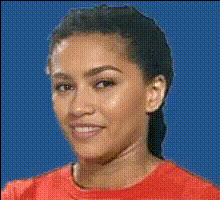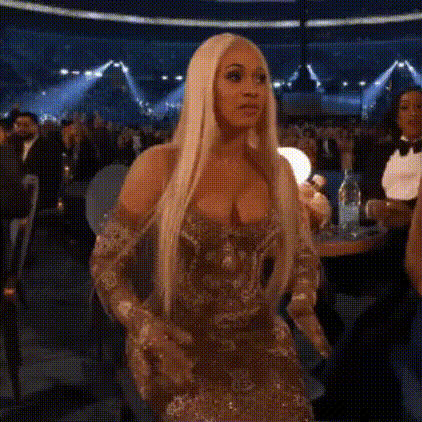
Millie Bobby Brown Reaction
Overview
Transform ordinary videos into extraordinary content with the Millie Bobby Brown Reaction video template. By using advanced face swap technology, this template lets you integrate Millie Bobby Brown's face into your videos, perfect for creating memorable and entertaining content.
What It Does
Swap your face or any other face in a video with Millie Bobby Brown's iconic expressions using this video face swap template. Ideal for generating humorous reactions and engaging video content, it attracts attention and engagement on social media platforms.
Pair this template with the Face Swap tool to ensure precision in facial transformations. Enhance your creative projects further with the AI GIF Generator or create dynamic visuals using the Image to Video tool.
Who It's For
This template is an excellent choice for content creators, marketers, and social media enthusiasts looking to boost their video engagement. It's also suitable for anyone wanting to add a whimsical touch to their projects, from birthday greetings to promotional media.
Summary
Incorporate Millie Bobby Brown's reactions into your videos to create captivating content that stands out. Whether you're crafting a viral meme or a personalized video message, this template is your key to making unforgettable transformations. To further refine your video content, explore the AI Video Generator or the AI Voice Changer for added creativity.
How-To Guide
Choose Your Template

Customize Your Video

Generate and Download

Use Cases
Social Media Entertainment
- Instagram Reels
- TikTok videos
- Facebook stories
Marketing Campaigns
- Viral video ads
- Promotional content
- Brand engagement
Personal Greetings
- Birthday wishes
- Congratulations messages
- Holiday greetings
Best Practices
Choose High-Quality Videos
For the best results, use high-resolution videos to ensure proper face alignment and swap quality.Fine-Tune Face Position
Adjust the face placement and size for the most realistic transformation.Pair with Other Tools
Combine with the AI Image Editor to enhance overall visual aesthetics before swapping.