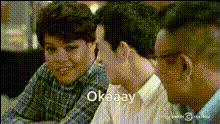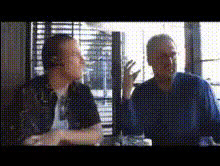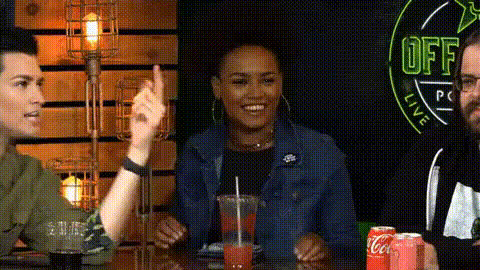
Men Sitting Next To Each Other
Overview
The "Men Sitting Next To Each Other" template offers an engaging way to create video face swaps. Whether you're looking to inject humor into your content or document a memorable moment, this template transforms videos with men side by side into something unique and playful.
What It Does
This Video Face Swap template allows you to swap faces between men seated together in any video. It leverages advanced AI technology to maintain natural expressions and accurate facial details, providing you with seamless and realistic results.
Through the use of face-tracking algorithms, it ensures that facial movements align naturally, even amidst interactions. This technology is part of our extensive Image to Video capabilities, offering a wide range of customization options.
Who It's For
This template is ideal for content creators, marketers, and pranksters interested in creating entertaining videos. It's an excellent tool for those in the content marketing and social media space looking to boost engagement through creative video formats. Additionally, for educators and trainers, it can serve as a fun way to personalize training content.
Explore how this template integrates with our AI GIF Generator to expand your creative presentations.
Summary
The "Men Sitting Next To Each Other" video face swap template is your go-to tool for producing creative, amusing, and memorable videos. By combining it with other products on our platform, you can enhance your video projects and broaden their reach. For those looking to diversify further, our Text-to-Video product offers a pathway to more dynamic content creation.
How-To
Choose the Template

Customize Your Inputs

Generate and Download

Use Cases
Social Media Content
- Instagram Reels
- TikTok Videos
- YouTube Shorts
Marketing Campaigns
- Ecommerce Ads
- Personalized Video Ads
- Virtual Staging
Entertainment
- Prank Videos
- Memes
- Comedy Sketches
Best Practices
Choose High-Quality Videos
Ensure the video you upload is of high quality to achieve better face detection and swapping results.Match Lighting Conditions
For a more natural look, try to match the lighting conditions of the faces involved during customization.Preview and Adjust
Always preview your video before generating the final output to ensure all adjustments meet your expectations.