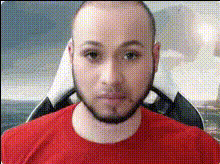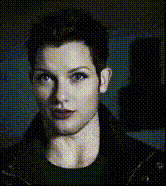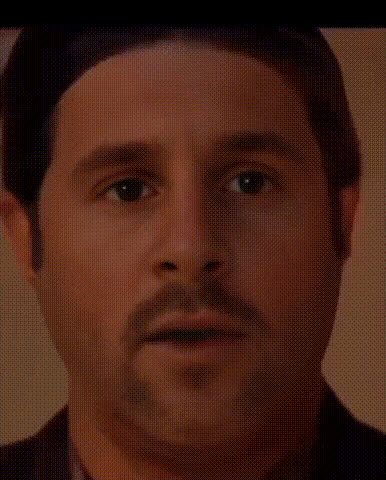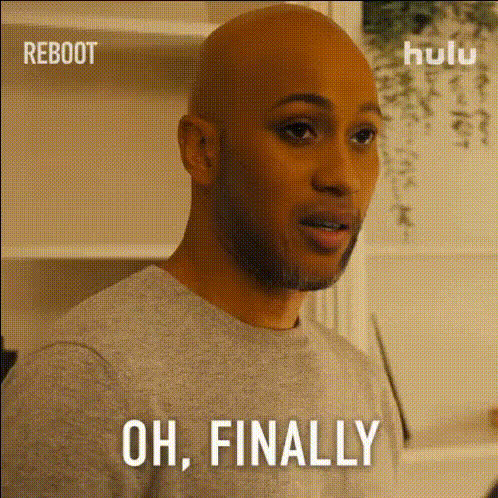
Man With Beard Looks Surprised (2)
Overview
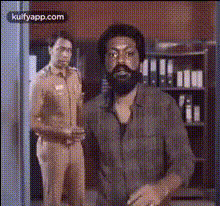
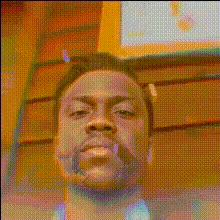
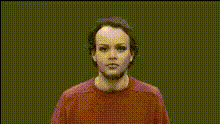
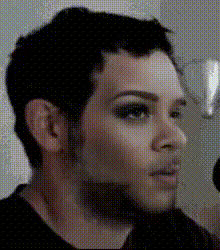
The "Man With Beard Looks Surprised" template is a humorous take on the Video Face Swap genre. This template is perfect for injecting some humor into your video projects, making it ideal for fun pranks and lighthearted content.
What It Does
With this template, your subject's face is replaced with that of a surprised, bearded man. It's an engaging way to transform videos, whether you're looking to create amusing content or simply explore the possibilities of Image to Video projects. This tool ensures realistic face swappings and smooth transitions for a professional finish.
Who It's For
This template is perfect for content creators who thrive on comedic effect and engaging visuals. It's great for social media influencers, meme creators, and anyone interested in creating viral video content. Educators and marketers can also use it to add a humorous touch to presentations or product highlights, aligning with the versatility of projects such as AI GIF Generator.
Summary
The "Man With Beard Looks Surprised" template offers a seamless way to integrate a humorous face swap into your videos. Ideal for multiple creative scenarios, this template delivers a fun, professional outcome every time. Utilize it alongside AI Talking Photo for even more engaging storytelling.
How To
Choose the Template

Customize Your Video

Generate Your Funny Video

Use Cases
Social Media Content
Entertainment Videos
Marketing Campaigns
Best Practices
Ensure Video Quality
Make sure that the input videos are high quality for the best face swap results.Combine with Other Tools
Use the AI Image Editor to adjust lighting and contrast for a more polished outcome.Experiment with Angles
Try different subjects and angle settings to find the most comedic results.