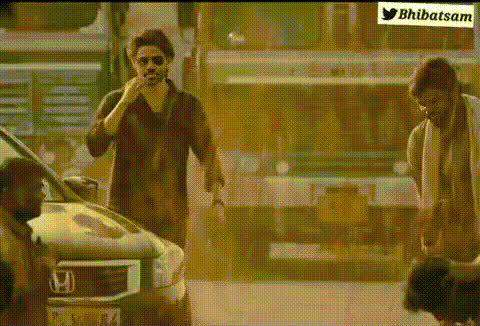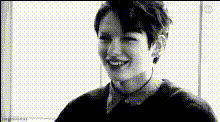
Man Smiling With Hand
Overview
The "Man Smiling With Hand" template offers a brilliant way to update videos by swapping the face of a smiling man in a scene. This Video Face Swap tool is perfect for creating engaging and novel content without lengthy editing processes. Ideal for both personal and professional projects, it can transform videos into something unexpected and fun.
What It Does
With this template, you can replace the man's face in a video clip while maintaining the natural expressions and motions. It's powered by our sophisticated face swap technology, which ensures that the resulting video looks authentic and cohesive. Whether you're looking to create a meme or personalize a clip, this tool supports various formats, making it a versatile choice for content creators.
Who It's For
This template serves a broad spectrum of users, from casual content creators wanting to share fun clips on social media to professionals in marketing seeking to diversify their advertising content. It's also suitable for instructors developing innovative corporate training materials or anyone in need of social media ads. Its ease of use makes it accessible to users at any skill level.
Summary
Transform your video projects with our "Man Smiling With Hand" template. Designed for anyone looking to add a personalized touch to their videos, this template simplifies the face swapping process. Explore how you can create unique content by utilizing the Face Swap feature, enhancing your videos with minimal effort.
How To
Choose Your Template

Customize the Swap

Generate and Download

Use Cases
Social Media Content
- Memes
- Short Clips
- Story Videos
Marketing and Advertising
- Innovative Ads
- Customer Engagement
Education and Training
- Training Sessions
- Interactive Learning
Best Practices
Choose High-Quality Sources
Ensure the video and face images you use are high-resolution for the best results.Consider Lighting and Angles
Use videos with good lighting and clear angles to improve face tracking and ensure a seamless swap.Review and Adjust
After generating, review the video and make necessary adjustments for the most natural look.