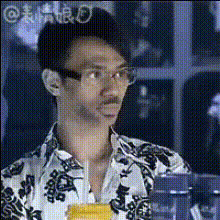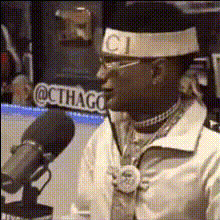
Man In Pink Bandana
Overview
The Man In Pink Bandana template offers an engaging way to modify video content using Video Face Swap technology. This template superimposes a new face onto a video featuring a man in a pink bandana, providing a customizable and entertaining result.
What It Does
This Face Swap template allows you to replace the original face within the video with another face of your choice. By using this template, you can easily integrate elements from AI Image Editor or collaborate with other tools like the Head Swap to refine your creative output further.
Who It's For
Ideal for content creators, video editors, and hobbyists looking to experiment with video transformations. This template is also excellent for meme videos, social media posts, and personalized video projects.
Summary
The Man In Pink Bandana template is a versatile addition to any video editor's toolkit, offering a simple method for face swapping in video projects. Users can easily enhance their projects via this tool, which is compatible with a vast array of other AI Video Generator tools available.
How To
Choose Your Template

Customize Your Inputs

Generate Your Video

Use Cases
Social Media Engagement
- Create humorous or relatable content
- Engage with followers through creative edits
Creative Projects
- Experiment with artistic video formats
- Collaborate in group projects
Advertising and Promotions
- Attract attention in promotional campaigns
- Create brand-centric viral videos
Best Practices
Optimize Face Placement
Ensure the uploaded face image is clear and aligns well with the original face in the video for best results.Experiment with Settings
Utilize various settings to adjust blending effects, enhancing the realism of the face swap.Leverage Other AI Tools
Integrate outputs from the AI Voice Changer to add an auditory dimension to your video.