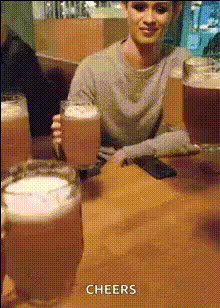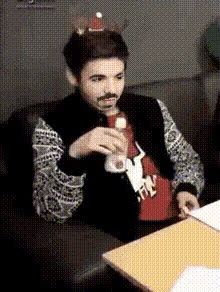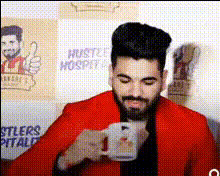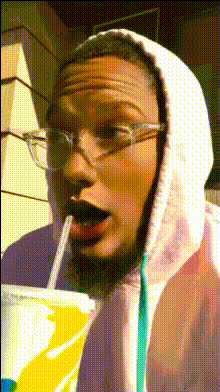
Man Holding A Beer
Overview
With the "Man Holding A Beer" face swap template, transform your videos by swapping faces onto a man holding a beer. This template is ideal for creating funny edits that delight friends and audiences alike. Built for ease of use, it lets you dive straight into creating your desired transformation.
What It Does
This Video Face Swap template allows you to overlay a different face onto a video of a man holding a beer. The result is a comical scene brought to life, opening the door to endless creative opportunities. Export your finished masterpiece in a variety of formats compatible with popular social media platforms.
Who It's For
This template is perfect for content creators looking to engage their audience with humorous video content. It suits social media influencers, YouTube creators, and anyone interested in amusing personalized videos. It's also a great fit for brands aiming to humanize their marketing efforts with an AI-generated video.
Summary
Embrace the fun with the "Man Holding A Beer" face swap template. Whether you're crafting laughs with friends or engaging a broader audience, this AI-based tool makes it simple to produce hilarious and shareable content. It's your go-to for innovative transformations.
How-To
Choose the Template

Customize Your Input

Generate Your Video

Use Cases
Social Media Content
- Humorous Facebook clips
- Engaging Instagram Reels
- Popular TikTok trends
Marketing Campaigns
- Boost engagement with interactive ads
- Showcase products humorously
Personal Entertainment
- Personalized birthday messages
- Inside jokes turned into videos
Best Practices
Select High-Quality Images
Ensure the face you upload is clear and well-lit to achieve the best results.Experiment with Angles
Try different angles for more dynamic and funny outcomes. Use the Full Body Generator for expanded possibilities.Adjust Settings Mindfully
Fine-tune the swap settings to maintain natural proportions and alignment.