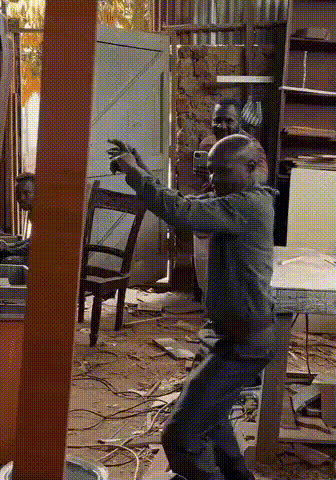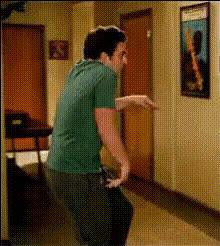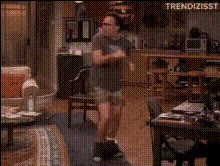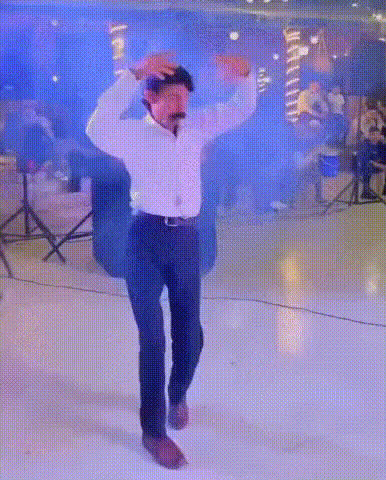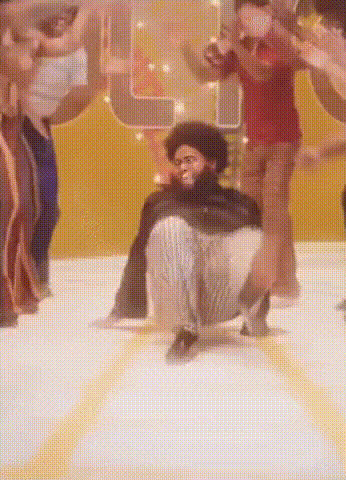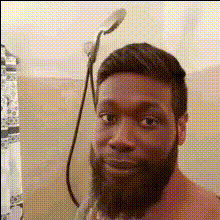
Man Dancing In A Bathroom
Overview
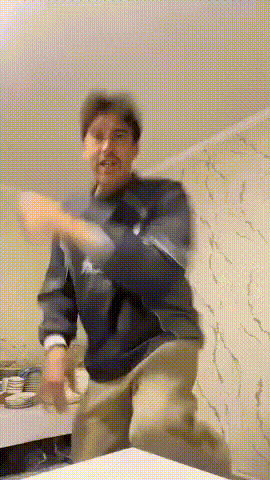
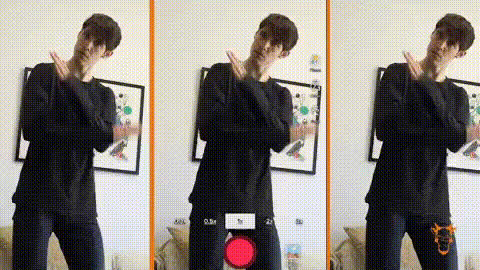
Transform your video content with a humorous twist using the Man Dancing In A Bathroom video face swap template. This creative tool allows you to swap faces onto a dancing character in a bathroom setting, producing results that are sure to entertain and capture attention on social media. It's perfect for crafting funny edits or viral clips with minimal effort.
What It Does
This template leverages advanced face swap technology to replace the face of a dancing man in a video scene. By utilizing sophisticated algorithms, it matches facial features and movements, providing a seamless result. Use this template alongside other tools like the AI Video Generator or AI Image Editor to enhance and refine your content further.
Who It's For
This template is ideal for content creators, social media managers, and anyone looking to add a comedic element to their videos. Whether you're making meme videos or crafting social media ads, this tool can significantly boost audience engagement and shares.
Summary
The Man Dancing In A Bathroom template offers an easy and fun way to convert ordinary footage into delightful visual content. By combining this template with products like the Video Face Swap tool, you can create engaging and unique videos that are both entertaining and memorable.
How-To
Choose

Customize

Generate

Use Cases
Social Media Content
- Create quick, shareable clips for Instagram and TikTok.
- Engage followers with humorous face swap videos.
Marketing Campaigns
- Add a unique twist to video ads.
- Enhance engagement via playful video content.
Private Entertainment
- Send personalized funny clips to friends.
- Use at family gatherings for a round of laughs.
Best Practices
Select High-Quality Source Images
Use high-resolution images to ensure that the face swap is as realistic and seamless as possible.Experiment with Angles
Try different angles and expressions in your source images for more dynamic results.Combine with Other Tools
Enhance your video by using the AI Voice Changer to add a new voice, or the AI Image Upscaler for crisp visuals.