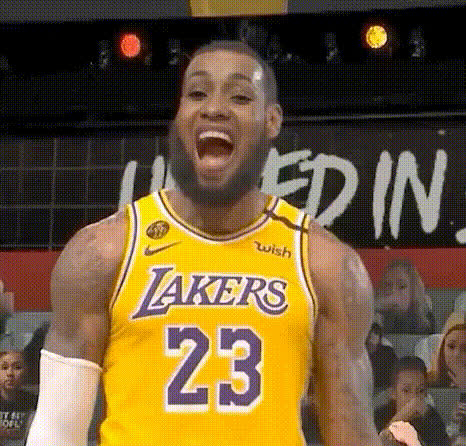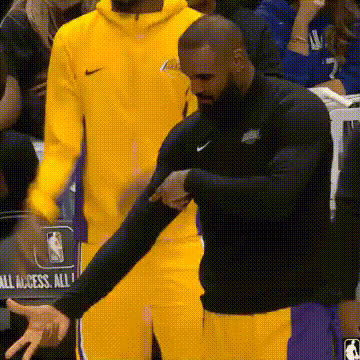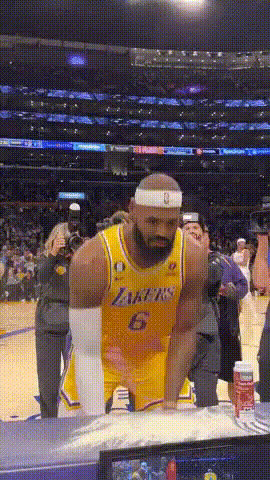
Lebron James Shocked Expression
Overview
Transform your ordinary video clips into entertaining content featuring a LeBron James shocked expression with this Video Face Swap template. Whether you're a sports enthusiast or a meme creator, this template lets you inject humor and personality into your videos. The template leverages cutting-edge face swap technology, integrating effortlessly with your video editing workflow.
What It Does
This Video Face Swap template allows users to overlay the iconic shocked expression of LeBron James onto the faces in their video clips. Ideal for creating unique sports highlights or engaging content for social media, it utilizes advanced algorithms to map facial characteristics and expressions accurately.
Explore other creative transformations like our AI Image Editor or try enhancing your sports content with the AI GIF Generator.
Who It's For
Whether you're a die-hard basketball fan looking to add a humorous twist to your commentary videos or a content creator aiming to generate viral memes, this template is perfect for you. It's also a great tool for marketers seeking to craft engaging sport-focused content that resonates with audiences on platforms like Instagram and TikTok.
Content creators can further enrich their video collections using tools like the AI Talking Photo to diversify their digital toolbox.
Summary
Integrating a LeBron James shocked expression into your videos is now both simple and fun. This template offers a straightforward process to enhance your content with visual humor, opening up new opportunities for meme creation and entertaining social media posts.
Visit our Face Swap product page for more details on how you can creatively transform your videos.
How-To
Choose the Template

Customize Your Video

Generate and Download

Use Cases
Sports Commentary
- Engage viewers with humor
- Emphasize unexpected plays
Meme Creation
- Viral potential
- Quick audience engagement
Social Media Content
- Increase post engagement
- Stand out on feeds
Best Practices
Choose Clear Footage
Ensure your video is of high quality and that the faces to be swapped are clearly visible for optimal results.Test Different Scenes
Experiment with various scenes and expressions to find the most effective swaps.Align Facial Features
Adjust settings to align facial features precisely for a natural look.