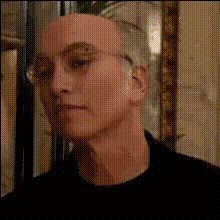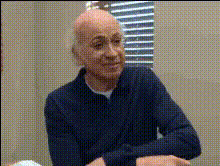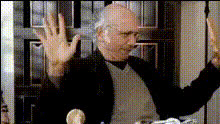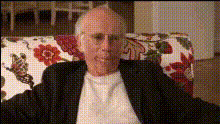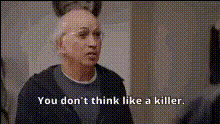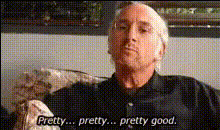
Larry David Reacts Skeptically
Overview
Experience the comedic genius of Larry David in your own videos with the Larry David Reacts Skeptically template. This Video Face Swap tool enables you to insert Larry's iconic skeptical expressions into any footage. Dive into the world of humor and transformation, turning mundane videos into something truly memorable.
What It Does
This template leverages advanced facial recognition and swapping technology to place Larry David's expressive face into your videos. Choose an existing clip and watch it transform as Larry's reactions add a new layer of skepticism and humor. Ideal for comedic sketches or spicing up a friend's birthday message.
Using this template, you can create unique content suitable for various platforms. For those working in creative production, our AI Video Generator and Face Swap Video tools offer complementary functionalities to enhance your projects even further.
Who It's For
Whether you're a content creator looking to add a comedic touch to your videos or a digital marketing professional aiming to capture audience interest in a fresh, engaging way, this template fits the bill. It's equally powerful for educators who want to add humor to training materials or for individuals prepping a personalized, light-hearted message.
For more creative tweaks, consider using our AI Face Editor to refine your video after swapping faces or the Lip Sync tool to match Larry's expressions to your dialogue.
Summary
Bring a touch of TV satire to your own creations with the Larry David Reacts Skeptically template. This tool not only enhances video content through a playful lens but also broadens your creative horizon with face-swapping technology. Explore related tools like the Head Swap and Image to Video for additional stylistic transformations.
How To Use
Choose Your Template

Customize Your Video

Generate and Download

Use Cases
Social Media Content
- Create funny skits for Instagram or TikTok
- Develop viral content with Larry's expressions
Marketing Campaigns
- Spice up ad creatives with a twist
- Engage broader audiences with fun visuals
Birthday Messages
- Make friends and family laugh with comedic messages
- Customize videos for special occasions
Best Practices
Select High-Quality Footage
Ensure your original video clips are high quality for the best face swap results.Align Faces Accurately
Use the customization options to perfectly align Larry's face with the original actor for seamless integration.Experiment with Context
Use clips with a variety of expressions to fully showcase Larry David's skeptical humor.