Larry David Hospital Scene
Overview
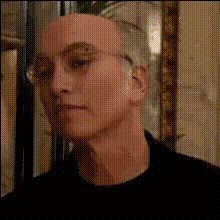
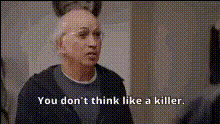
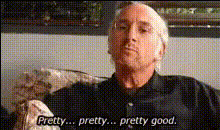
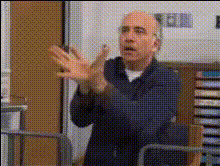
The Larry David Hospital Scene is a video face swap template designed to inject some humor into your content. Swap faces into the classic Larry David scene set in a hospital, bringing a touch of comedy to your videos. Whether you're a fan of Larry David or just love creating entertaining content, this template is perfect for transforming mundane visuals into something remarkable.
What It Does
This template harnesses the power of AI to perform a face swap in a video clip from a famous Larry David hospital scene, allowing users to replace the original actor's face with their own or someone else's. By utilizing the Face Swap technology, it seamlessly integrates the new face into the video, keeping the expressions, lighting, and movement consistent with the original footage. You can save the final video in various formats, ready to be shared or further edited.
Who It's For
This template is ideal for content creators, comedians, and fans of Larry David who are looking to entertain their audience with witty and hilarious content. It's especially valuable for those who regularly use social media platforms like TikTok or Instagram to share funny videos. Additionally, video editors seeking unique material for product videos or parody content will find this template extremely useful.
Summary
The Larry David Hospital Scene Video Face Swap template offers a creative way to craft comedy videos by using advanced AI technology. Perfect for those wanting to put their own spin on a classic scene, it's an accessible tool for anyone from professional video editors to casual hobbyists. Discover more video editing tools on our AI Video Generator page.
How to Use
Choose the Template

Customize Your Project

Generate and Download

Use Cases
Social Media Entertainment
- Create engaging TikTok videos.
- Enhance Instagram reels with a comedic twist.
Comedic Content Creation
- Add humor to YouTube skits.
- Develop parody content for comedic channels.
Marketing and Advertising
- Create memorable ad campaigns.
- Engage audiences with humorous product videos.
Best Practices
Choose High-Quality Images
For the best results, use high-resolution images that clearly depict the facial expressions you want to impose.Adjust Face Alignment Carefully
Spend time aligning the new face correctly within the scene for a more realistic output.Experiment with Multiple Faces
Try different faces to see which provides the funniest or most fitting results, enhancing creativity.