King Harris On Tv
Overview
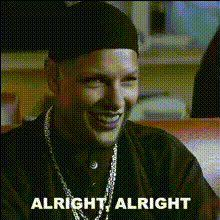
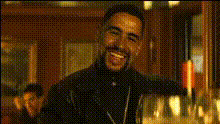
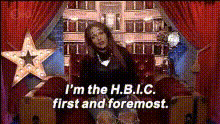
Transform your favorite TV moments with the "King Harris On TV" Video Face Swap template. This tool allows you to insert faces from various sources into iconic scenes, resulting in entertaining and engaging content. Whether you're aiming to boost engagement on social media or add comedic flair to your personal videos, this template provides easy-to-use functionality for a standout effect.
What It Does
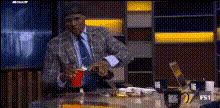
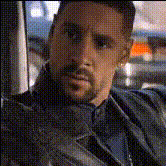
The "King Harris On TV" template lets you overlay your chosen face over characters in popular TV clips featuring King Harris. The advanced face swap technology ensures realistic and smooth transitions, providing a professional finish to your videos. For more sophisticated edits, you can also explore our Face Swap tool.
Who It's For
The template is ideal for content creators looking to enhance their videos with humorous touches, social media influencers aiming to produce viral content, and marketers exploring innovative ways to engage audiences. It's also perfect for anyone interested in experimenting with video effects and transformations, similar to our Image to Video transformations.
Summary
King Harris On TV is a Video Face Swap template designed to inject humor and creativity into your video projects. Easily accessible and user-friendly, this tool is part of a broader suite that includes popular products like the AI GIF Generator for additional content versatility.
How To
Choose Your Template

Customize Your Inputs

Generate Your Video

Use Cases
Social Media Content
- Use on platforms like Instagram and TikTok.
- Generate memes and funny clips.
Video Marketing
- Enhance promotional content.
- Captured humorous attention.
Personal Entertainment
- Entertain friends and family.
- Experiment creatively with iconic TV moments.
Best Practices
Choose High-Quality Images
Use high-resolution images for better face alignment and more realistic swaps.Align Face Angles
Ensure the angle of the face matches the character in the video clip for seamless integration.Experiment with Lighting
Adjust lighting settings to ensure the face swap matches the scene's lighting for a natural look.