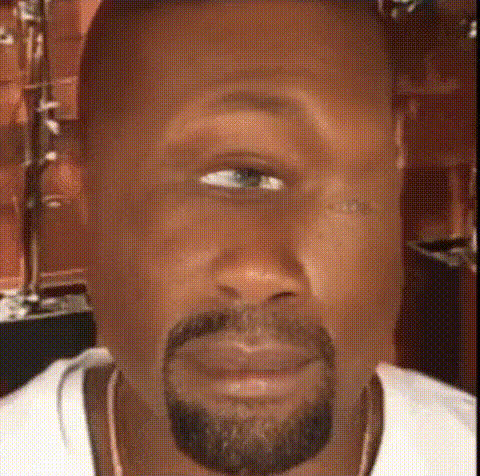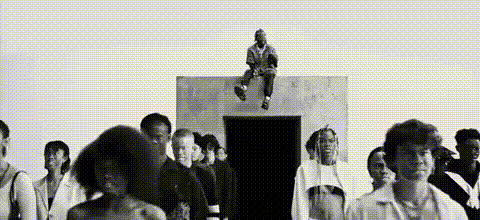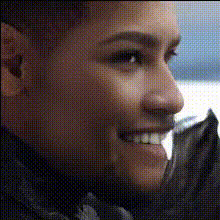
Kanye West Closeup (2)
Overview
Step into the spotlight with the Kanye West Closeup Video Face Swap template, allowing you to integrate Kanye West's iconic look into your own videos. Designed to transform standard close-up videos, this template offers a unique way to flex your creativity with AI-driven precision.
What It Does
This Video Face Swap template superimposes Kanye West's face onto subjects in your video in real-time. Perfect for generating shareable, attention-grabbing content, it combines facial recognition with advanced AI technologies.
With this template, you can easily create engaging social media content, fun projects, or marketing materials. Leverage it alongside our AI Image Editor for even more customization options, or pair it with the AI GIF Generator to transform clips into looping animations.
Who It's For
This template is ideal for content creators, marketers, and social media influencers looking to add a twist to their video projects. It offers an opportunity for anyone aiming to create fan content or humorous takes on popular personas. Enhance your video production toolkit by integrating with our Text-to-Video tool for scripted ideas brought to life.
Summary
Whether you're aiming to entertain your followers or make a thematic video for special events, the Kanye West Closeup Video Face Swap template offers a straightforward, efficient solution. Combine it with tools like the AI Video Extender to stretch your creative limits, providing a strong foundation for dynamic video content.
How To
Choose the Template

Customize Your Video

Generate Your Video

Use Cases
Social Media Content
- Engage followers with funny or imaginative overlays
- Capitalize on trending challenges by incorporating celebrity faces
Marketing Videos
- Create themed campaigns with celebrity likenesses
- Draw more views with eye-catching face swaps
Fan Content
- Make creative fan videos with your favorite celebrities
- Participate in fan challenges through video submissions
Best Practices
Choose High-Quality Input
For best results, ensure your video source is of high quality to maintain detail during the swap process.Mind the Lighting
Consistent lighting in your original video will ensure better integration of the swapped face.Preview Before Finalizing
Use the preview option to make adjustments and ensure alignment before generating the final video.