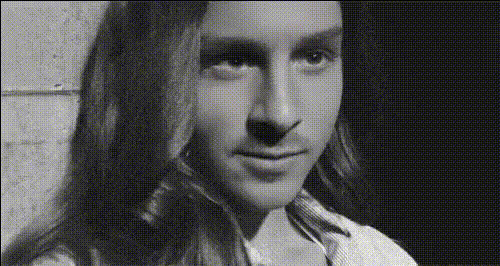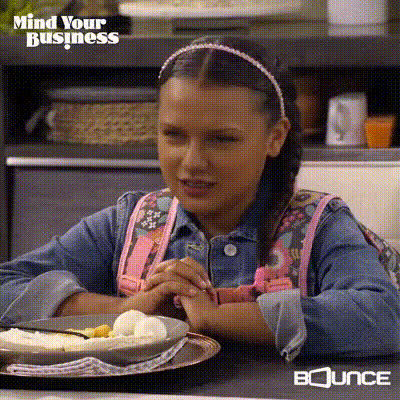
Kaitlin Olson Sitting At Bar
Overview
The Kaitlin Olson Sitting At Bar template offers a unique Video Face Swap experience, letting you blend humor with creativity. Perfect for short clips and social media, this template invites users to replace a face with Kaitlin Olson's in a fun bar setting. Guaranteed to spark laughs and engage viewers, it's an ideal choice for creating shareable content.
What It Does
This template leverages Video Face Swap technology to allow users to superimpose Kaitlin Olson's likeness onto another person in a bar scene. It's part of our standout Face Swap range, known for precision and easy integration.
Designed for those with a knack for creating fun, viral moments, this tool is a great way to mix entertainment with digital creativity. The resulting video can be directly downloaded and ready for immediate sharing.
Who It's For
Content creators aiming to produce viral social media clips, casual video makers looking to amuse friends, and anyone involved in digital storytelling or marketing will find this template exceedingly valuable. Whether for personal use or client projects, the easy interface is tailored for both novices and professionals alike.
Explore other fantastic transformation tools like the Head Swap and Body Swap to expand your creative toolkit.
Summary
The Kaitlin Olson Sitting At Bar template simplifies the face-swapping process and provides an engaging way to create humor-filled videos. It aligns perfectly with the expectations of those familiar with our AI Video Generator capabilities. Don't miss the chance to incorporate advanced transformation effects into your videos.
How To
Choose Template

Customize Video

Generate Video

Use Cases
Social Media Content
- Humorous clips for TikTok and Instagram.
- Engage your audience with unique content.
Marketing Campaigns
- Enhance brand engagement.
- Create memorable promotions.
Personal Projects
- Birthday greetings with a twist.
- Casual fun videos to enjoy and share.
Best Practices
High-Quality Source Video
Ensure the video you upload is of high quality for the best swapping results.Face Alignment
Make sure the face to be swapped is well-aligned in the video for optimal performance.Testing Before Sharing
Preview your swapped video to ensure satisfaction before sharing.