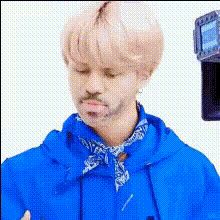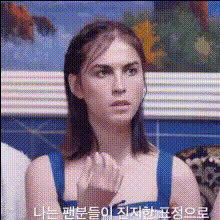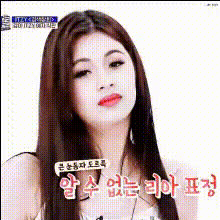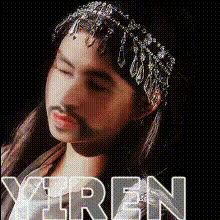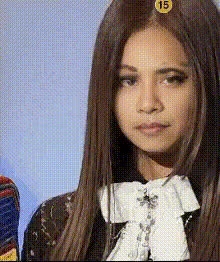
K Pop Star Jennie Closeup
Overview
Step into the world of K-Pop with the K Pop Star Jennie Closeup template. This Video Face Swap tool allows you to infuse your own expressions with the style and charisma of the popular K-Pop star. Ideal for fans and creators looking to make creative montages or unique video projects.
What It Does
This template overlays Jennie's facial features onto your video clips, creating a striking and playful transformation. By using advanced Video Face Swap technology, it accurately matches facial movements for a natural result. Perfect for adding a touch of K-Pop glamor to your content.
Who It's For
The template is designed for K-Pop fans, video content creators, and social media enthusiasts who wish to experiment with engaging and personalized content. It's also great for those interested in exploring AI-powered transformations within creative projects.
Summary
Utilize the K Pop Star Jennie Closeup template to create dynamic videos with Jennie's iconic look. Whether you're producing fan edits, promotional materials, or simply having fun, this tool is a versatile component of your video toolbox. Explore related solutions like the Image to Video and the AI Talking Photo tools to enhance your project even further.
How To
Select the Template

Adjust Your Inputs

Create Your Video

Use Cases
Fan Montages
- Celebrate special events
- Personalized fan cams
Creative Video Projects
- Engage audiences in unique ways
- Experiment with visual storytelling
Best Practices
Choose High-Quality Source Videos
For the best results, use high-resolution videos that clearly show facial features. This ensures smooth and accurate swaps.Pay Attention to Lighting
Consistent lighting between the original and the host video is crucial for a seamless transformation.Experiment with Angles
Try different angles and expressions to see what works best. This template thrives on variety and dynamic movement.