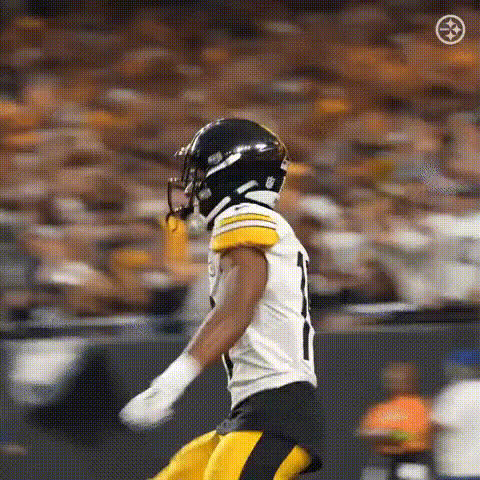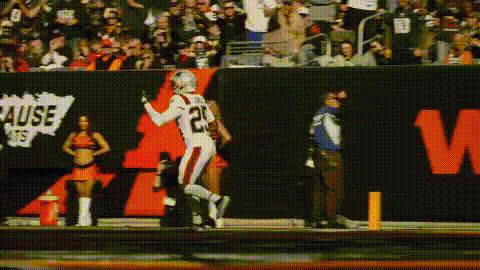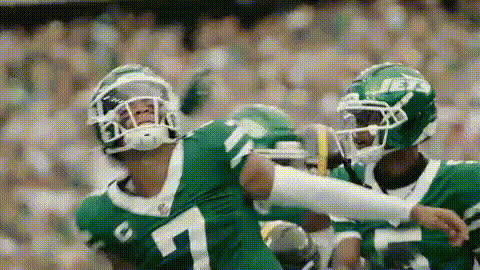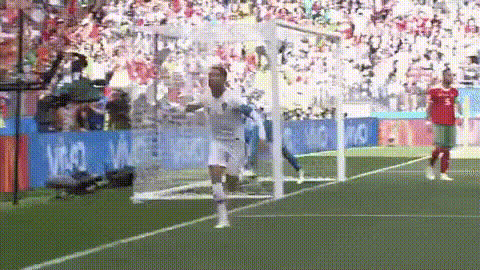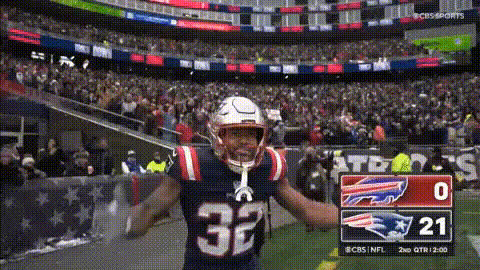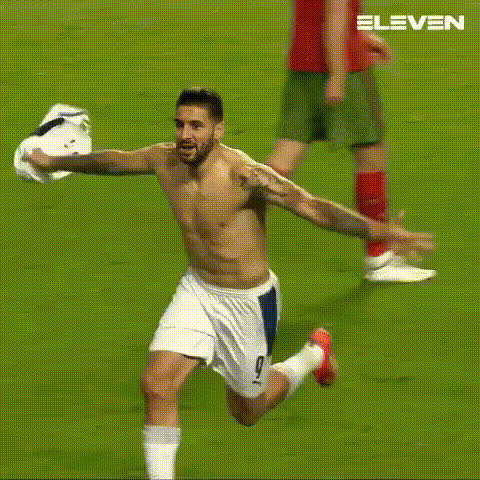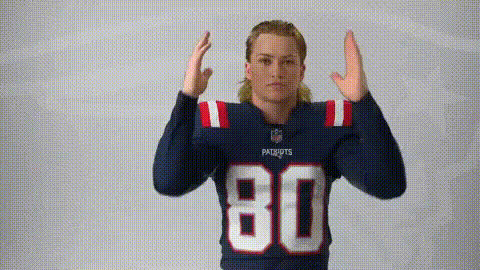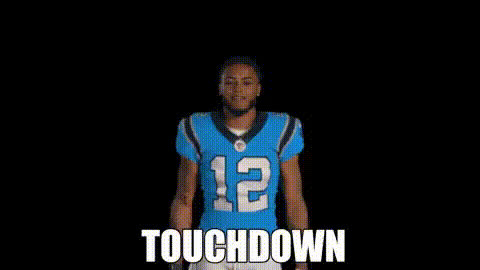
Football Player Celebrating Touchdown
Overview
With the "Football Player Celebrating Touchdown" video template, you can swap faces to place yourself right in the midst of a thrilling football celebration. This Video Face Swap template is ideal for injecting humor and personalization into your sports content. Whether sharing on social media or creating a standout GIF, this tool transforms ordinary clips into memorable highlights.
What It Does
This template allows users to effortlessly replace the face of a football player in a touchdown celebration video with their own. Using advanced Face Swap technology, it automatically aligns and integrates your face with the player's body, maintaining natural expressions and movements. The output is a high-quality video saved in common formats like MP4, suitable for various platforms including Instagram and TikTok.
Who It’s For
Designed for sports fans, social media influencers, and content creators, this template helps you add a personal twist to football celebrations. It’s perfect for those managing sports-related content on platforms like Instagram Reels or TikTok. Marketing professionals can also utilize this for engaging social media ads, creating unique sports promo videos.
Summary
The "Football Player Celebrating Touchdown" template is an entertaining tool that brings your football enthusiasm to life with the power of Video Face Swap technology. Easy to use, it delivers seamless face integration, turning your videos into shareable, humorous sports highlights.
How-To Structure
Choose Your Template

Customize Your Input

Generate and Download

Use Cases
Social Media Highlights
- Instagram Reels
- TikTok Challenges
- Sports-themed meme creation
Sports Content Promotion
- Engage your audience
- Promote team spirit
Event Announcements
- Birthday greetings for sports fans
- Teaser videos for upcoming matches
Best Practices
Use High-Quality Images
For the most realistic face swap results, use high-resolution photos with good lighting.Preview Before Finalizing
Always preview the video before final processing to ensure face alignment and expression are accurate.Consider the Background
For the best effect, use a background that doesn't distract from the face swap. Edit backgrounds as needed using tools like the AI Background Changer.