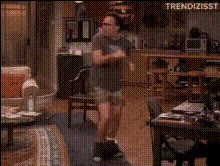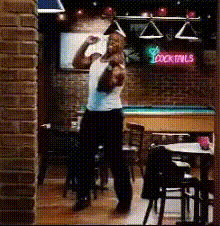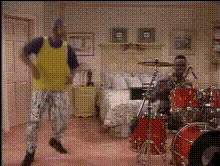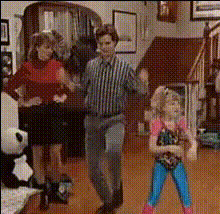
Family Dancing Living Room
Overview
The Family Dancing Living Room video template is your go-to tool for turning ordinary family dance videos into comical masterpieces. This Video Face Swap template allows you to swap faces within a video, creating entertaining and unexpected results. Whether you're looking to capture special moments or just have a laugh, this template delivers an engaging experience.
What It Does
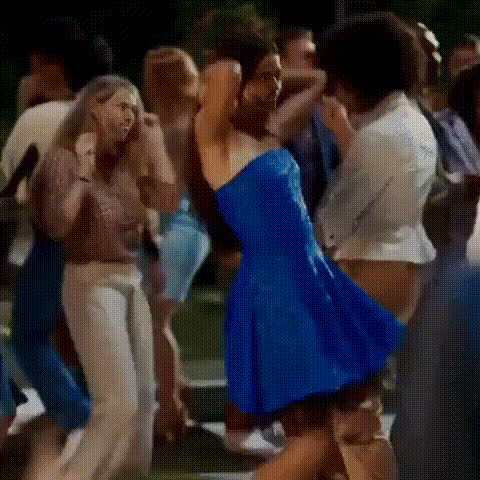
This template crafts hilarious scenarios by swapping faces of people in a living room dance video. It takes an uploaded video and intelligently fits faces onto other dance participants, maintaining expressions and movements for a seamless swap. For creators wanting to explore AI Video Generation, this is an excellent introduction to the technology.
Who It's For
Perfect for families, content creators, or social media influencers seeking to enhance their video content with humor. If you regularly produce engaging content or wish to add a personal touch to shared family memories, the AI Meme Generator pairs well with this tool to enhance your creative portfolio.
Summary
The Family Dancing Living Room template brings a new level of fun to your video projects. By using cutting-edge technology, it enables users to create side-splitting videos suitable for any occasion. You can also integrate with other face and AI Face Editor products, expanding your creative potential.
How-To
Choose

Customize

Generate

Use Cases
Family Entertainment
- Capture unique reactions
- Create gifts for special occasions
Social Media Content
- Generate viral-ready clips
- Enhance engagement rates
Creative Projects
- Experiment with video effects
- Combine with meme creation
Best Practices
Select Clear Videos
Ensure the original video has good lighting and clear faces for the best swap results.Check Alignment
Adjust face alignment carefully to enhance post-swap realism.Explore Additional Features
Combine with the Text to Video tool to add captions and commentary.