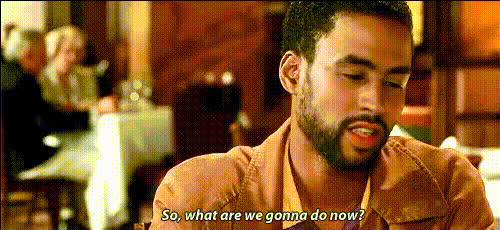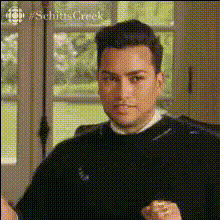
Dan Levy Making A Face
Overview
Step into the world of comedy and fun with our "Dan Levy Making A Face" template. This Video Face Swap tool allows you to replace faces in your videos with that of the charismatic comedian, Dan Levy. Suitable for both satire and entertainment, this template ensures laughter with every swap.
What It Does
This template uses advanced face swapping technology to overlay Dan Levy's face onto individuals in your video content. Ideal for creating parodies, mockumentaries, or just light-hearted fun, this tool extends the functionality of AI Video Generator for crafting unique video experiences.
Who It's For
The "Dan Levy Making A Face" template is perfect for content creators, marketers, and social media enthusiasts looking to add a humorous twist to their videos. It's a great fit for brands and creators who already use the AI GIF Generator to create engaging content and want to expand their toolkit.
Summary
Combine your creativity with the humor of Dan Levy by using this AI Talking Photo template. Effortless to use, it transforms ordinary video projects into comedic sketches that engage and entertain audiences across platforms.
How-to Steps
Choose Your Template

Customize Your Inputs

Generate and Download

Use Cases
Social Media Content
- Increases engagement and shareability
- Perfect for humorous skits and parody videos
Marketing Campaigns
- Adds a unique twist to traditional ads
- Catches viewer attention with humor
Personal Entertainment
- Creates memorable family videos
- Brings a smile to everyday footage
Best Practices
Choose High-Quality Video
Ensure your original video is high resolution for the best face swap results. Lower quality videos may result in less convincing swaps.Consider Lighting Conditions
Good lighting helps in matching skin tones and achieving a seamless swap. Make use of tools like the AI Photo Relighting tool for better results.Verify Permissions
Make sure you have the right to use the videos and likenesses, especially for commercial projects.