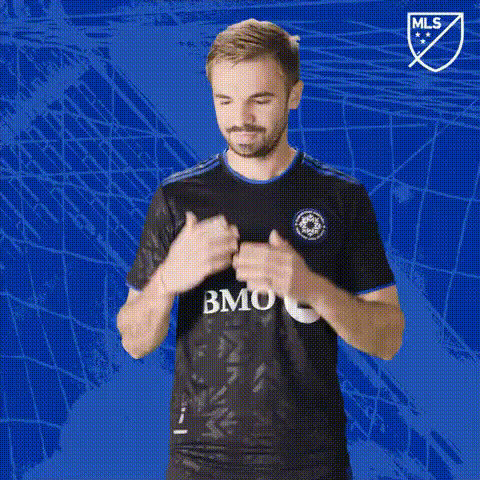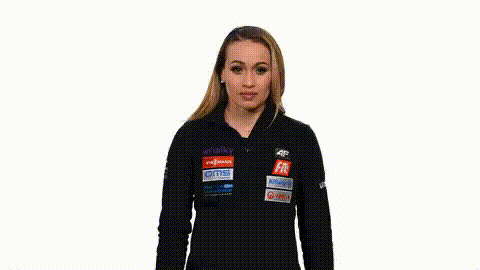
Cyclist In Front Of Sponsors
Overview
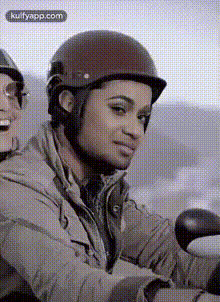
With the Cyclist In Front Of Sponsors template, professional video editors and content creators can now add a dynamic twist to sports and advertising videos. This template is designed to deliver high quality Video Face Swap transformations, replacing the cyclist's face with any selected image or character. Optimize your videos effortlessly and captivate your audience with engaging content.
What It Does
This template takes your video footage to new levels by allowing for precise face swapping on a cyclist set against a backdrop of sponsor logos. By using this template, you can integrate faces into motion scenes naturally, maintaining consistent expressions and lighting. Check out other tools like the AI Talking Photo to further enhance storytelling.
Who It's For
Targeted at video marketers, social media content creators, and sports event producers, this template streamlines the process of custom video production. Ideal for those in need of quick turn-around times without compromising on quality. Combine it with the AI Video Generator for advanced content creation.
Summary
The Cyclist In Front Of Sponsors template revolutionizes how creators incorporate identity transformations in sports videos. It's a versatile, builder-friendly option for producing mesmerizing visual content tailored to engage and capture viewer attention. Enhance your projects further with the AI Clothes Changer for complete visual transformations.
How To
Choose Your Template

Customize Your Settings

Generate Your Video

Use Cases
Sporting Events
- Personalized athlete promotions
- Custom fan engagement
Brand Advertising
- Dynamic logo placements
- Cross-platform campaign support
Social Media Content
- Instagram reels
- TikTok transformations
Best Practices
Select High-Resolution Images
For best results, upload a high-resolution image that matches the lighting and angle of the original video.Maintain Consistent Expression
Choose a face image that aligns well with the cyclist's expressions and motion to make the swap look natural.Preview and Adjust
Always preview the swapped video to ensure elements align correctly and make any necessary adjustments before finalization.