Comedian Mic Drop Moment
Overview
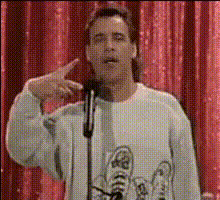
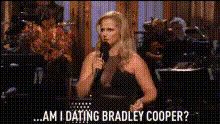
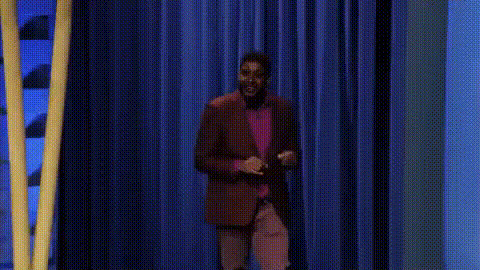
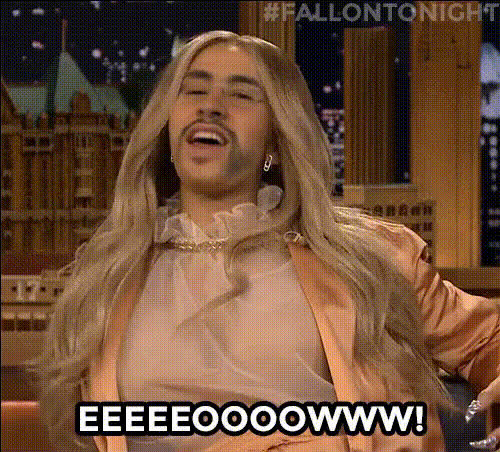
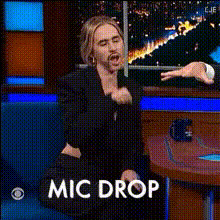
The Comedian Mic Drop Moment template is a fun and interactive Video Face Swap tool. Transform your everyday footage into side-splitting comedy clips by placing your face onto a comedian’s body at the exact moment they drop the mic. This template offers a unique way to join the laughter bandwagon on social media platforms.
What It Does
Using the power of Video Face Swap, this template seamlessly maps your facial expressions onto a professional comedian's body in a video. It allows you to maintain your personal touch while delivering punchlines, making it ideal for creating personalized comedy skits or memorable social media clips. The outcome is a polished, humorous video instantly ready for sharing.
Who It's For
This template is perfect for anyone looking to add a bit of humor to their content. Whether you are a social media influencer, a meme creator, or just someone who enjoys a good laugh, the Comedian Mic Drop Moment is tailored for you. It's an excellent choice for creators who already use AI Meme Generator or enjoy producing viral comedy videos.
Summary
The Comedian Mic Drop Moment template offers a creative and humorous twist on traditional video editing. It's a straightforward way to create engaging and shareable content. By swapping facial features onto a comedian's video, it allows for endless creative opportunities tailored for viral distribution.
How To
Choose Your Template

Customize Your Video

Generate Your Masterpiece

Use Cases
Comedy Skits
- Perfect for sketch comedians.
- Highlight moments with personal flair.
Viral Social Media Videos
- Gain more followers with unique content.
- Participate in comedic trends effortlessly.
Personalized Gags
- Ideal for parties and gatherings.
- Make personalized birthday messages more fun.
Best Practices
Choose High-Quality Input
For the best results, use high-quality images or videos when uploading your face. This ensures more realistic and cleaner swaps.Adjust for Naturalism
Use the customization settings to adjust facial alignment, ensuring the swap looks as natural as possible.Match Lighting
Ensure that the lighting of your input matches the lighting of the video for seamless swaps. This can help prevent any unwanted artifacts or mismatches.