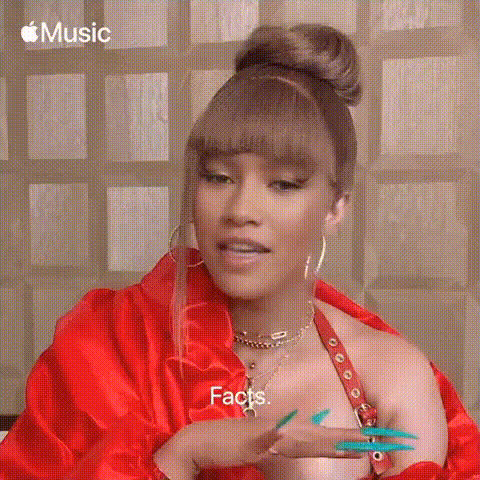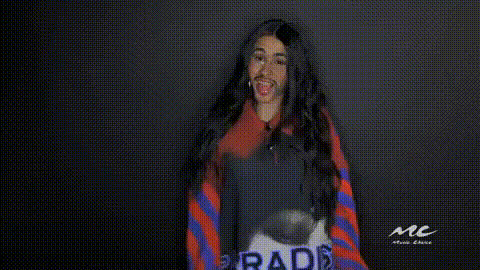
Cardi B Smiling 1
Overview
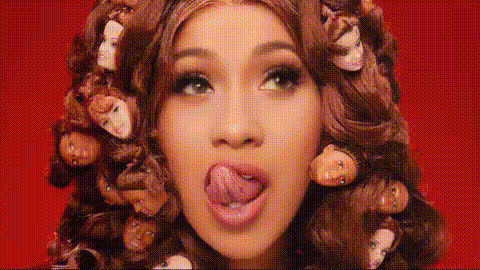
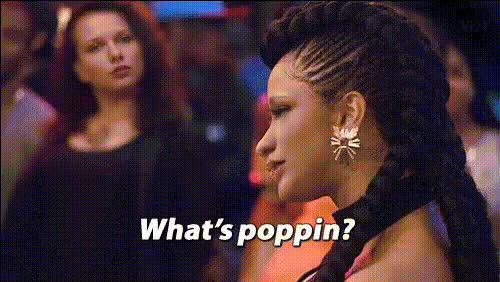
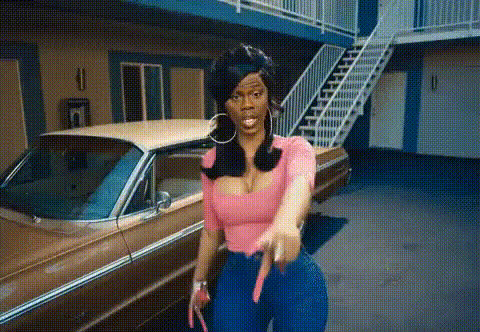
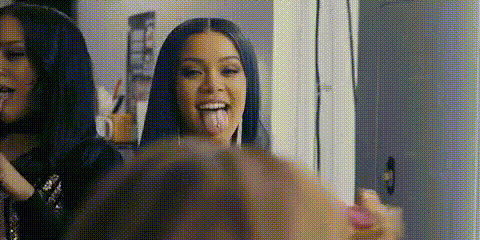
Turn your videos into comedic masterpieces with the Cardi B Smiling template. This Video Face Swap tool lets you place Cardi B's iconic smile onto any face in your footage, instantly adding humor to your content. Whether you're working on a parody or just want to amuse your friends, this tool has got you covered.
What It Does
The Cardi B Smiling 1 template uses AI-powered Face Swap technology to replace faces in your video with a smiling version of Cardi B's face. This tool replicates her distinctive smile in a dynamic video format, ensuring a seamless integration that captures the attention of your audience. By using this template, you can create videos that stand out, perfect for social media sharing and viral content.
Who It's For
This template is ideal for content creators, marketers, and anyone looking to add a humorous twist to their videos. It's perfect for social media influencers aiming to increase engagement or individuals wanting to entertain their friends. If you enjoy using Image to Video transformations or are familiar with AI GIF Generator tools, you'll find this face swap feature just as captivating and easy to use.
Summary
Create unforgettable moments with the Cardi B Smiling template by swapping faces in your videos to feature Cardi B's renowned smile. Designed for fun and entertainment, it caters to anyone looking to bring laughter to their audience. Explore other creative tools like the Video Face Swap to further enhance your video edits.
How-To
Choose the Template

Customize Your Video

Generate and Share

Use Cases
Social Media Content
- Create viral content
- Boost viewer engagement
- Add a unique twist to your posts
Marketing Campaigns
- Engage audiences
- Differentiate from competitors
- Create shareable ads
Personal Entertainment
- Make friends laugh
- Enjoy personalized entertainment
- Easily shareable
Best Practices
Choose High-Quality Videos
For the best results, use videos with clear and well-lit faces.Experiment with Settings
Adjust the swap intensity to see what looks most natural for your video.Pair with Other Tools
Combine with tools like the AI Image Editor for further customization.