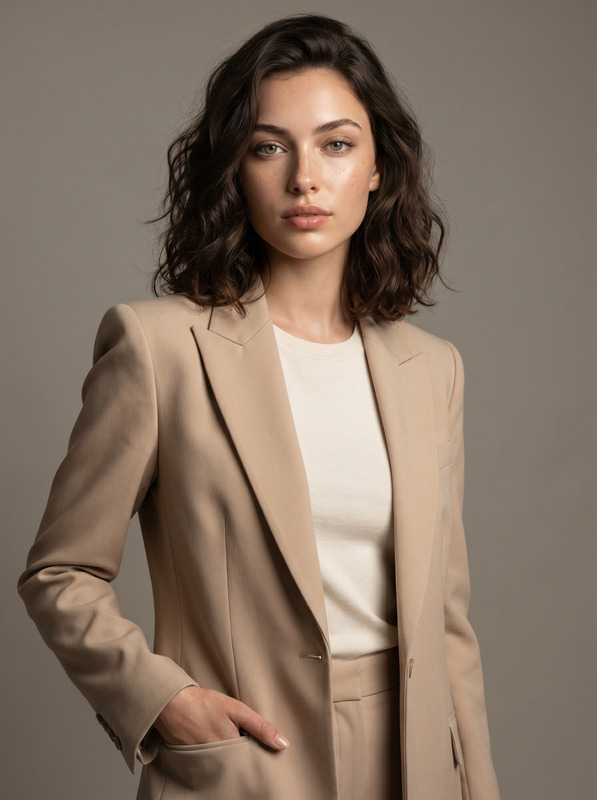
The Power Position
- Model
- Nano Banana Pro
- Image
- 1696 × 2528 px
Prompt
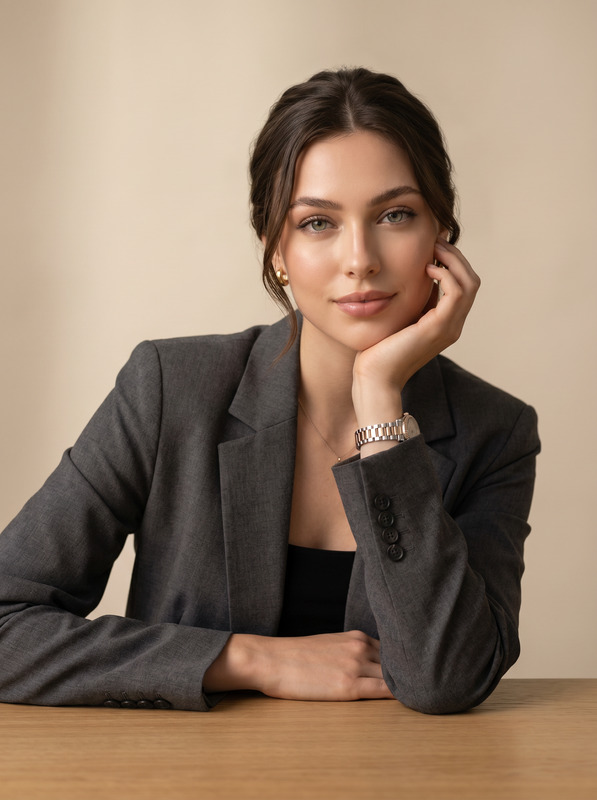
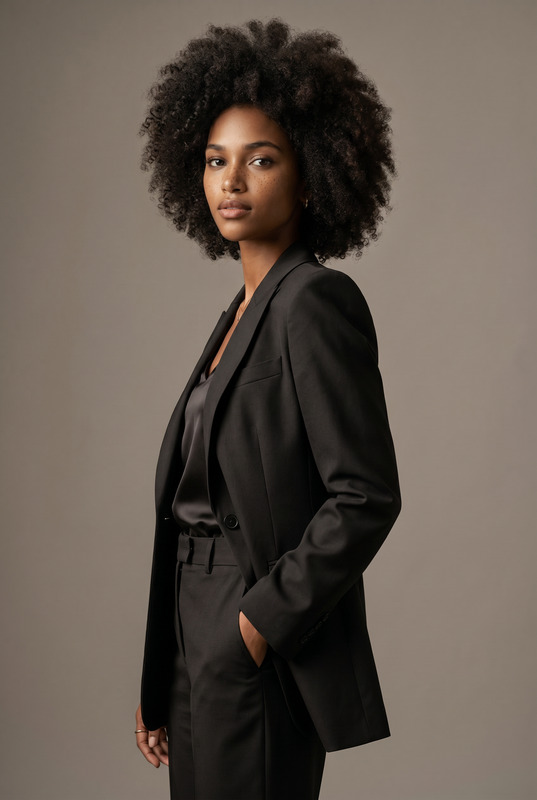
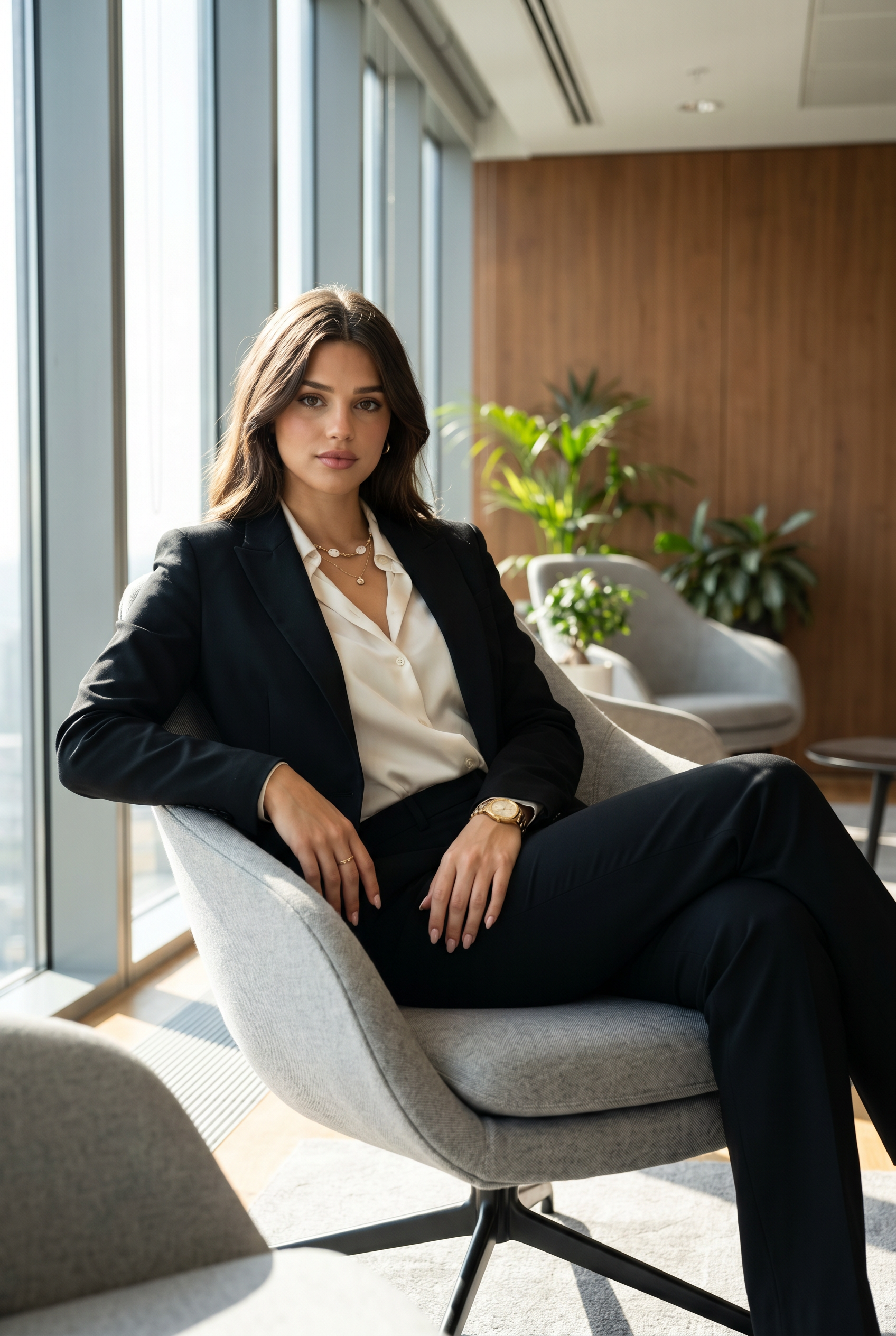
Transform the uploaded face-edited portrait into a visually striking luxury executive editorial inside a sophisticated modern office lounge. The person is seated confidently in a minimalist designer armchair, wearing a perfectly tailored black power suit layered over a silky ivory blouse with refined luxury styling. Sleek dark hair, glowing flawless skin, calm intense expression, poised feminine authority, effortless CEO energy. Elegant contemporary office interior with warm wood paneling, indoor plants, soft natural daylight streaming through large windows, Scandinavian-inspired architecture, premium lounge atmosphere. Cinematic shallow depth of field, ultra realistic skin texture, Vogue-inspired corporate fashion photography, quiet luxury aesthetic, polished cinematic color grading, modern billionaire lifestyle vibe, powerful feminine elegance, Forbes-meets-fashion-magazine editorial composition, shot on 85mm lens, highly detailed executive portraiture. Forbes cover aesthetic, billionaire feminine energy, quiet luxury fashion, Scandinavian executive interior, Vogue business editorial, modern CEO campaign, luxury entrepreneur lifestyle, old money corporate elegance, cinematic power portrait Effects: cinematic office glow, luxury executive aesthetic, soft natural daylight haze, premium editorial retouching, subtle film texture, quiet luxury mood, sophisticated corporate atmosphere, polished fashion-magazine lighting Negative Prompt: blurry, CGI, cartoon, distorted anatomy, warped hands, extra fingers, plastic skin, low quality, unrealistic office background, fake lighting, duplicated objects, overprocessed face, text artifacts, watermark
Any aspect ratio
Overview
The Power Position is a premium AI Image Editor template designed for creating visually striking executive portraits with a strong sense of modern luxury. Using the nano-banana-pro model, this template focuses on delivering high-quality, cinematic images that exude confidence and elegance. Ideal for those looking to project a powerful, sophisticated image.
What It Does
This template transforms a face-edited portrait into an editorial image fit for a luxury magazine spread. It emphasizes refined fashion styling and a sophisticated corporate environment, complete with premium lighting and cinematic effects. By using it, you can achieve a quiet luxury aesthetic with beautifully enhanced visuals.
Discover more about enhancing images with our AI Video Extender.
Who It's For
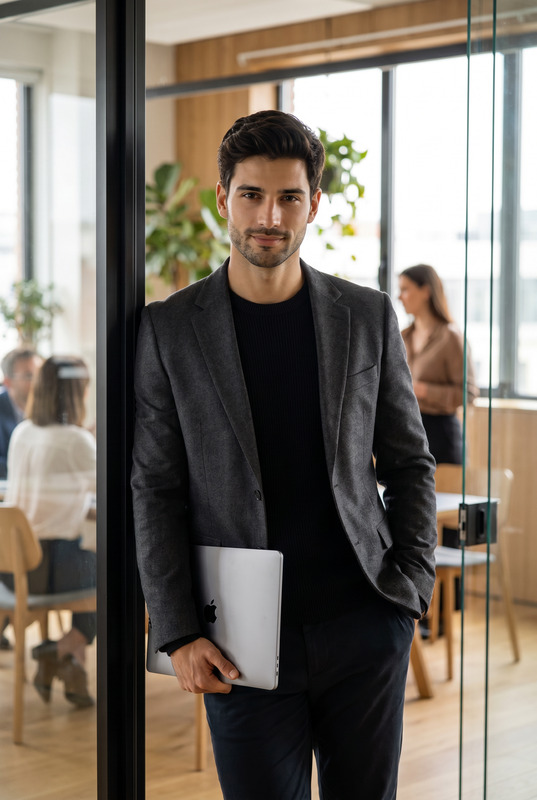
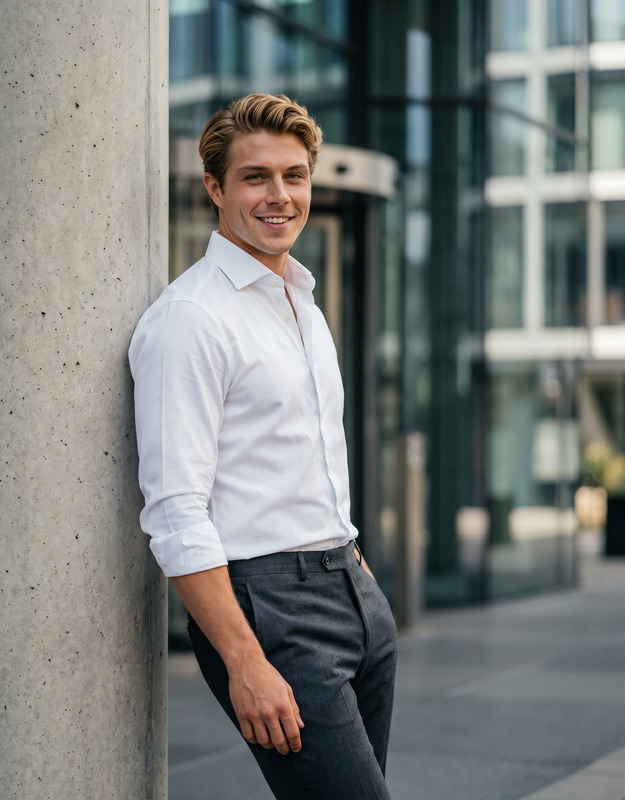
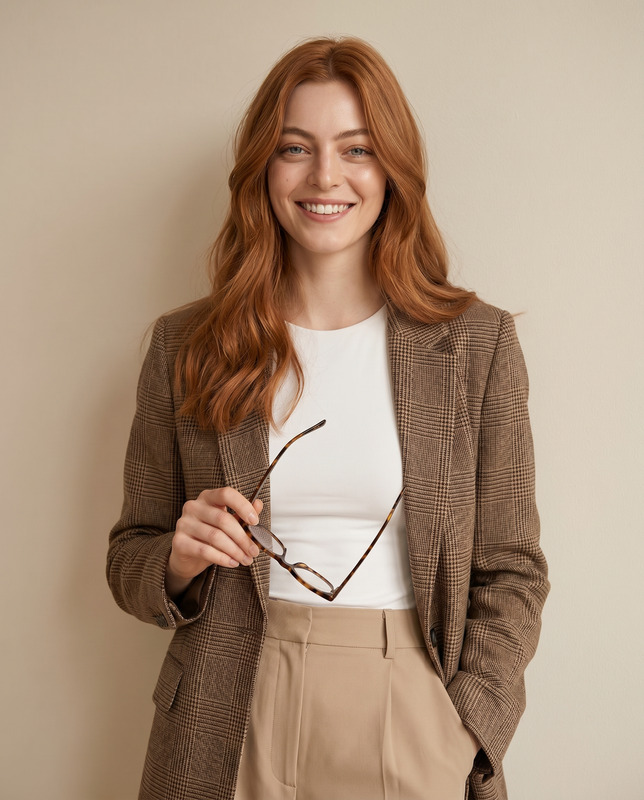
The Power Position is tailored for creatives, marketing professionals, and corporate individuals who want to craft an image of elite professionalism and elegance. Whether you're preparing a high-profile presentation, designing material for high-end brands, or creating compelling visual content for corporate use, this template equips you to achieve your vision effortlessly.
Explore the possibilities with our AI Profile Picture Generator for another dimension of professional image crafting.
Summary
With The Power Position template, you can create editorials that blend executive authority with artistic finesse. The ultra-realistic details, from skin textures to color grading, provide an exquisite finish. This makes it an ideal tool for those focused on building a branded identity that screams luxury and leadership.
Experiment with this aesthetic on different media using our Text to Video solutions.
How to Use
Choose Your Image

Customize the Scene

Generate the Final Image

Use Cases
Corporate Branding
- Executive bios
- Annual reports
- Brand identity showcases
Luxury Editorial Imagery
- Magazine covers
- Fashion editorials
- Luxury product catalogs
Professional Social Media Content
- LinkedIn highlights
- Professional networks
- Business Instagram profiles
Best Practices
Focus on Lighting
Ensure that your base image has adequate lighting. The template is designed to enhance and highlight existing light, so starting with a well-lit photo will yield the best results.Utilize the Model's Strength
Leverage the capabilities of the nano-banana-pro model for detailed textures. This model excels at rendering fine details like hair strands and skin textures.Complement with Realistic Backgrounds
While the template offers high-quality enhancements, combining it with real office backgrounds can heighten the image's realism and impact.