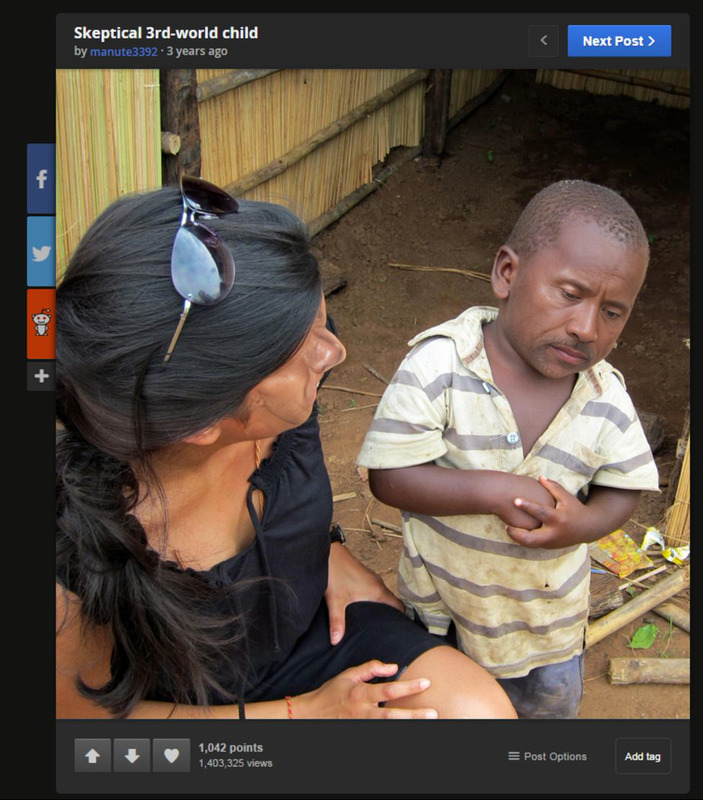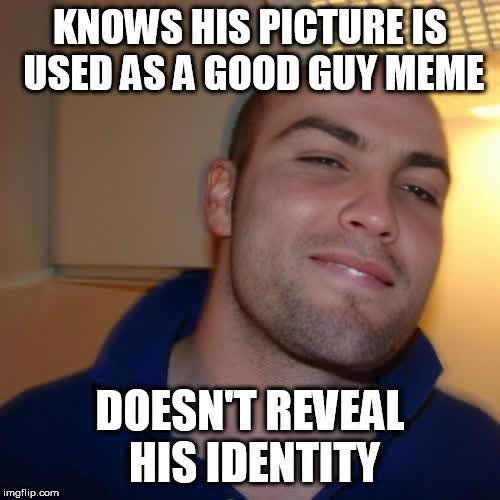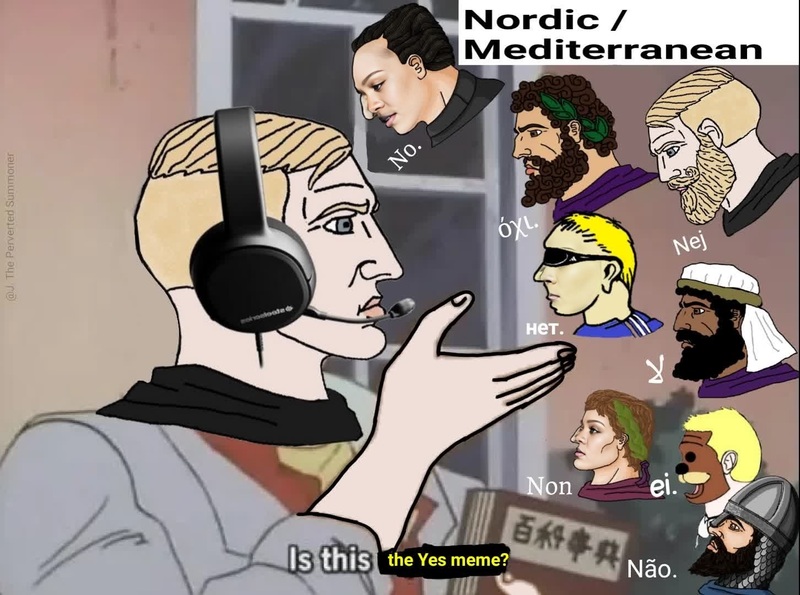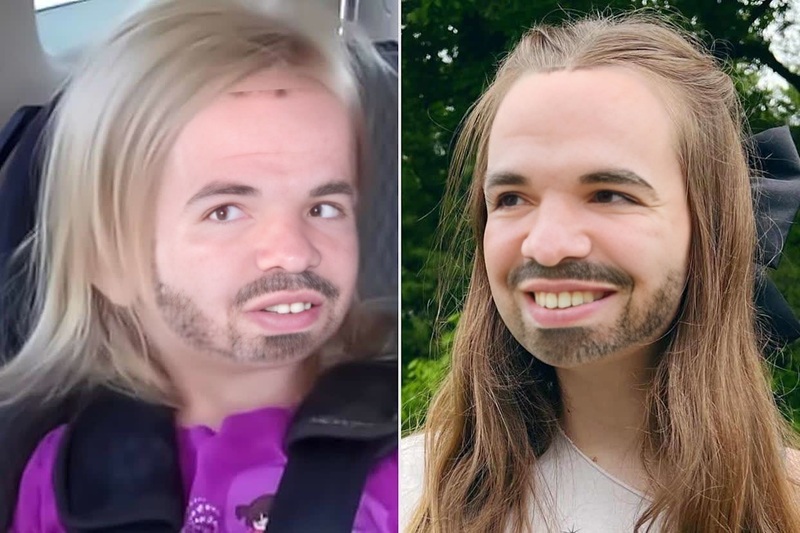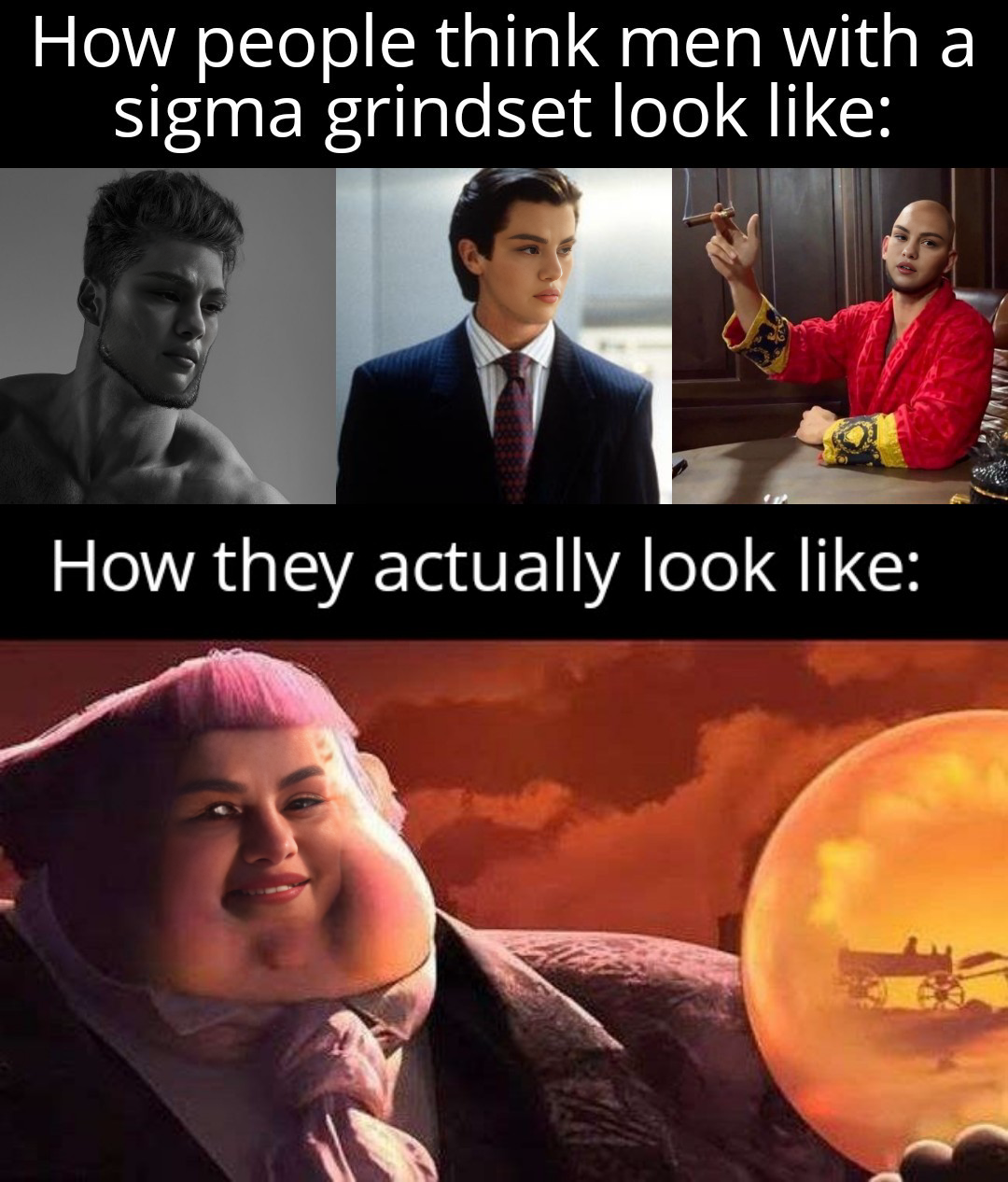
Sigma Grindset Meme Portrait
- Image
- 1080 × 1266 px
Any aspect ratio
Overview
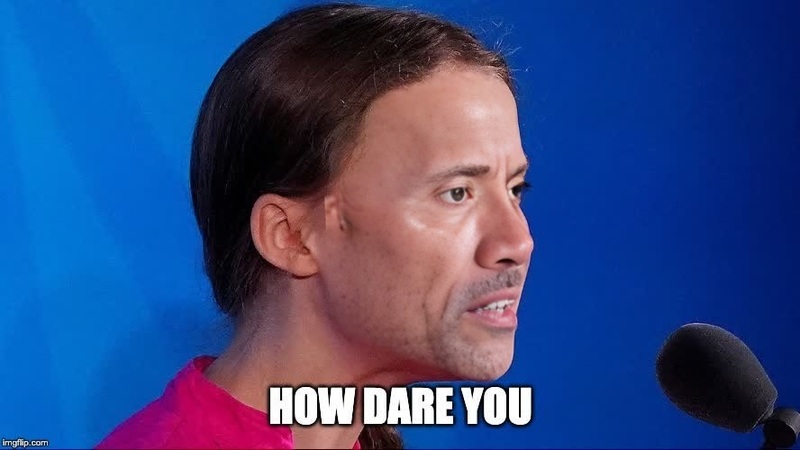
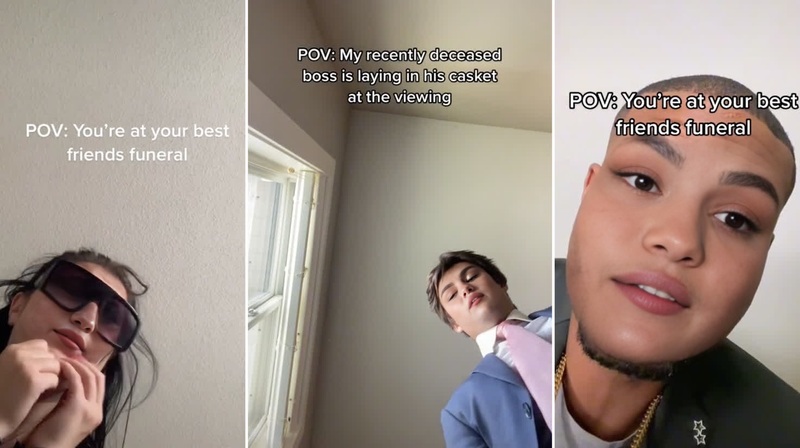
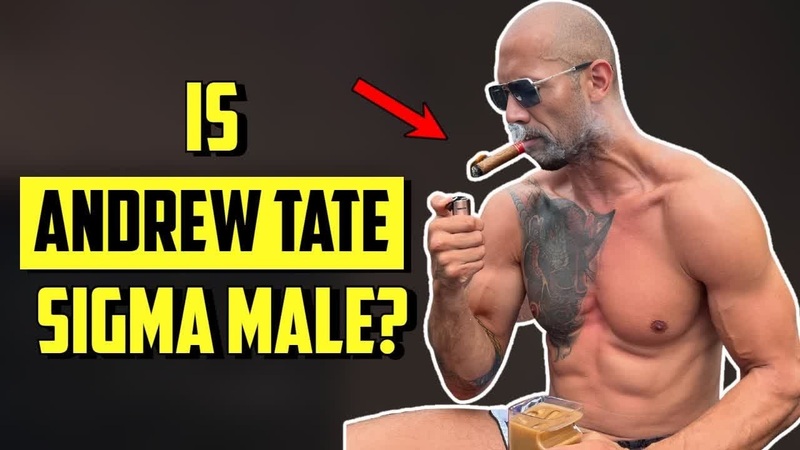
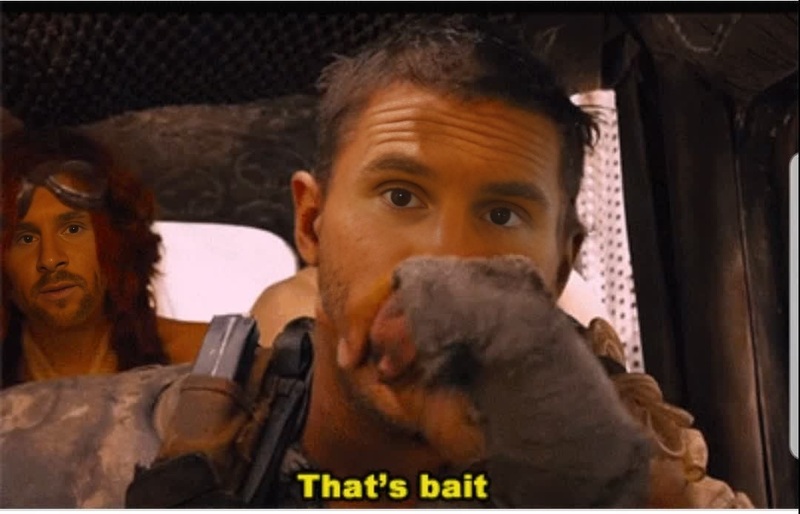
The Sigma Grindset Meme Portrait template uses Video Face Swap technology to transform your images into engaging meme content. This template is perfect for those looking to inject humor and style into their visual media.
With the Sigma Grindset Meme Portrait, your creativity meets powerful AI tools like the Face Swap product. Whether you're making content for social media or internal memes, this is your one-stop solution for dynamic, shareable visuals.
What It Does
The Sigma Grindset Meme Portrait template applies video face swapping to your chosen images, integrating a popular meme style. By utilizing the capabilities of Video Face Swap, it accurately maps and blends your selected face onto a meme character in portrait format, making the output both humorous and clickable.
This transformation is made effortless with the latest AI tools, offering top-notch precision in character blending and providing a fresh take on your usual portrait photos.
Who It's For
This template is ideal for content creators, social media managers, and meme enthusiasts looking for innovative ways to engage their audiences. It's also perfectly suited for marketers who dive into AI Image Editing to create compelling ad content or internal team members building spirited company memes.
Add a humorous twist to your presentations or social posts by using this template to create memorable, shareable content.
Summary
The Sigma Grindset Meme Portrait offers a creative mix of humor and AI-driven technology, with easy-to-use features designed for rapid deployment in content campaigns. With integration possibilities like the AI Image Generator, the content you create will not only entertain but also capture and hold your audience's attention.
This face swap capability streamlines the process of transforming average images into standout meme content, ensuring viewers take notice.
How To
Choose the Template

Customize Your Inputs

Generate Your Content

Use Cases
Social Media Engagement
Marketing Campaigns
- Ad Creatives
- Promotional Emails
Team Building
- Company Retreats
- Monthly Newsletters
Best Practices
Select Clear Images
Ensure the images you upload are well-lit and clear. This helps the AI map facial features more accurately.Choose the Right Meme
Consider your audience when selecting the meme style. Choose characters that resonate with your target demographic.Mix with AI Tools
Combine with other AI Meme Generator tools for diversified content possibilities.