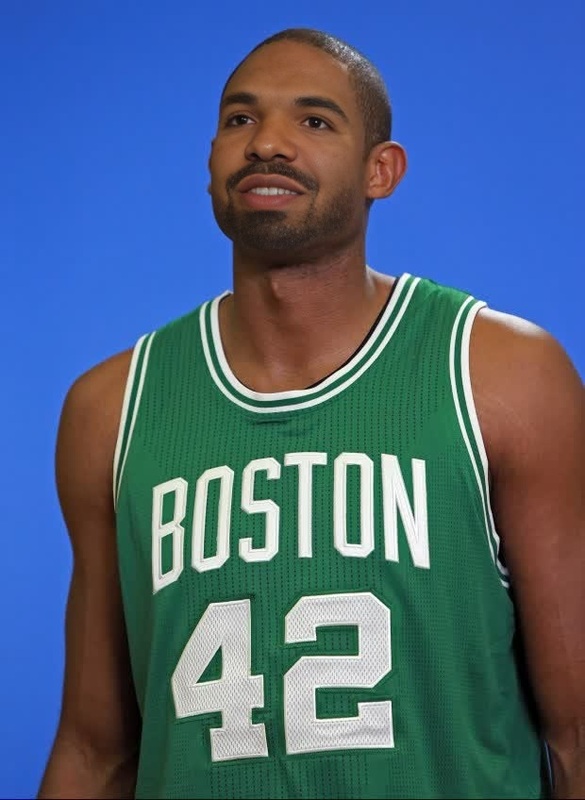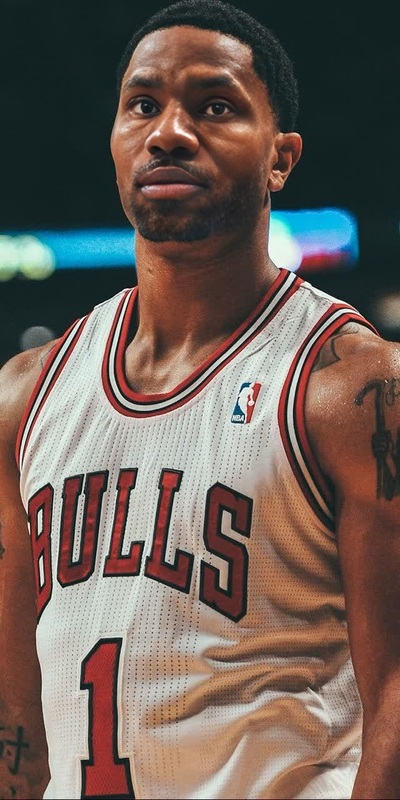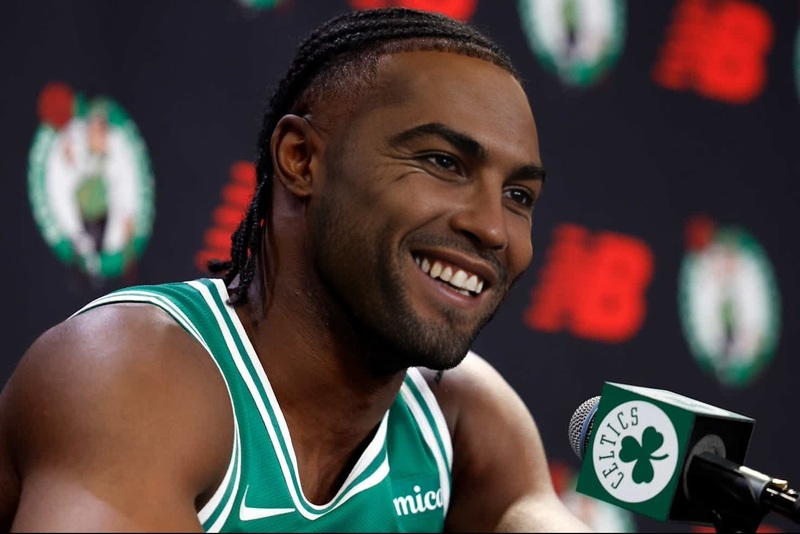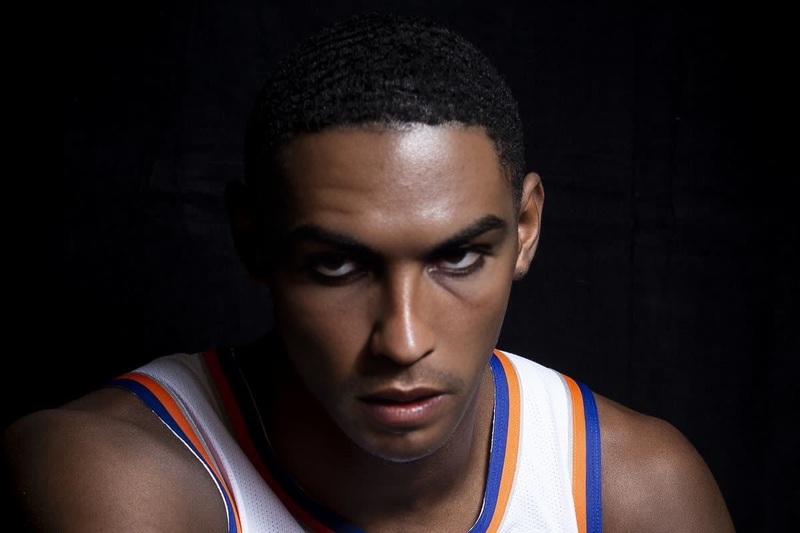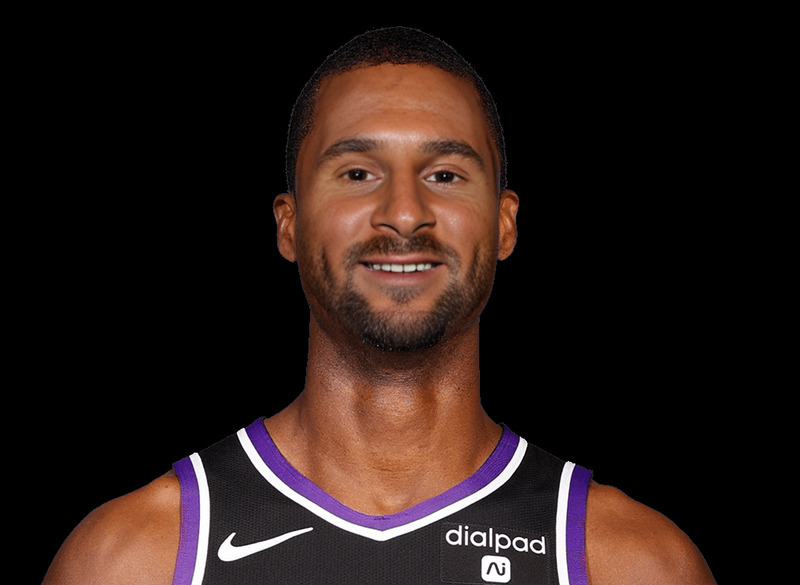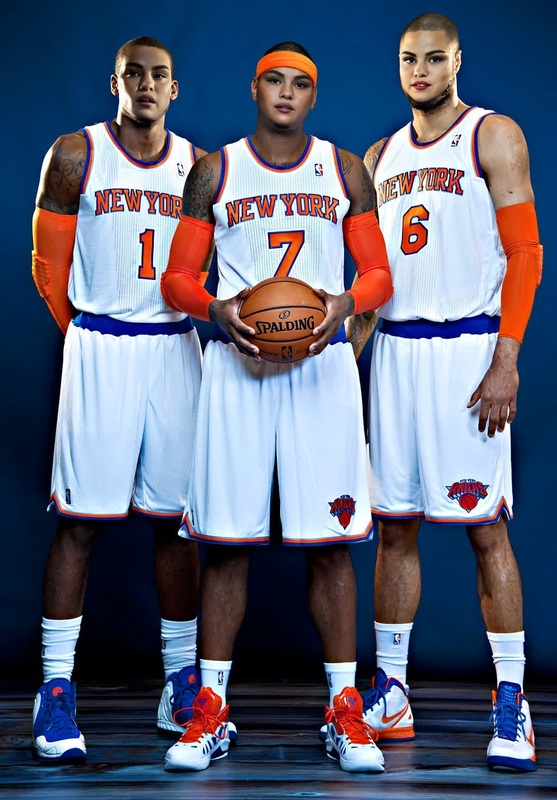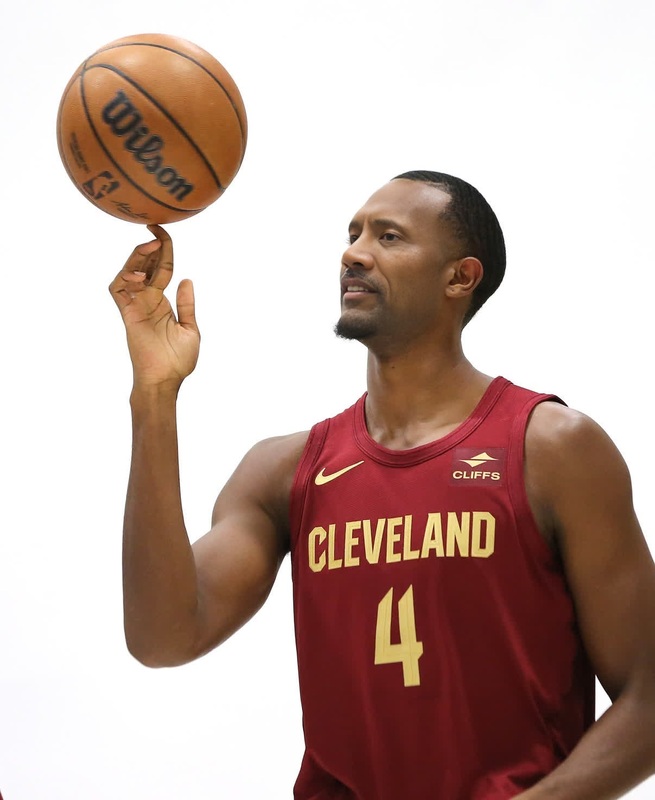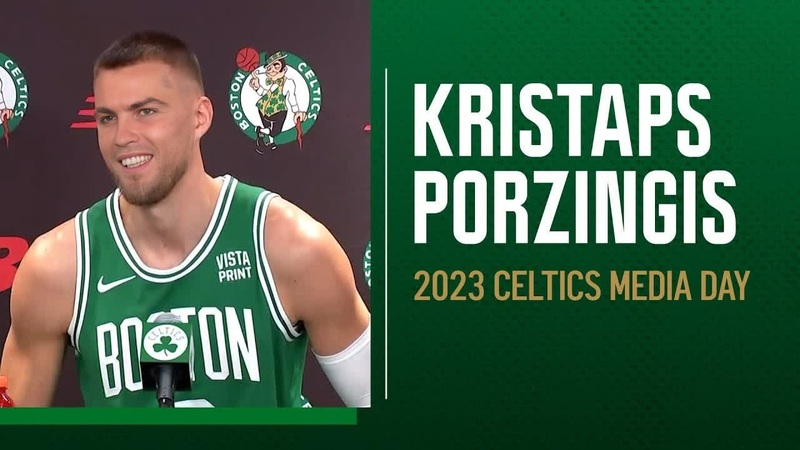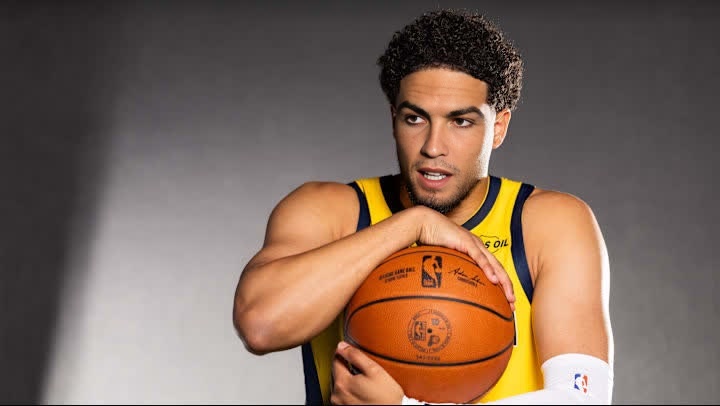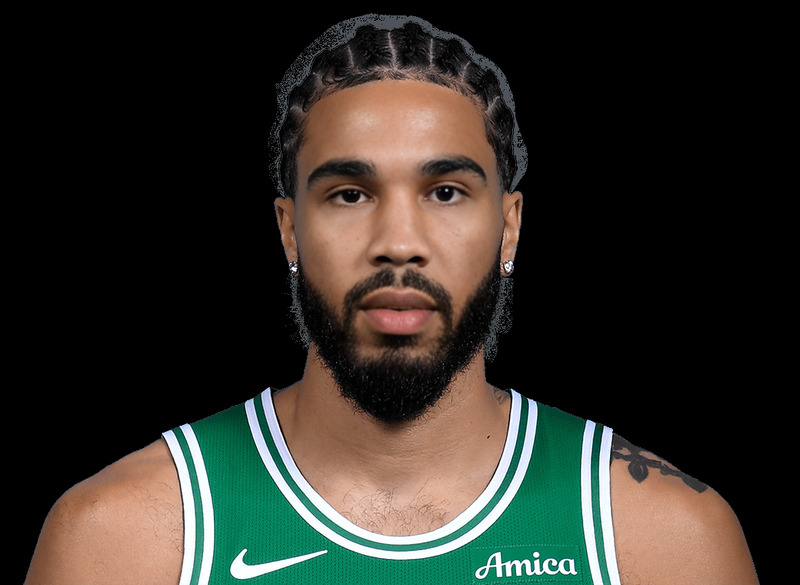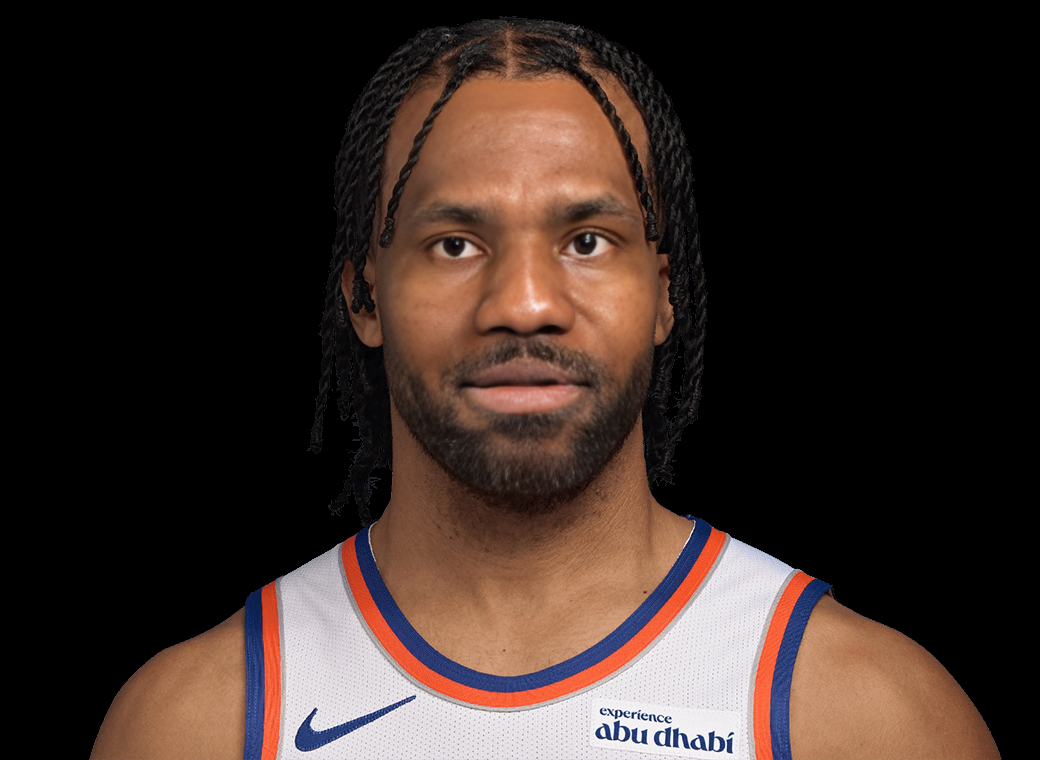
Jalen Brunson New York Knicks Media Day Portrait

Jalen Brunson New York Knicks Media Day Portrait

face-swap

1 clip
0 uses

Any aspect ratio

Tags

transformations

Transform Your Face Into Any Character With AI Face Swap Video

Bring your ideas, campaigns, and characters to life by seamlessly putting any face into any video. This template is powered by Magic Hour’s AI Face Swap Video, making it easy to create studio-quality face swap content in minutes—no editing skills required.

Use this template as a starting point, remix it to match your brand or story, and publish ready-to-share clips for social, marketing, or prototypes.


What You Can Do With This Face Swap Template

This template is built for fast, practical use by creators, marketers, and product teams. Common use cases include:

  • Creator & influencer content
    • Turn yourself into a movie character, meme, or historical figure
    • Reuse high-performing formats with different faces and personas
  • Marketing & growth
    • Generate variations of the same ad with different faces for A/B testing
    • Localize campaigns by swapping in region-specific talent or avatars
  • Product & UX demos
    • Prototype virtual try-on or identity-based concepts
    • Create quick internal mockups for AI features and pitch decks
  • Storytelling & entertainment
    • Put friends or community members into cinematic scenes
    • Turn still characters from your brand into “real” video appearances
  • Meme & culture content
    • Turn any viral clip into a personalized version
    • Quickly produce topical reaction videos with your own face

For GIF-based reactions or short loops, you can also try Magic Hour’s Face Swap GIF and AI GIF Generator.


How This Template Works (Conceptually)

This template uses AI face replacement: your source face is detected, mapped, and blended into the target video while preserving:

  • The original motion and timing of the clip
  • The lighting, perspective, and expressions of the target
  • The overall style and visual continuity of the video

Magic Hour’s Face Swap stack combines face detection, landmark extraction, and deep generative models to maintain realism across frames, even when the subject moves, turns, or changes expression.

You can treat this template as a “pre-built recipe” for a specific kind of face swap. Remixing it is usually faster and more reliable than building from scratch, especially if you like the look and pacing of this example.


Remix This Template in Magic Hour

You can create your own version of this template in a few steps:

  1. Open the Face Swap Video tool
    Start from Face Swap Video. This is the core product used by the template.

  2. Upload your target video

    • Use the same kind of shot as this template (e.g., close-up, portrait, talking head, or full-body depending on your goal).
    • For best results, pick footage with a clear view of the subject’s face and minimal occlusion.
  3. Upload the face you want to swap in

    • Use a sharp, well-lit image where the face is clearly visible.
    • A neutral or slightly expressive face tends to generalize well across different videos.
    • High-resolution source images also pair well with the AI Image Upscaler if you need extra clarity.
  4. Generate and review

    • Run the face swap and preview the output.
    • Re-run with a different source face or target video to create multiple variations fast.
  5. Iterate and extend

Because this template is built on Face Swap Video, you can remix it by simply swapping in new faces, new clips, or both, without touching any low-level settings.


Tips for High-Quality Face Swap Results

While you don’t need technical expertise, a few practical guidelines can dramatically improve output quality:

  • Match pose and angle where possible
    Try to use a source face whose angle roughly matches the main angles in your target video (e.g., frontal vs profile). This makes identity transfer more convincing.

  • Use clear, high-quality source faces

    • Avoid heavy motion blur, extreme filters, or strong shadows.
    • If you only have an old or low-res image, enhance it first with Unblur Image or AI Image Upscaler.
  • Think about lighting and style

  • Keep identity consistent across assets
    If you’re building a recurring persona (e.g., virtual influencer, brand mascot, or AI host), generate a consistent face using the AI Face Generator or Avatar Generator, then reuse that face image as your primary source across multiple videos.


Combine Face Swap With Other Magic Hour Tools

This template becomes much more powerful when you chain it with other Magic Hour products:


Example Workflows for Creators & Teams

Here are a few practical patterns you can follow to adapt this template to your own goals:

  • Virtual influencer or brand avatar

    1. Generate a distinct face with the AI Face Generator or Avatar Generator.
    2. Record a reference video of yourself (or a performer) delivering the script.
    3. Use this Face Swap Video template to blend the avatar’s face onto the recorded clip.
    4. Add AI-generated voice and lip sync for a fully synthetic on-screen host.
  • Localized ad variations

    1. Produce a single “master” ad video.
    2. For each market, create or capture a local persona image.
    3. Run multiple face swaps on the same base ad, swapping in the relevant persona.
    4. Optionally adjust clothing style with AI Clothes Changer for cultural or seasonal alignment.
  • Narrative or UGC-style content

    1. Start from trending or cinematic footage (your own, licensed, or generated with Text-to-Video).
    2. Swap in your own face or a community member’s face using this template.
    3. Export shorts, GIFs, or memes via Face Swap GIF and AI Meme Generator.

Responsible Use & Ethics

Face swapping is powerful and should be used thoughtfully:

  • Use content you have rights to: Make sure you have permission to use both the target video and the face you’re swapping in.
  • Avoid misleading or harmful content: Don’t impersonate real people in deceptive ways, create non-consensual deepfakes, or use face swaps for harassment or fraud.
  • Consider disclosure: In many professional or commercial contexts, it’s best practice to disclose when content has been AI-generated or manipulated.

Magic Hour’s Face Swap and related tools are designed for creative, educational, and ethical use by professionals and creators.


Start Remixing This Template

To build your own version of this Face Swap template:

  1. Go to Face Swap Video.
  2. Upload or select your target video.
  3. Upload the face image you want to insert.
  4. Generate, review, and iterate.

Once you have a working base, you can clone the approach again and again—changing faces, videos, styles, and downstream tools—without rebuilding your workflow from scratch.

More Like This

Insufficient credits