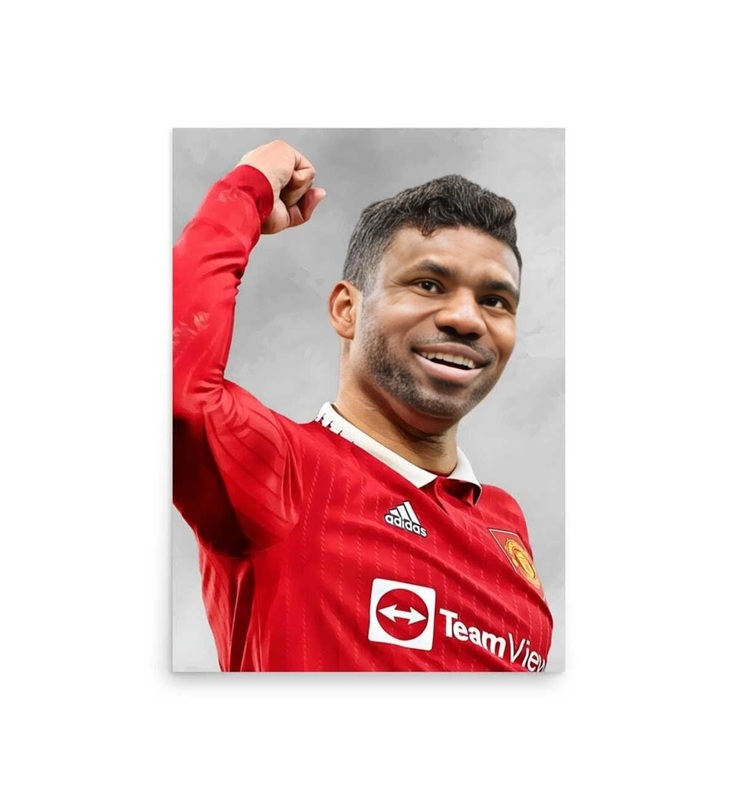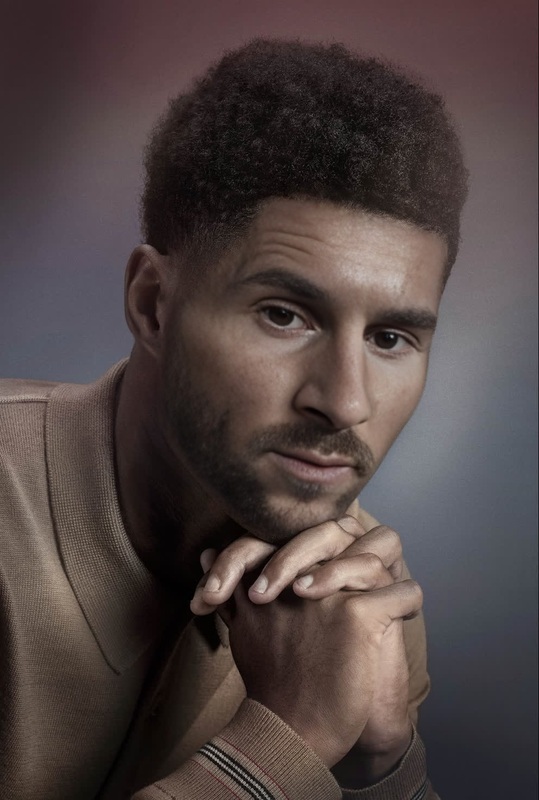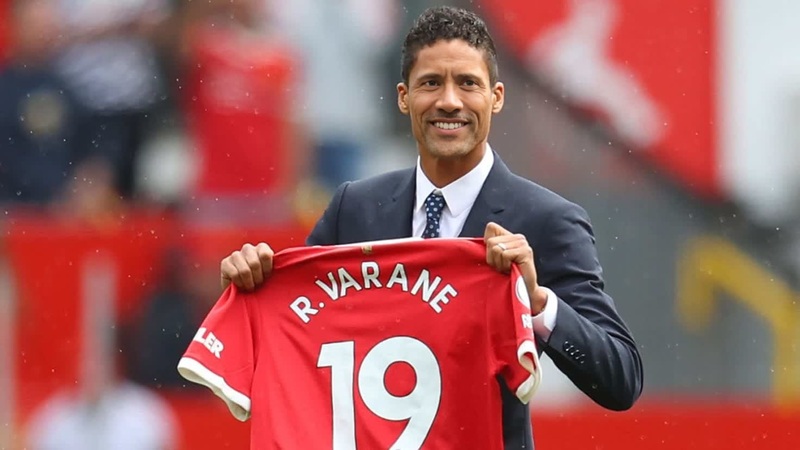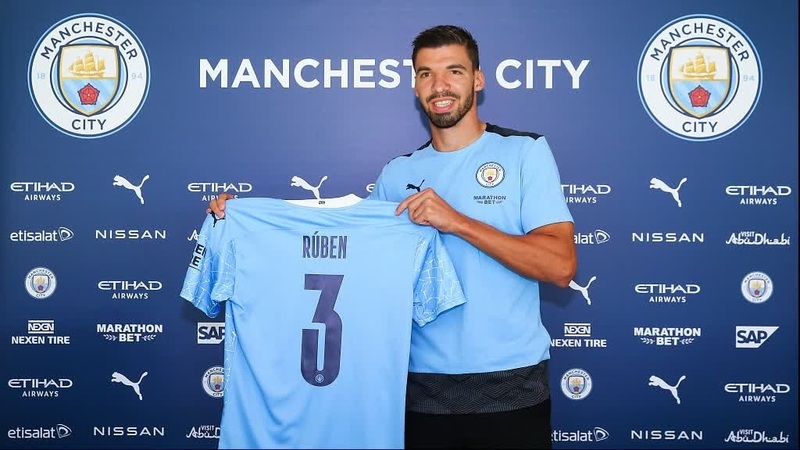
Jude Bellingham Real Madrid Press Portrait

Jude Bellingham Real Madrid Press Portrait

face-swap

1 clip
0 uses

Any aspect ratio

Tags

transformations

Transform Any Face into This Scene with AI Face Swap

Use this template to instantly place your own face (or a character, client, or actor) into this exact video using AI face swap. It’s built on Magic Hour’s Face Swap Video workflow, so you can remix it in minutes—no editing or VFX skills required.


What This Template Does

This template lets you:

  • Swap the face in the original video with your own or any reference photo
  • Keep the same camera movement, lighting, and expressions from the base video
  • Generate a realistic, high‑resolution clip you can download and reuse anywhere

It’s ideal for:

  • Creators testing characters or visual concepts without re‑shooting footage
  • Marketers quickly localizing or personalizing campaigns
  • Startup teams prototyping product demos, explainers, or social content
  • Developers exploring AI video pipelines for apps or tools

Because it’s a remixable template, you don’t have to start from scratch. You just bring the face.


How to Remix This Template in Magic Hour

You can create your own version in a few steps:

  1. Open the base workflow
    Go to Face Swap Video. This is the product flow behind this template.

  2. Upload the base video (or reuse this one)

    • Use the exact video from this template if it’s provided in your account, or
    • Upload your own clip with clear, front‑facing shots of the subject’s face.
  3. Add your source face

    • Upload a face photo you want to swap in (for yourself, a model, a character, etc.).
    • Use a well‑lit, sharp image where the face is clearly visible.
  4. Generate your swap

    • Run the face swap to create a new version of this video with your chosen identity.
    • Preview, iterate, and export when you’re satisfied.

From here you can duplicate the workflow, plug it into your own content pipeline, or chain it with other Magic Hour tools.


Best Practices for High‑Quality Face Swaps

To get realistic, production‑ready results:

  • Use high‑quality source faces

    • Clear, high‑resolution images with the face centered and unobstructed
    • Avoid heavy motion blur, extreme shadows, or sunglasses
  • Match pose and angle when possible

    • If the template’s subject is turning, smiling, or looking down, choose a source image that’s not radically different in pose
    • Slight angle differences are fine—extreme differences can reduce realism
  • Stay within ethical and legal guidelines

    • Only use faces you have the rights and consent to use
    • Avoid misleading content, especially with public figures or sensitive topics

For teams building products or campaigns, this is important both for compliance and for long‑term brand trust.


Advanced Workflows: What You Can Build with This Template

Once you have a solid, reusable face‑swap template, you can plug it into broader workflows:


Combining Face Swap with Other Magic Hour Tools

To turn this template into a reusable building block for your content system, consider chaining it with:


Technical & Creative Considerations

For creators, marketers, and developers building on top of this template:

  • Consistency across assets

    • Use the same source face across multiple templates and scenes so identity remains stable across campaigns, screens, or episodes.
    • Store your favorite identity images and reuse them across Face Swap, Image‑to‑Video, and Text‑to‑Video workflows.
  • Brand and visual coherence

  • Rights, consent, and safety

    • Always secure permission for real people’s faces, especially in commercial or public campaigns.
    • Avoid impersonation, fraud, or deceptive use—this is critical for platform compliance and long‑term brand trust.

Remix Ideas Using This Template

To get more out of this specific template, you can:

  • Create localized versions of the same video with different spokespersons for different markets.
  • Build an internal demo: show your team how a single template plus Face Swap Video can generate dozens of personalized variations in minutes.
  • Combine with Lip Sync and AI Voice Generator to test different scripts, tones, or CTA lines over the same visual.
  • Use AI QR Code Generator to link from print or physical assets directly to your face‑swapped video.

Build Your Own Version

To create your own template inspired by this one:

  1. Design or choose a base scene (live‑action or AI‑generated).
  2. Clean and enhance images with AI Image Editor or Image Background Remover if needed.
  3. Turn static assets into motion via Video‑to‑Video, Image‑to‑Video, or Text‑to‑Video.
  4. Save that clip as your base, then run it through Face Swap Video to make it fully remixable by swapping faces.

Once you’ve set this up once, you can treat it as a modular component: drop in new identities, output new videos, and integrate them into your broader content system.

Remix this template, connect it with other Magic Hour tools, and you have a reusable, scalable way to generate personalized, on‑brand video content at speed.

More Like This

Insufficient credits