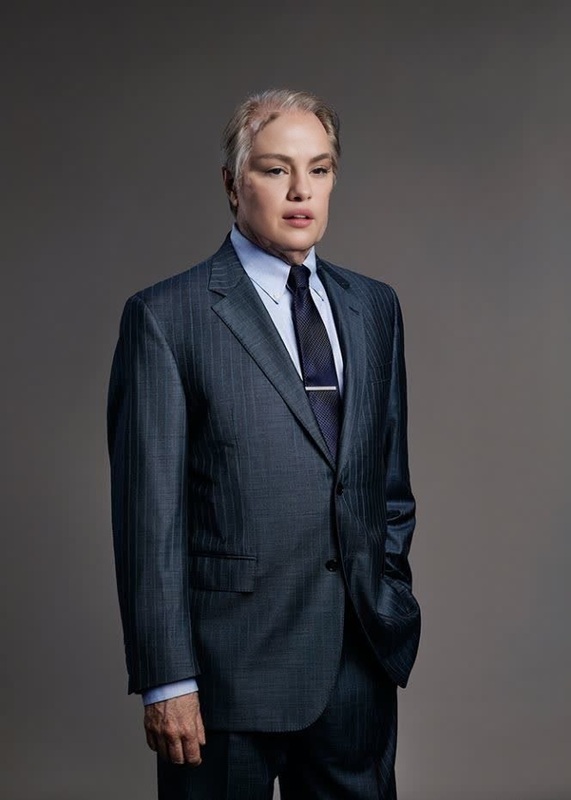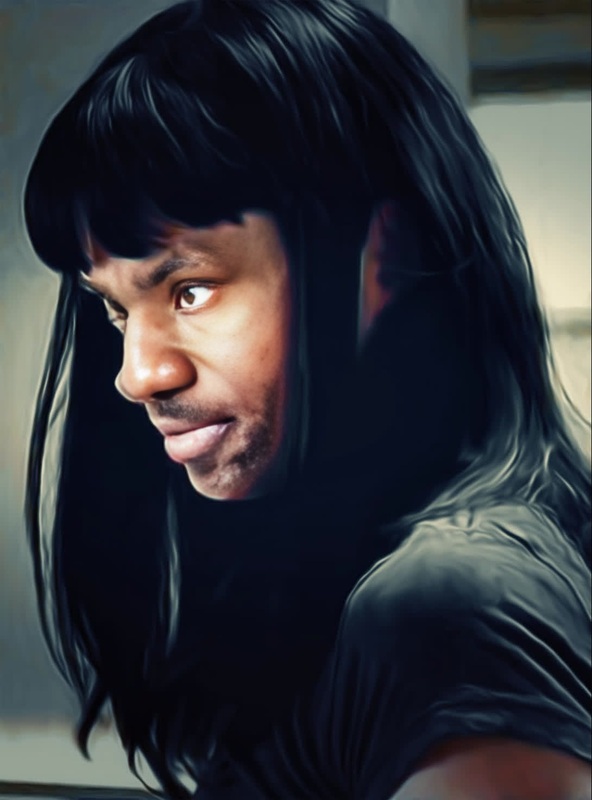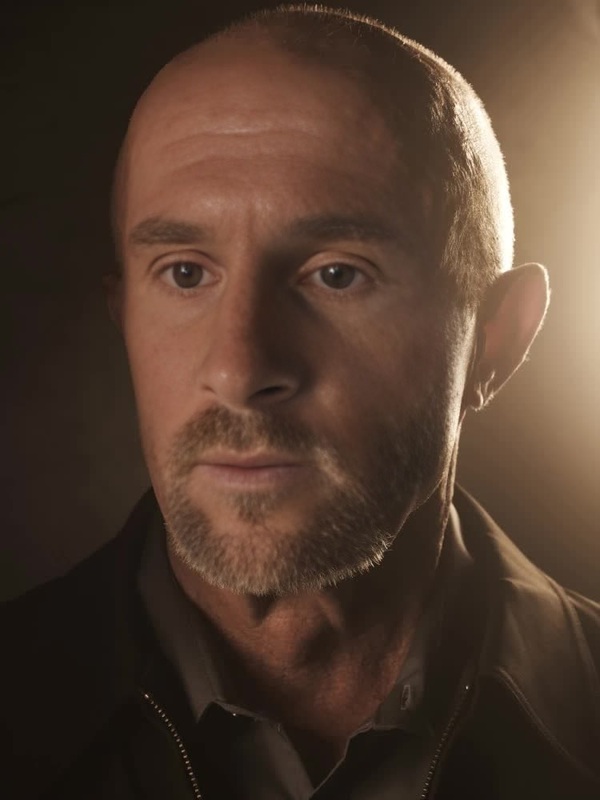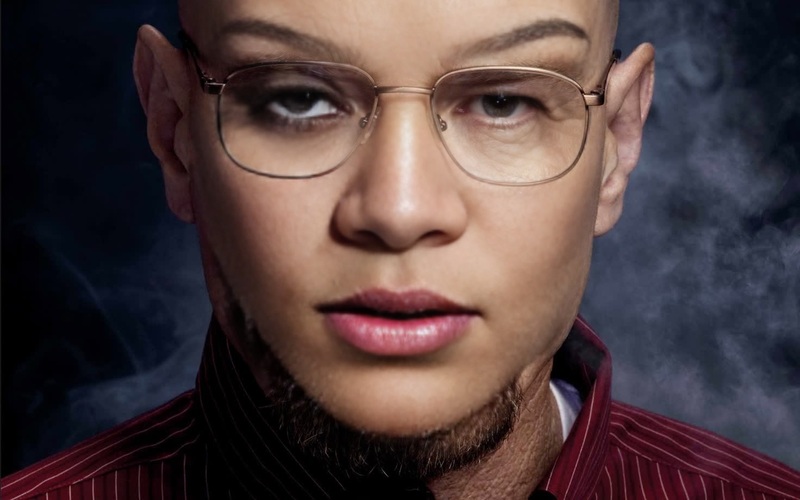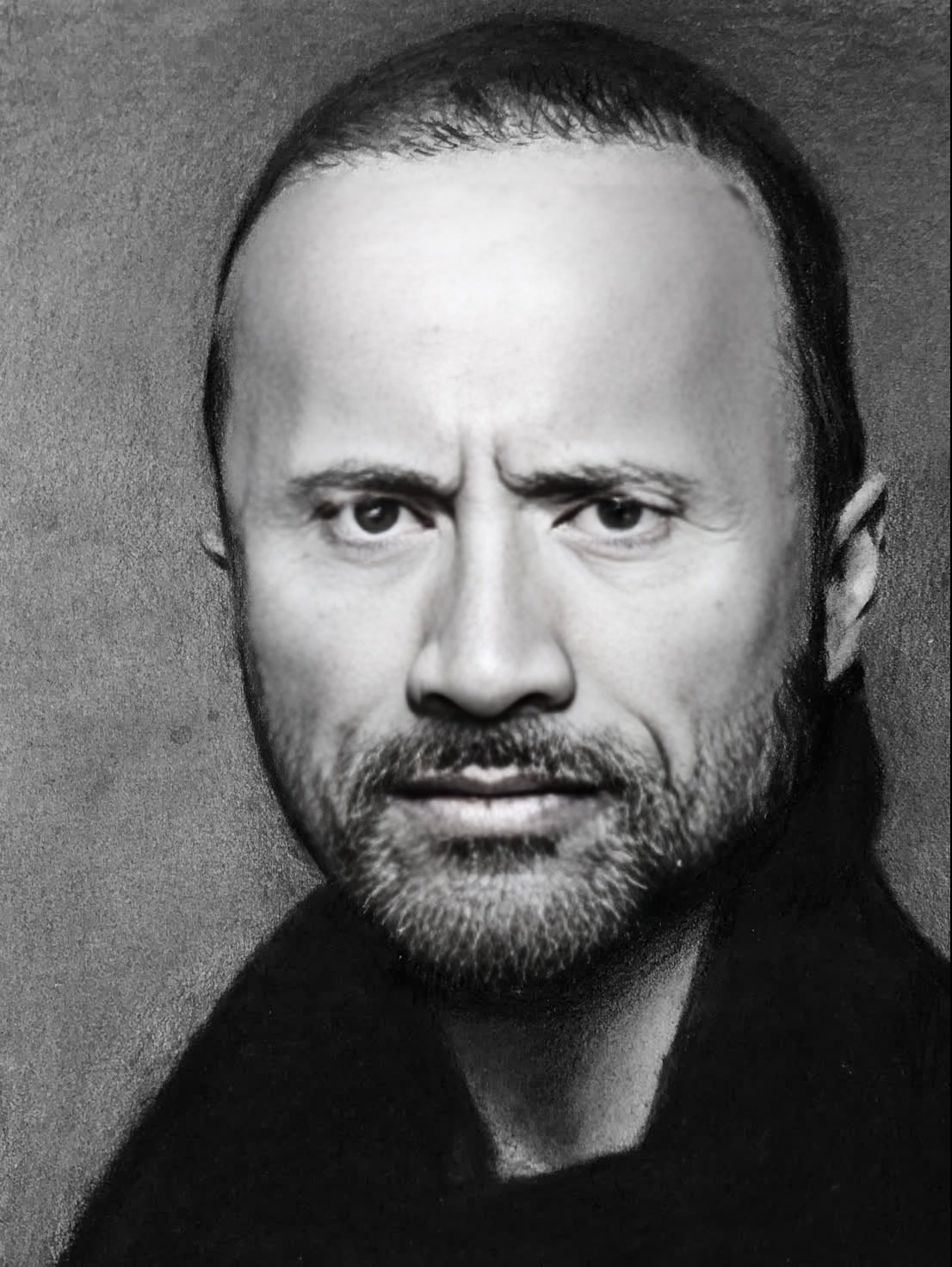
Jesse Pinkman Breaking Bad
- Image
- 1106 × 1472 px
Any aspect ratio
Overview
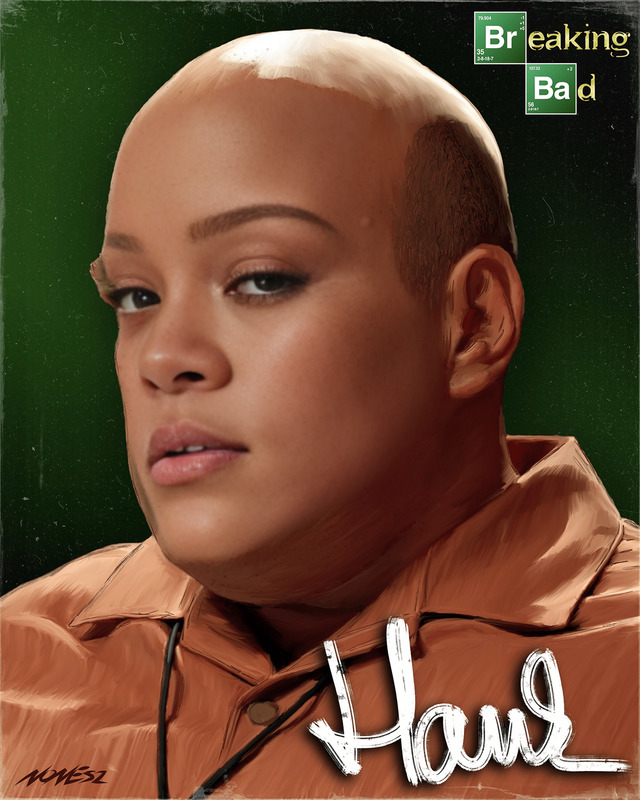
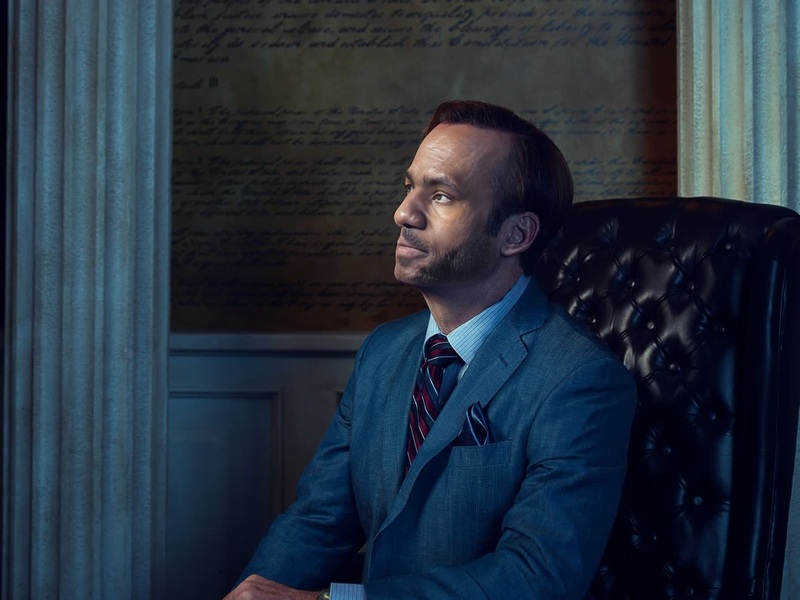
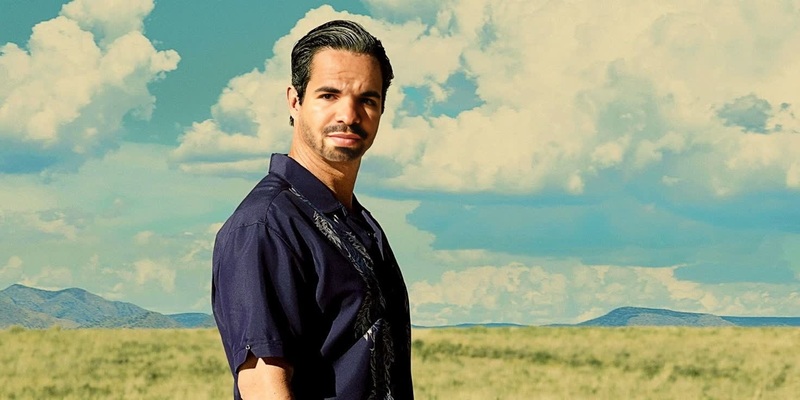
Step into the world of "Breaking Bad" and transform yourself into Jesse Pinkman with our Video Face Swap template. Engage with iconic scenes and create thrilling content that stands out.
What It Does
Our Video Face Swap template allows you to embed your face into scenes featuring Jesse Pinkman. It's part of our advanced Face Swap product line, providing you with realistic video transformations. Compatible video formats ensure seamless integration for any media project.
Who It's For
This template is ideal for social media ad creators, fans of "Breaking Bad," and aspiring filmmakers looking to add a unique twist to their projects. Perfect for content creators who want to experiment with video transformations.
Summary
Transform your videos by stepping into the shoes of Jesse Pinkman. Our Video Face Swap template is equipped with easy-to-use features, ensuring quality results every time. Explore more creative transformations with our AI Video Generator.
How to Use
Choose the Template

Customize Your Inputs

Generate Your Video

Use Cases
Social Media Engagement
- Increase follower interaction
- Share unique video content
Fan Creations
- Celebrate favorite scenes with a personal twist
- Connect with other fans
Video Content for Ads
- Improve ad recall
- Engage your audience in a unique way
Best Practices
Select High-Quality Source Videos
For best results, use high-resolution videos with clear facial visibility to ensure seamless transformations.Fine-Tune Face Alignment
Make precise adjustments to the face alignment to maintain a natural look in the swapped video.Leverage Additional Tools
Combine with the AI Face Editor to enhance facial features post-swap for added realism.