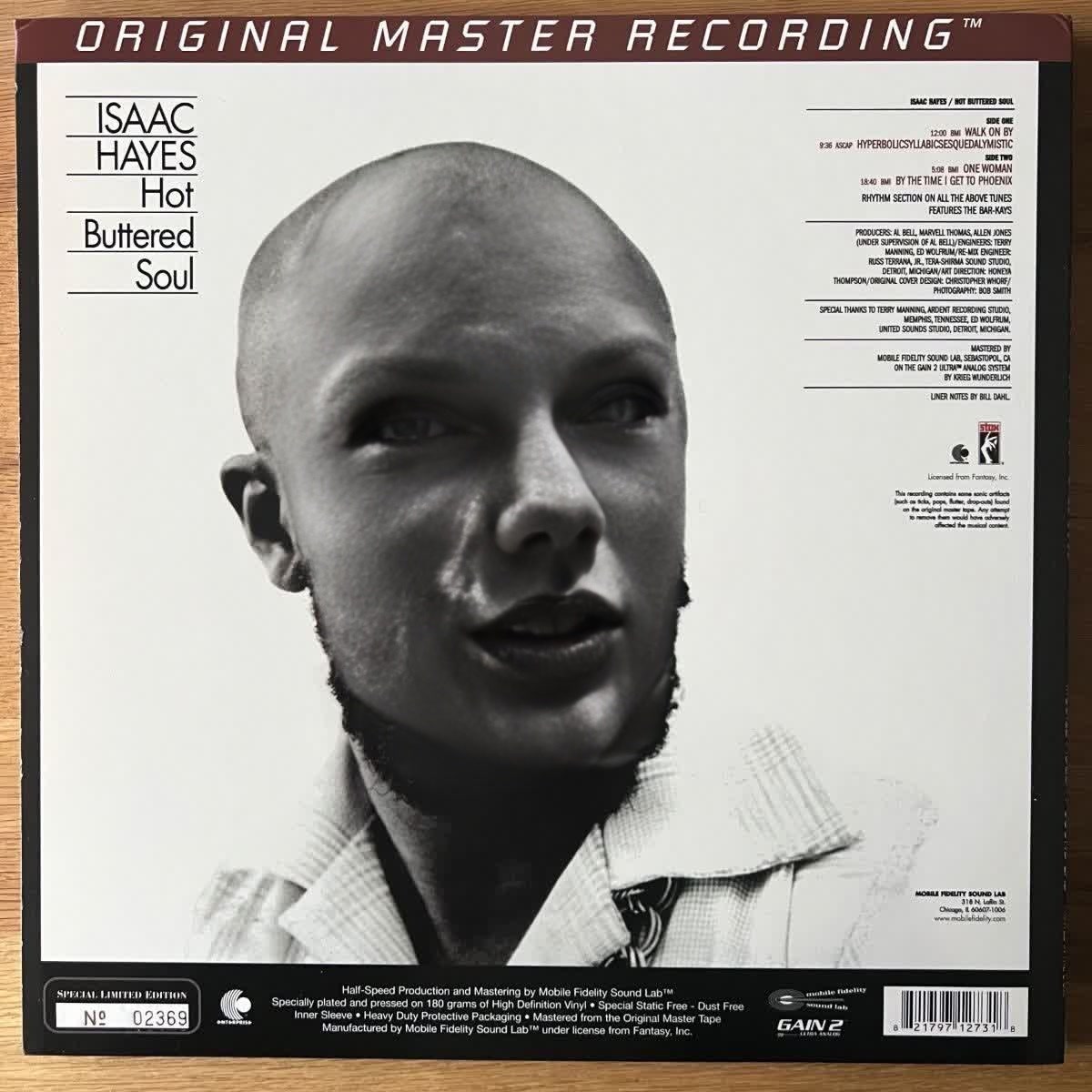
Isaac Hayes Hot Buttered Soul Press Portrait

Isaac Hayes Hot Buttered Soul Press Portrait

Face Swap Photo
1 image
0 uses

Any aspect ratio

Tags

transformations

Overview

Give your historical press portraits a fresh vibes with the Isaac Hayes Hot Buttered Soul Press Portrait template. This Video Face Swap tool allows you to apply dynamic transformations to classic images, breathing new life into your visual story.

What It Does

This template uses advanced face swap technology to superimpose faces onto classic press portraits from the iconic Hot Buttered Soul era. By leveraging the power of the Face Swap product, you can recreate the nostalgia of vintage photography with a modern twist.

Who It's For

Ideal for artists, content creators, and marketers aiming to create compelling visual content that speaks to the essence of nostalgia and transformation. Whether you're crafting music videos, marketing campaigns, or personal projects, this template is designed for those looking to add creativity to their content.

Summary

Transform ordinary images or videos into extraordinary reminisces with this template. It's part of our larger suite of Image to Video tools, which helps you create meaningful content from historical assets.

How to Use

    01

    Choose Template

    Navigate to the Video Face Swap section on Magic Hour's platform, and select the Isaac Hayes Hot Buttered Soul Press Portrait template.
    02

    Customize Inputs

    Upload the portrait or video you wish to transform and adjust the placement of the new face for the perfect fit and style.
    03

    Generate and Download

    Click the Generate button to create your video. Once processed, download your transformed portrait in your preferred format.

Use Cases

🎤

Music Videos

Create unique music videos that feature classic vibes with contemporary visuals.
📈

Marketing Campaigns

Enhance marketing materials with nostalgic yet modern elements for engaging content.
📱

Social Media Content

Boost your social media presence with visually striking and historically rich videos.

Best Practices

  • Select High-Resolution Images

    For best results, always use high-resolution images for both the original and the face you are swapping.
  • Utilize Consistent Lighting

    Ensure that the lighting conditions of both images are as similar as possible for seamless integration.
  • Experiment with Angles

    Try different angles and expressions for the new face to match it closely with the original portrait's style.
Frequently asked questions

The template supports various formats including JPG, PNG for images, and MP4, MOV for videos.

Yes, you can iterate by adjusting the inputs and generating again for the desired result.

The template aims to maintain high quality, but using lower resolution inputs can affect the output.

Yes, a preview is available to check your adjustments before the final rendering.

More Like This

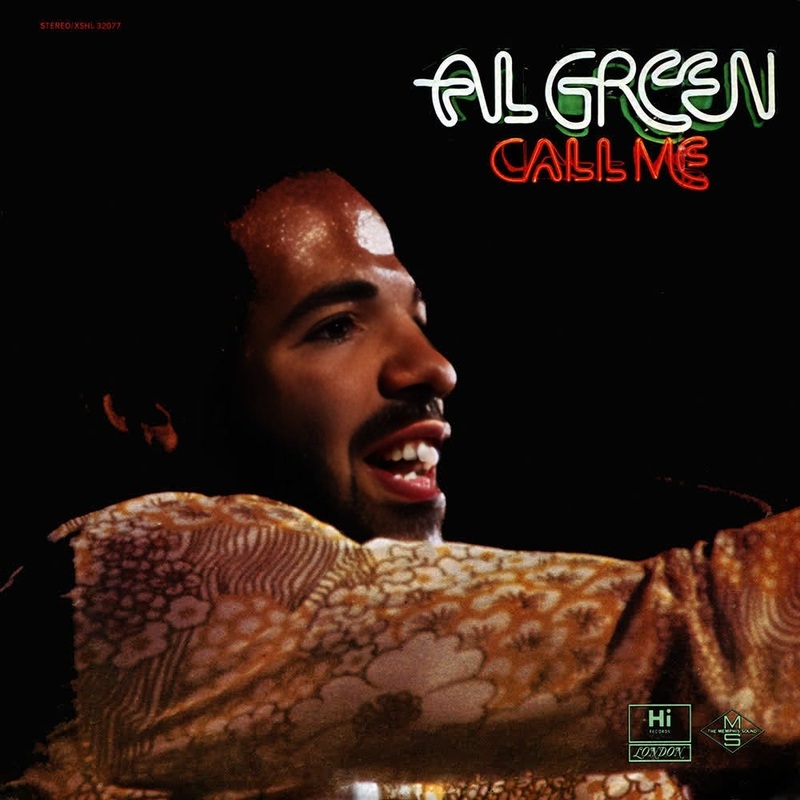
Al Green Call Me Press Portrait
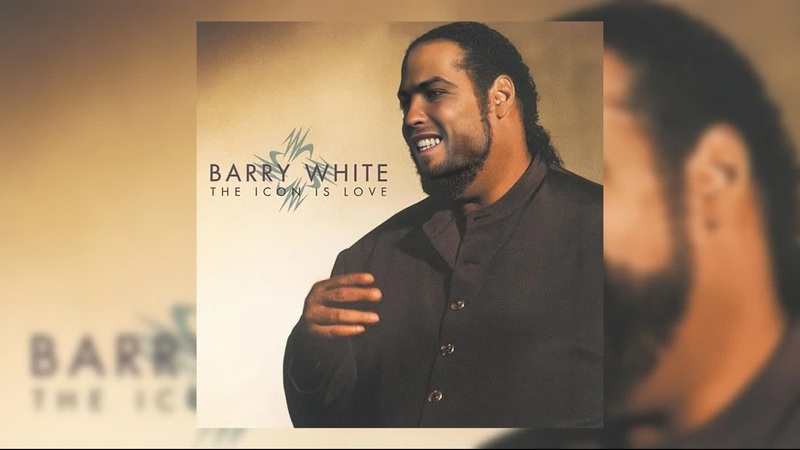
Barry White The Icon Press Portrait
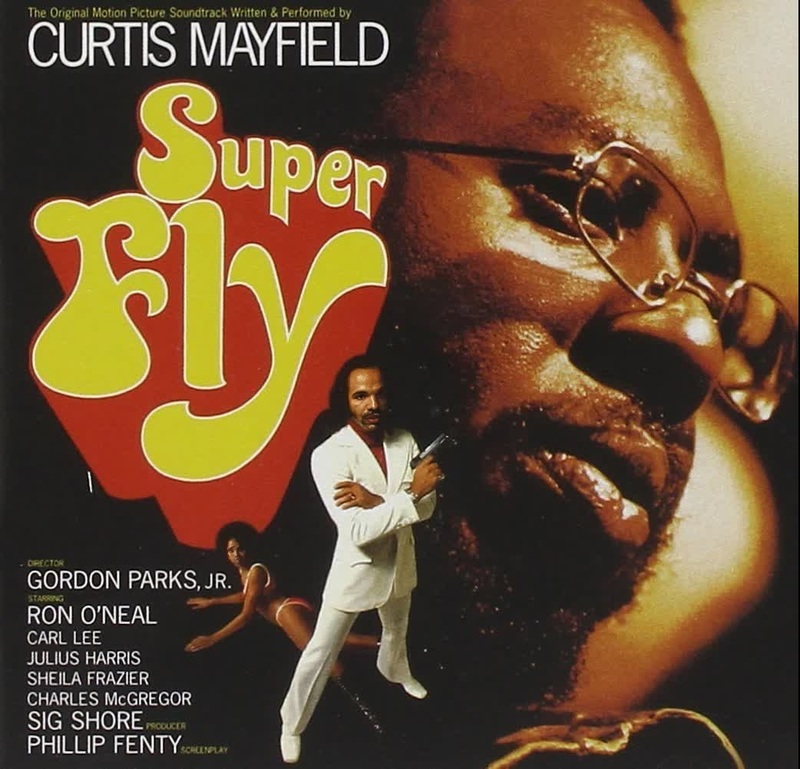
Curtis Mayfield Superfly Press Portrait
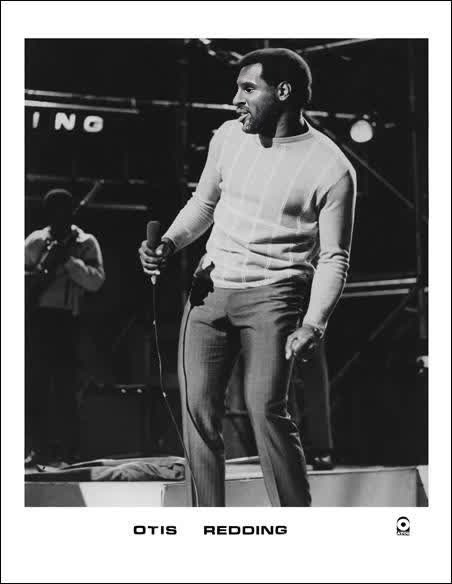
Otis Redding Otis Blue Press Portrait
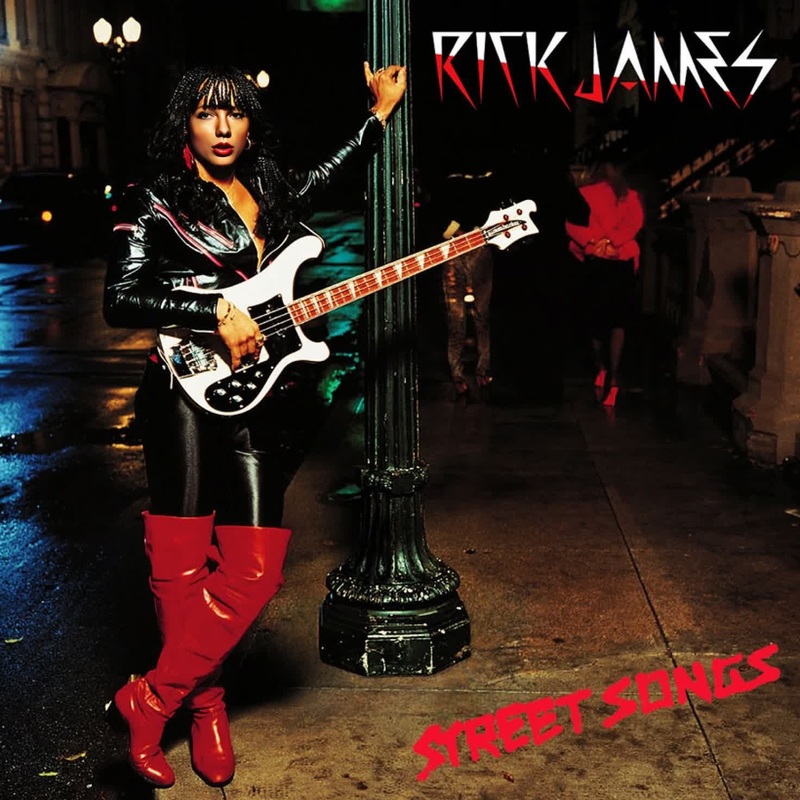
Rick James Street Songs Press Portrait
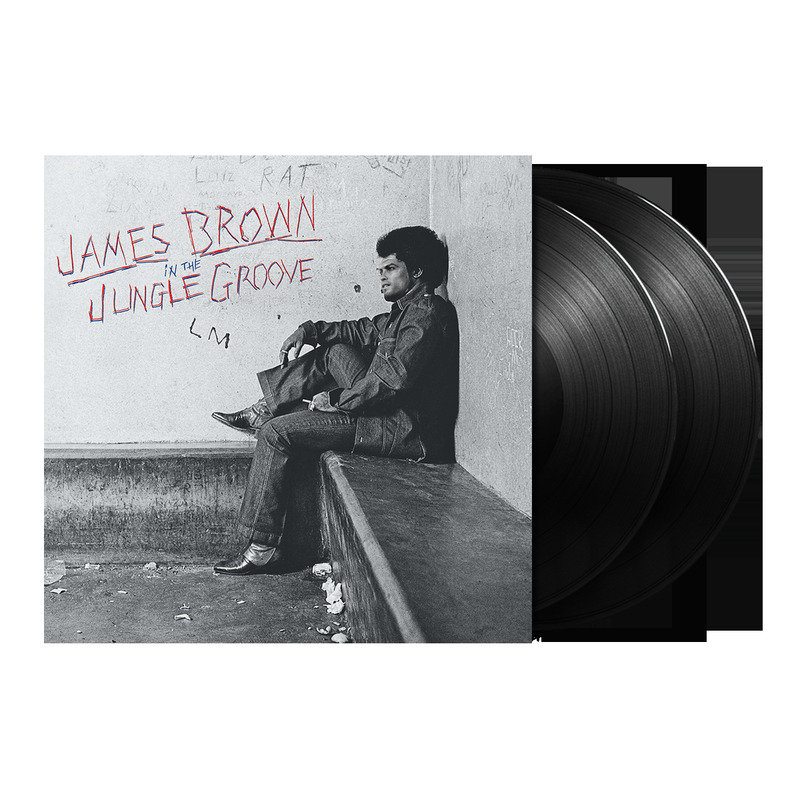
James Brown In The Jungle Groove Press Portrait
Aretha Franklin Amazing Grace Press Portrait
Beabadoobee Beatopia Press Portrait
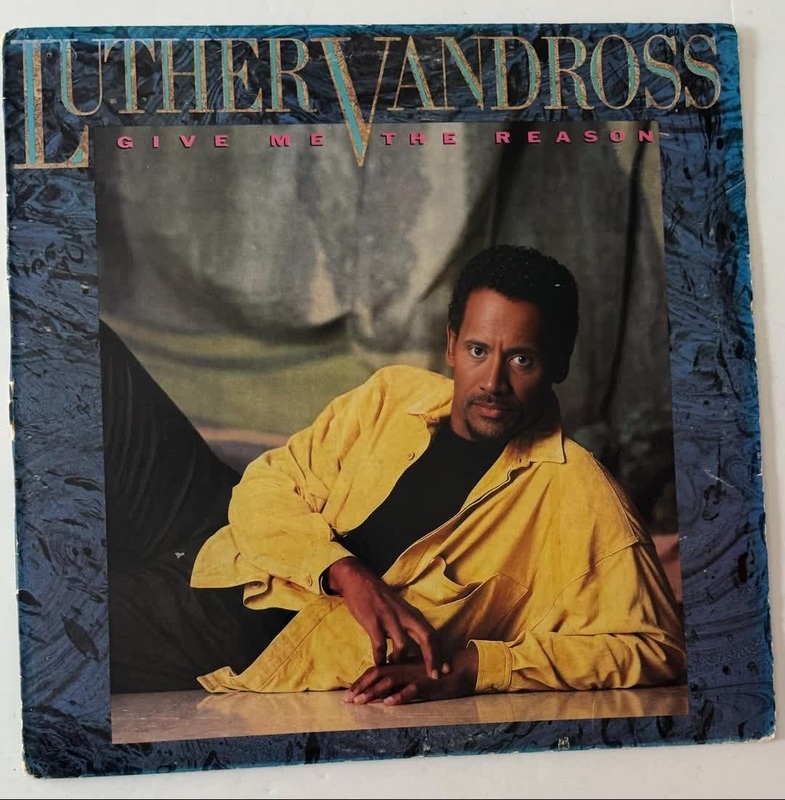
Luther Vandross Give Me The Reason Press Portrait
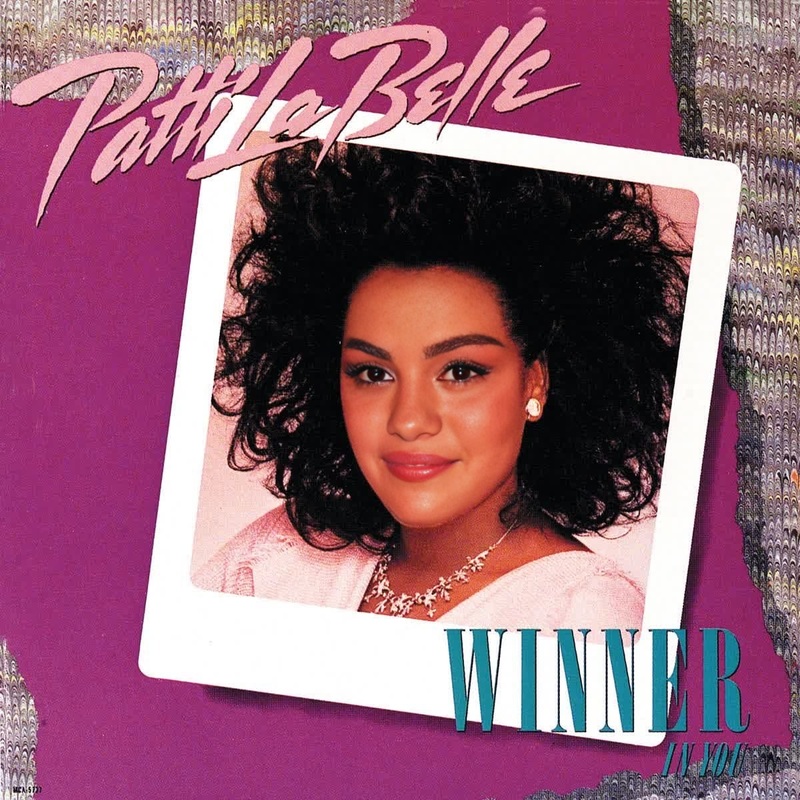
Patti Labelle Winner In You Press Portrait
2
Patti Labelle Winner In You Press Portrait
Tinashe Bb Cool Press Portrait
3
Tinashe Bb Cool Press Portrait
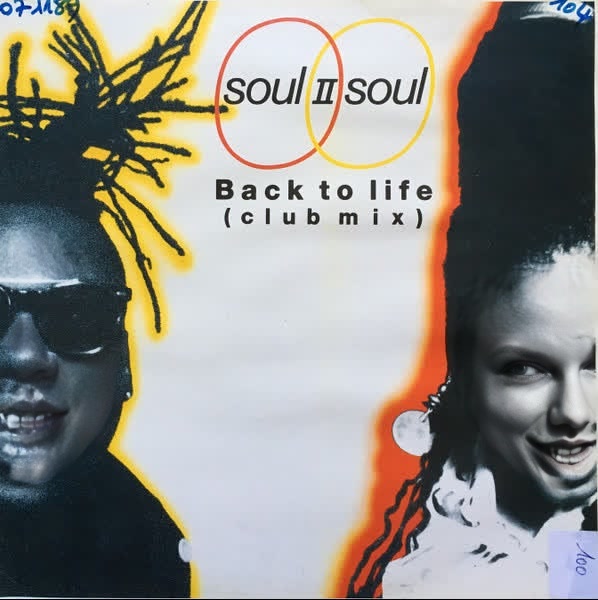
Soul Ii Soul Back To Life Press Portrait

Face Swap Video