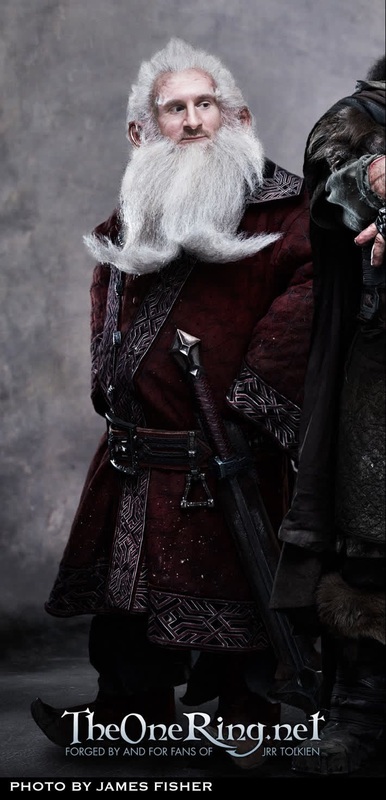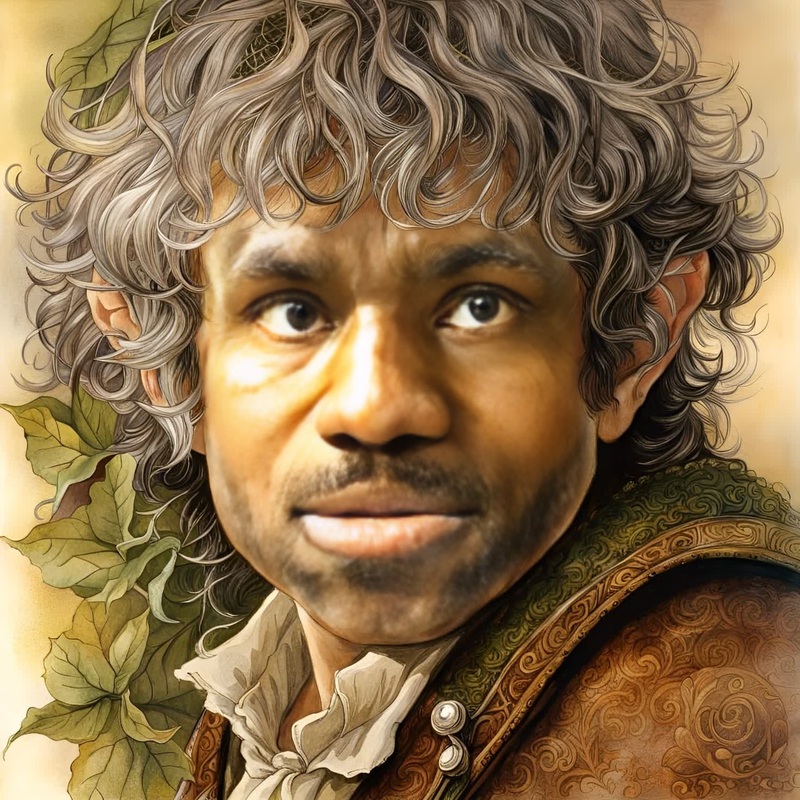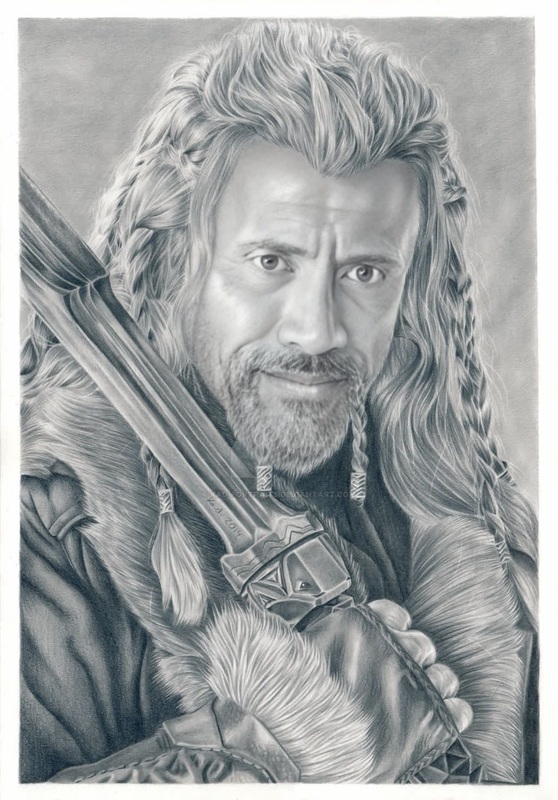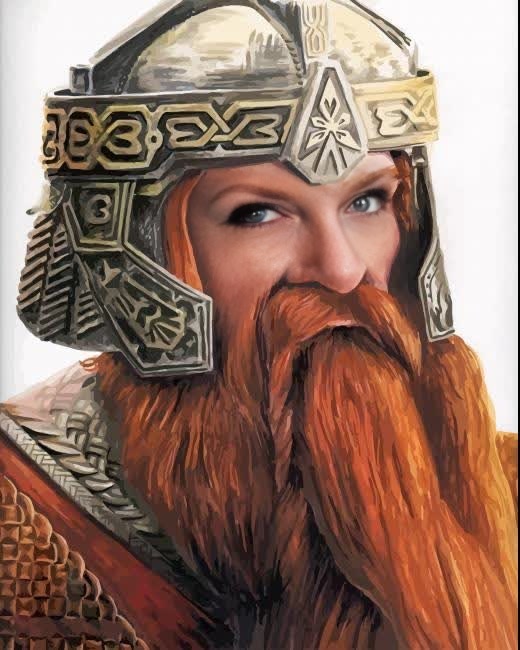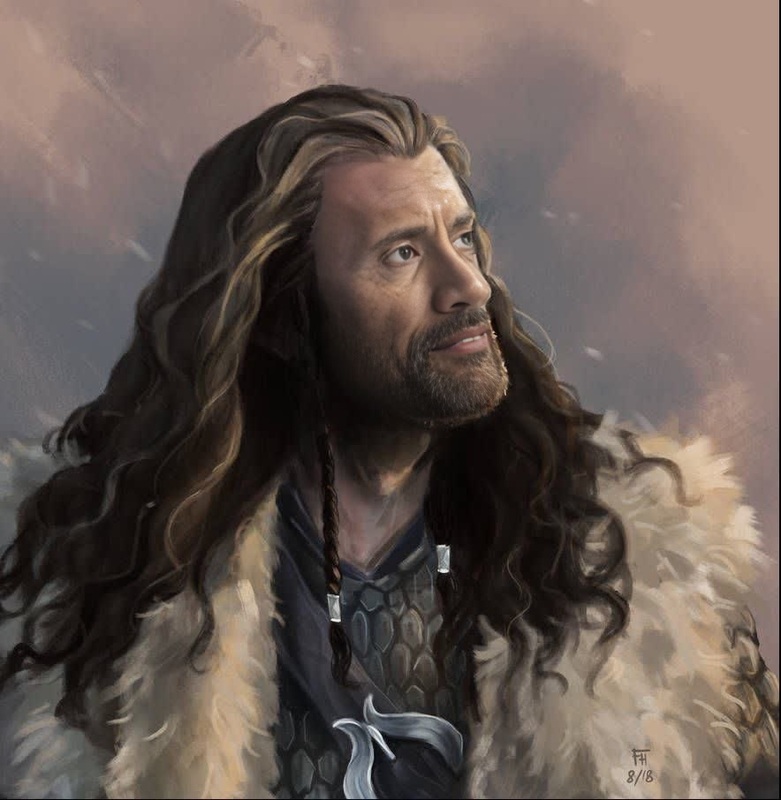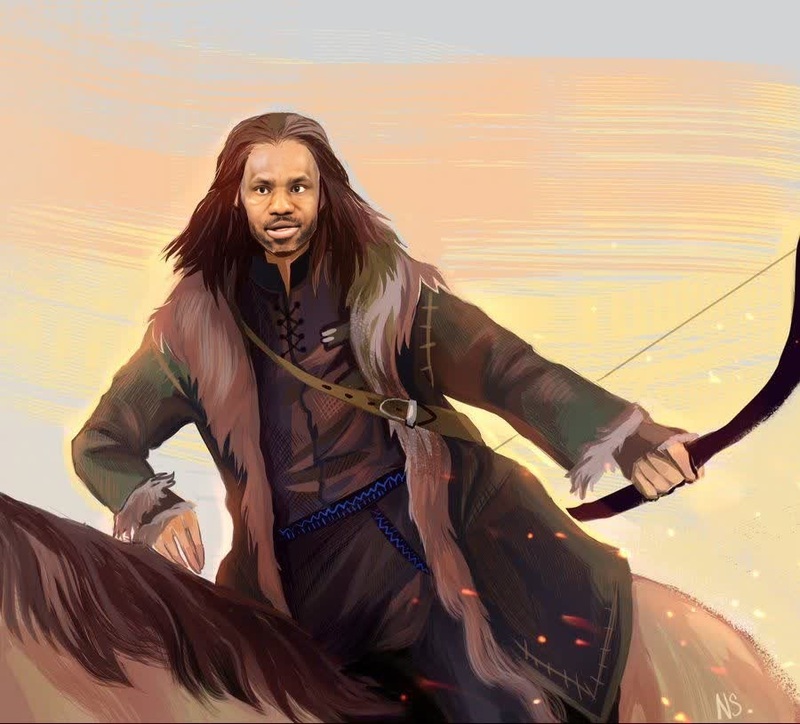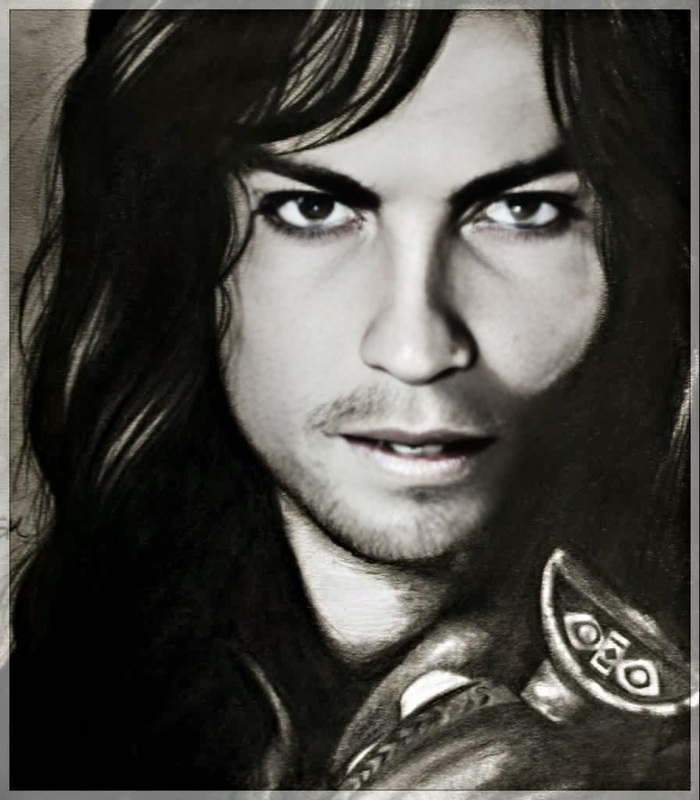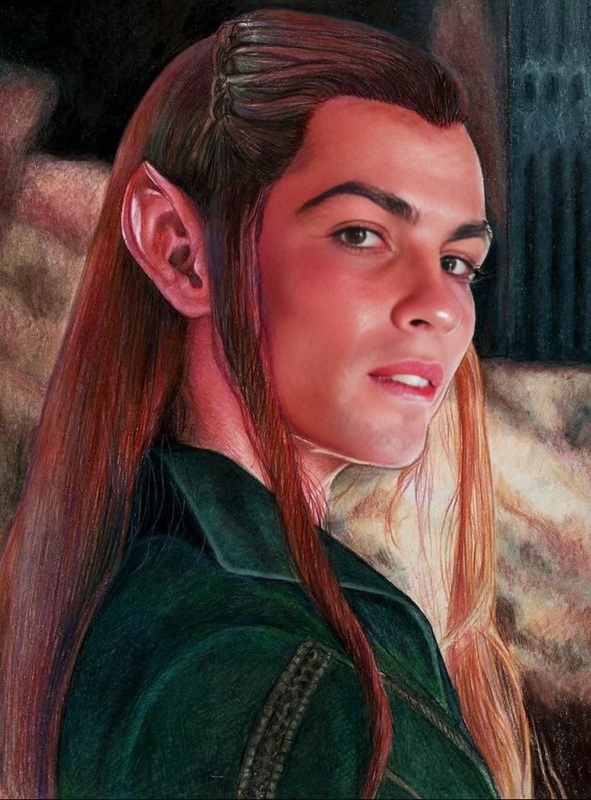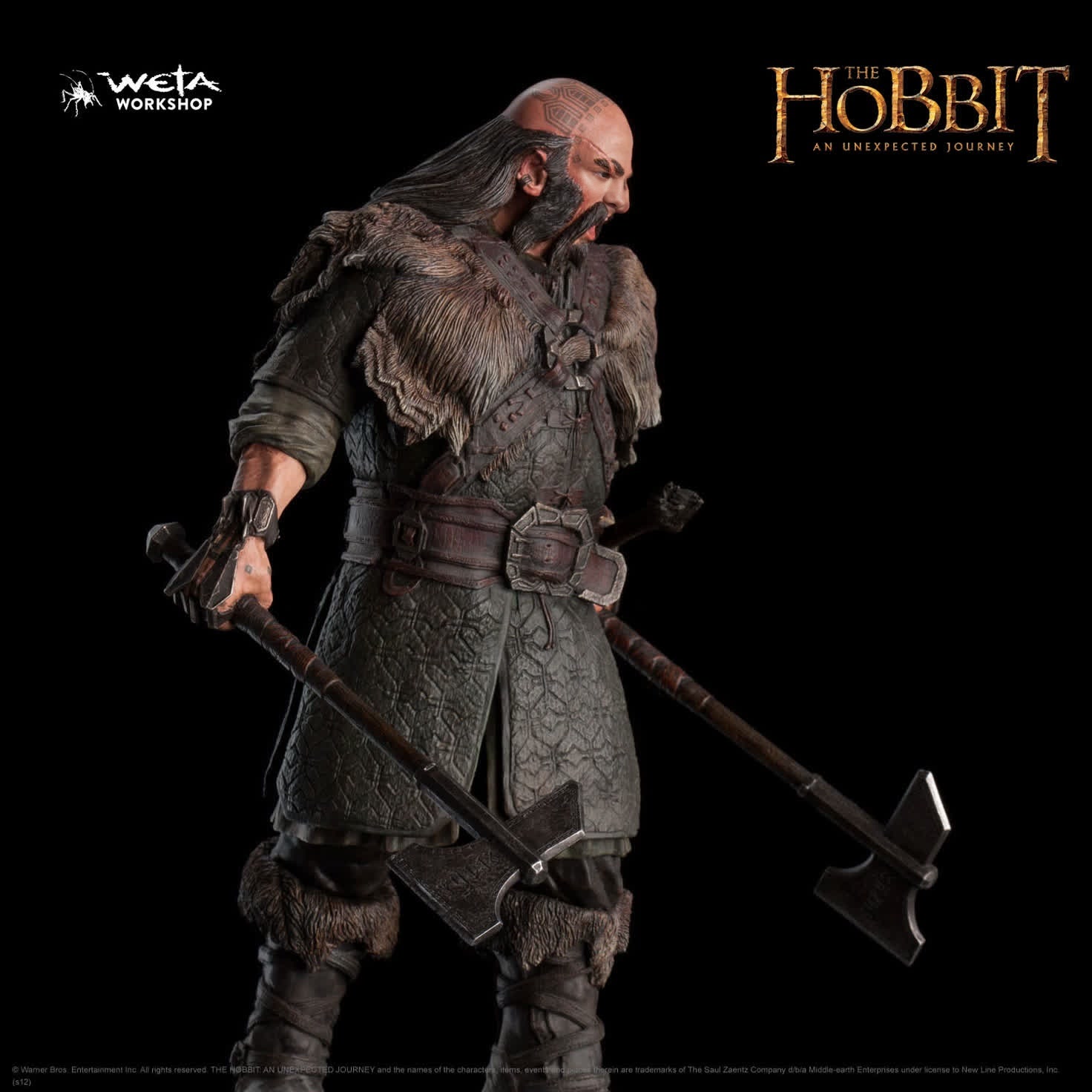
Dwalin The Dwarf The Hobbit
- Image
- 1472 × 1472 px
Any aspect ratio
Overview
Dive into the world of Middle-earth with the Dwalin The Dwarf The Hobbit template, designed for the Video Face Swap feature. This template allows you to transform any video by replacing faces with that of Dwalin, a beloved character from J.R.R. Tolkien's The Hobbit. Enjoy a creative adventure that brings Tolkien's fantasy directly into your videos.
What It Does
This template performs a face swap by integrating Dwalin the Dwarf's features into your selected video. Simply choose your video, specify the sections where you want the transformation, and let the template do the rest. You’ll get a video that perfectly aligns the new face with natural expressions and movements.
Who It's For
This tool is perfect for content creators, fantasy enthusiasts, and anyone looking to add a touch of magic to their social media or personal video projects. Whether you're working on a fan tribute, creating entertaining content for social media, or simply having fun with friends, this template offers an accessible, creative outlet.
Summary
Transform your videos into epic adventures with our Dwalin face swap template. With just a few clicks, you can infuse your media with a well-known fantasy figure. Practical for both casual users and video professionals, this tool supports a range of needs from fun, informal projects to more structured, fantasy-themed productions. For more on creating thematic videos, explore our AI Video Generator.
How-To Structure
Choose Your Video

Customize Your Transformation

Generate Your Video

Use Cases
Fan Tribute Videos
Social Media Content
Themed Parties and Events
Best Practices
Choose the Right Source Video
Opt for videos with clear, well-lit faces to ensure a precise and engaging face swap.Adjust Settings Carefully
Fine-tune expression settings to maintain the character's natural look, particularly if the video has dynamic lighting or movements.Preview Before Finalizing
Use the preview feature to check alignment and expressions, ensuring the transformation is smooth before finalizing.