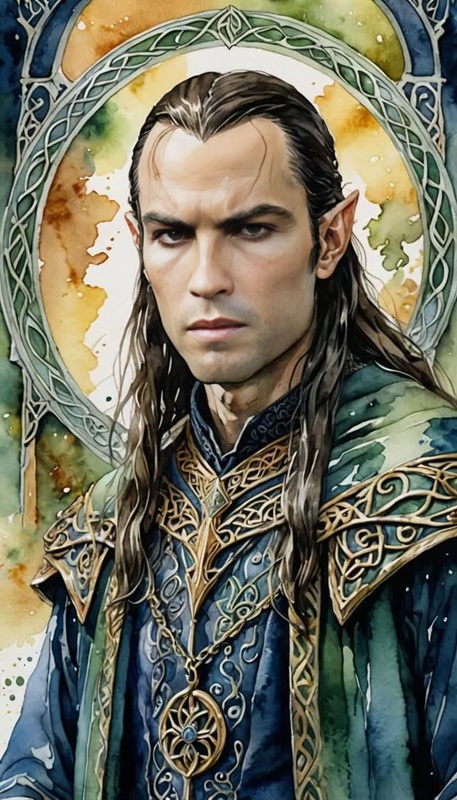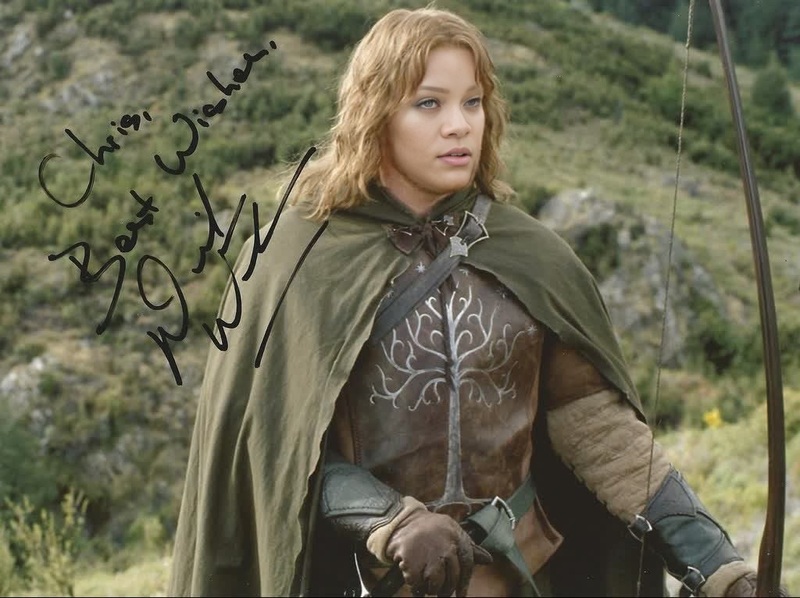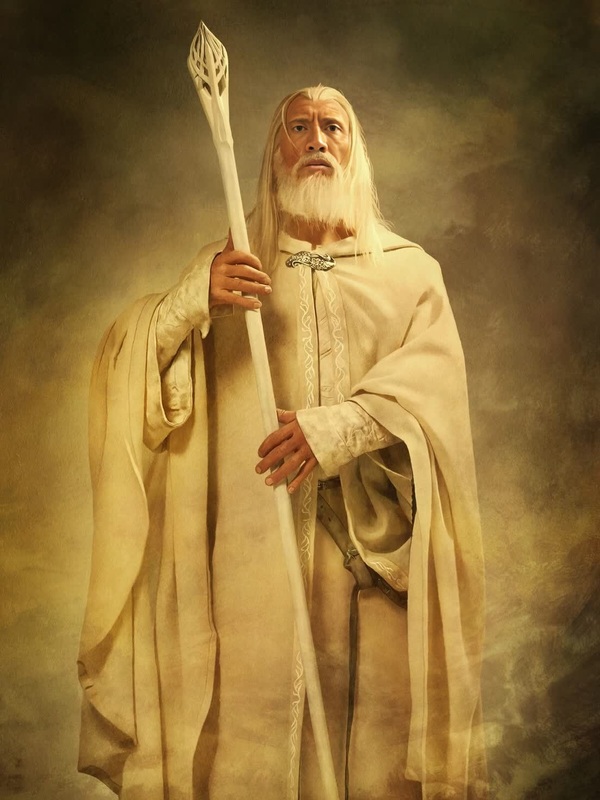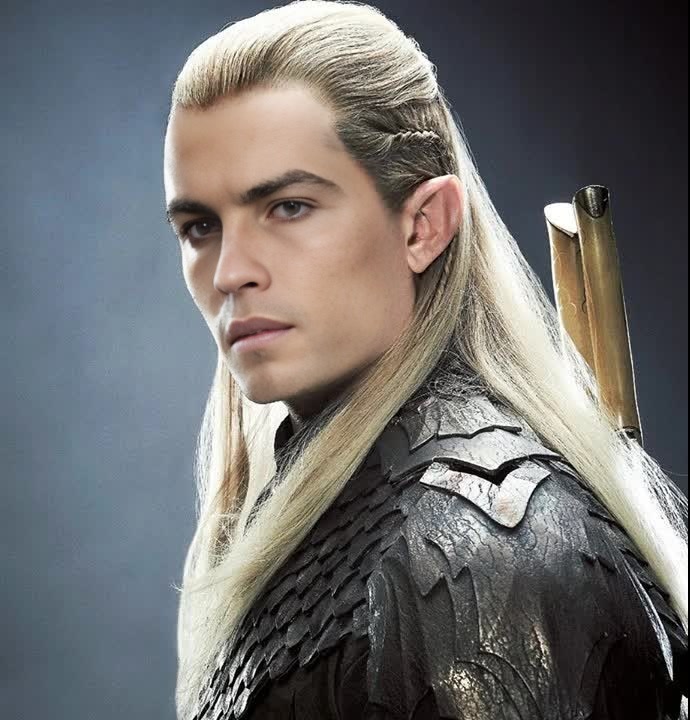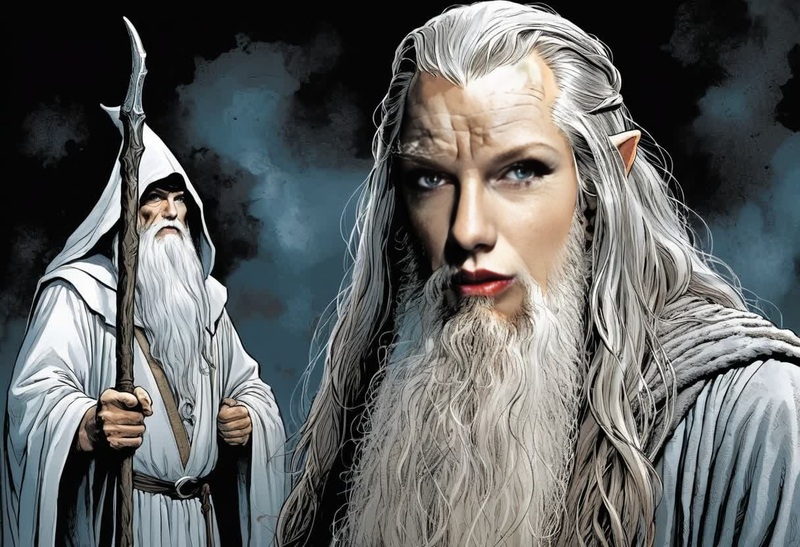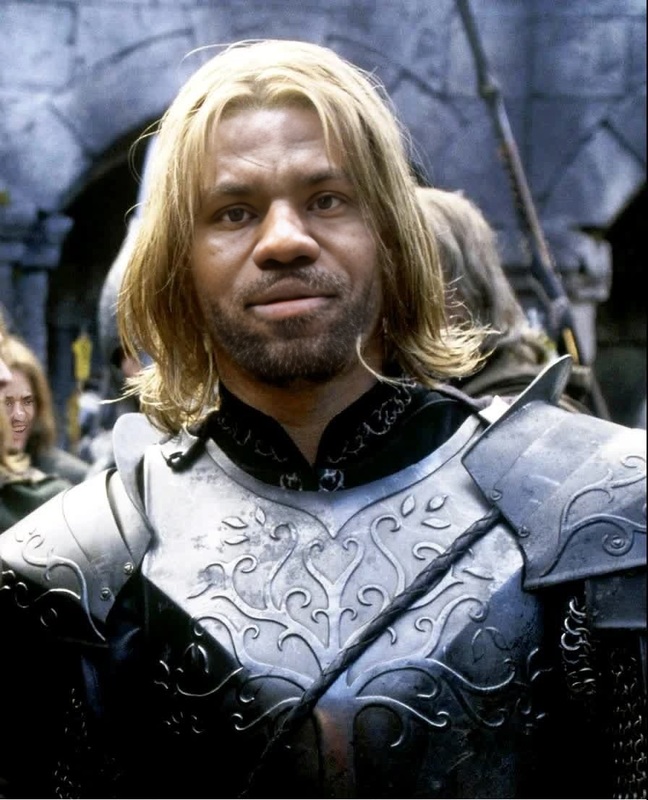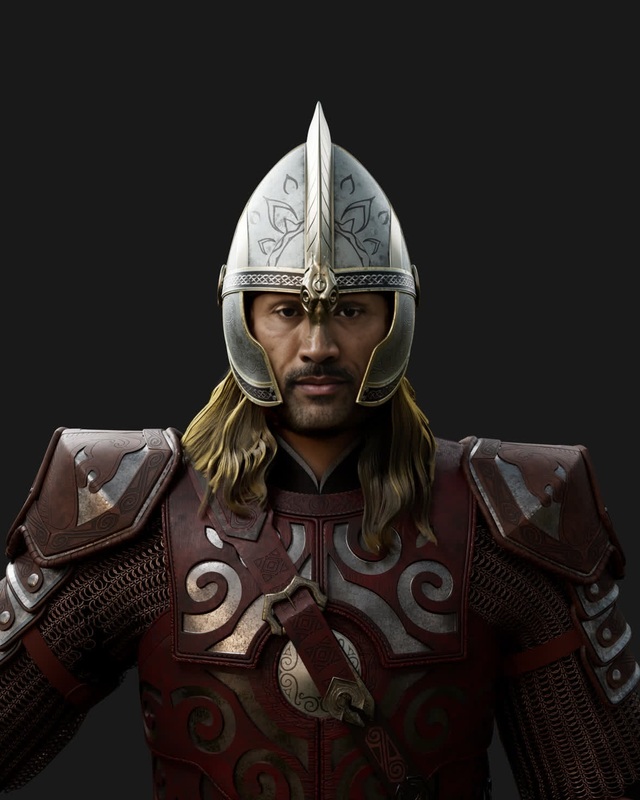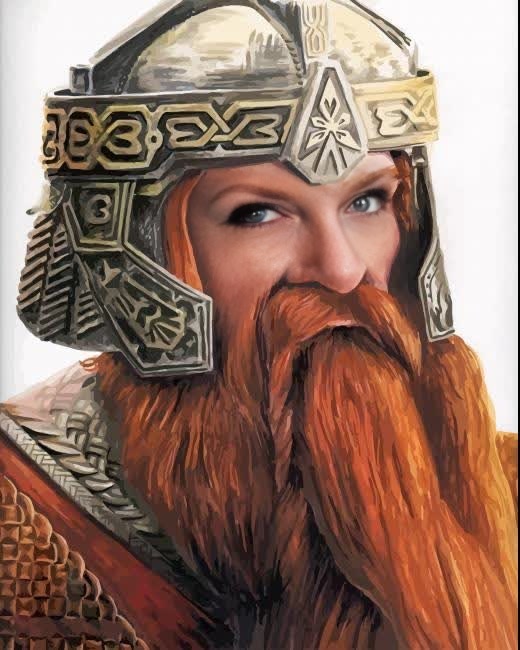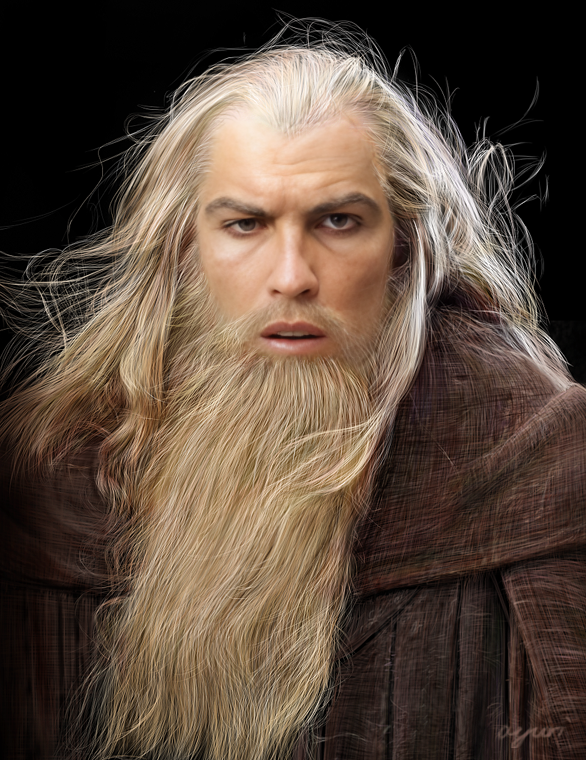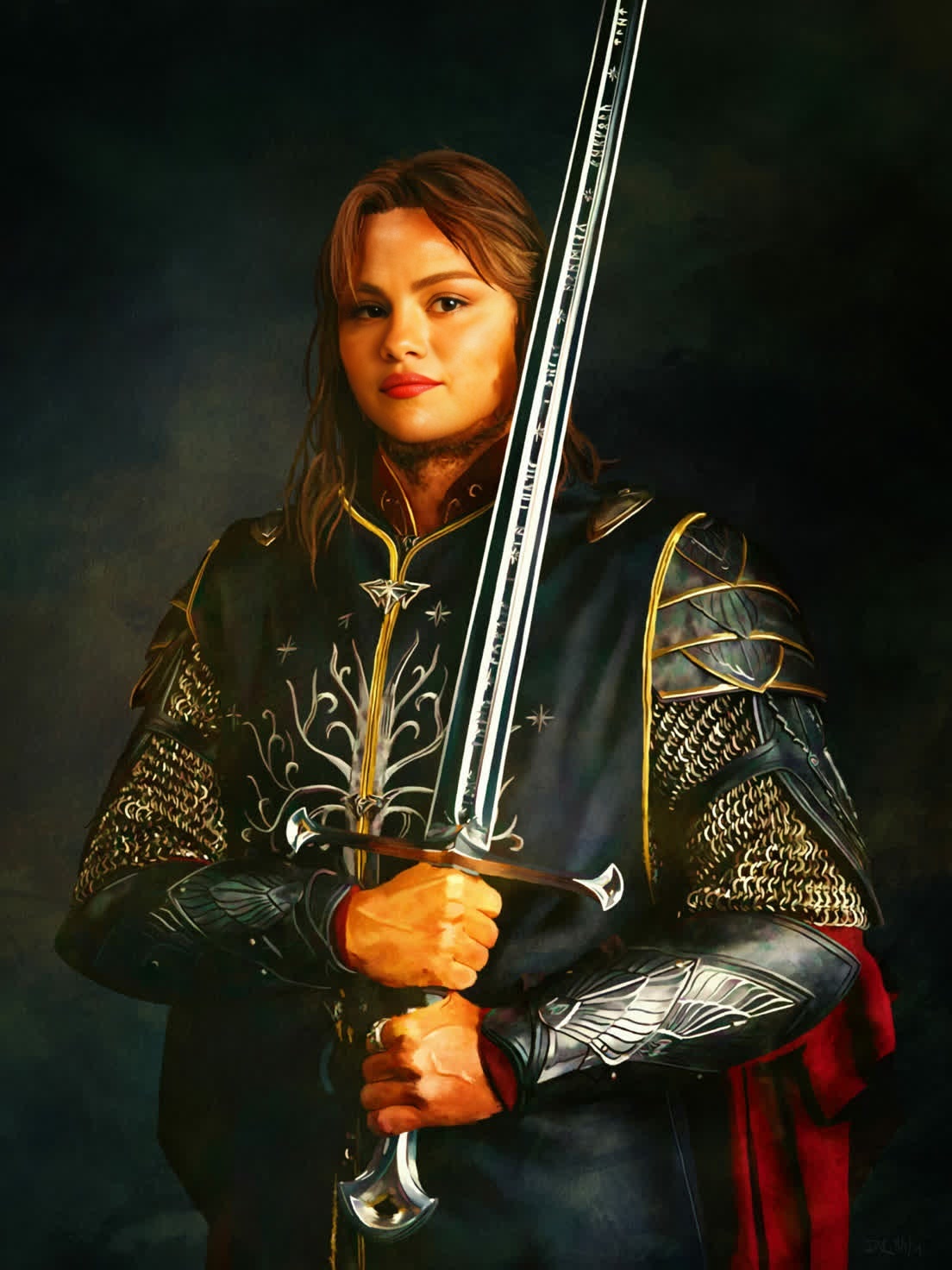
Aragorn Lord Of The Rings
face-swap
Any aspect ratio
Tags
transformationsTurn any face into a studio‑quality video character with this Face Swap template. Perfect for short‑form content, UGC ads, character experiments, meme videos, and rapid creative testing—without a camera, studio, or actor on set.
What this template does
This template uses Magic Hour’s Face Swap to replace the face in a source video with your own (or any other face you control the rights to), while preserving:
- Original lighting, camera angles, and motion
- Expressions and head movement
- Background, scene composition, and timing
It’s built on the same engine as Magic Hour’s core Face Swap product, optimized for consistent, repeatable results in short videos that are easy to remix.
If you want to build something similar from scratch, you can start from the base Face Swap Video creator and adapt the workflow described below.
When to use this template
This template is designed for creators and teams who need fast, controllable face‑driven video:
- UGC & performance ads
- Turn one actor into multiple “personas” to A/B test creatives
- Localize the same concept with different on‑screen talent
- Creator & influencer workflows
- Generate face‑on‑camera content without recording every take
- Keep a consistent “character” across many videos
- Product & startup storytelling
- Demo flows, explainers, and pitch content with a recognizable face
- Create lightweight spokesperson videos from stock or existing footage
- Meme, parody, and fan content
- Put yourself into iconic scenes or trending clips (within platform and legal guidelines)
- R&D and prototyping
- Quickly test narrative, script, or motion ideas before you commit to live shoots
For animated or stylized characters instead of realistic footage, combine this with Video to Video, Animation templates, or character tools like the AI Character Generator and Animated Characters Generator.
How to remix this template in Magic Hour
You can either use this template directly or recreate your own variant by:
Start from Face Swap Video
- Open the Face Swap Video creator.
- Use a short clip (5–20 seconds works well) with clear, front‑facing or 3/4 view of the subject.
Add your target face
- Upload a high‑quality, well‑lit image or use a generated face from tools like the AI Face Generator or AI Selfie Generator.
- For brand or creator use, keep the target face consistent across projects to maintain identity.
Refine your base footage
- If you don’t have ideal source footage, you can:
- Generate an image with the AI Image Generator or AI Photo Generator, then animate it with Image to Video or Text to Video.
- Use AI Image Editor to fix lighting, background, or composition before converting to video.
- If you don’t have ideal source footage, you can:
Swap, review, and iterate
- Run Face Swap, preview the result, then:
- Clean up frames or create variations by adjusting your source video.
- If needed, upscale output with the Video Upscaler or refine stills with the AI Image Upscaler.
- Run Face Swap, preview the result, then:
Add voice, lip sync, or talking photo effects (optional)
- For talking‑head or explainer formats:
- Use Lip Sync with your swapped video and an audio track.
- Generate or clone voices with the AI Voice Generator or AI Voice Cloner.
- Start from a portrait and use AI Talking Photo if you only need a simple talking‑head.
- For talking‑head or explainer formats:
You can save your workflow as a new template and reuse the same “face + motion + voice” stack across campaigns or clients.
Best practices for high‑quality Face Swap videos
To get production‑ready outputs that hold up in ads and client work:
1. Choose strong source footage
- Angle & framing: Aim for clear views of the face with stable composition.
- Lighting: Avoid extremely low light or heavy backlighting.
- Motion: Natural head movement is ideal; rapid whipping or heavy occlusion (hands over face, helmets) can reduce quality.
If your original footage is low‑res or old, you can improve it first with:
2. Use clear, representative target images
- Well‑lit, sharp, and front‑facing images tend to transfer best.
- Avoid heavy filters or extreme distortions.
- If designing a fictional character, tools like the AI Art Generator, AI Anime Generator, or Disney AI Generator can create stylized faces that still swap cleanly.
3. Keep identity and ethics in mind
Industry practice and platform policies increasingly require:
- Consent and rights: Only swap faces you have rights and permission to use. Avoid impersonating real people without clear consent, especially public figures.
- Disclosure: For ads and branded content, be transparent when talent is AI‑generated or modified.
- Brand safety: Align usage with your organization’s guidelines and local regulations on likeness and deepfakes.
For deeper context, see emerging standards from organizations like the Partnership on AI on responsible synthetic media and deepfake disclosure.
Combine Face Swap with other Magic Hour tools
To build more advanced or automated pipelines, you can chain this template with other Magic Hour features:
From still to character video
- Generate a face with AI Face Generator or Avatar Generator.
- Animate it via Image to Video or Text to Video.
- Refine as needed with AI Face Editor.
Creative variants and testing
- Produce multiple swapped personas from a single base asset to test performance ads.
- Use AI Outfit Generator or AI Clothes Changer on frames or stills to explore wardrobe variations.
- For humorous or social‑native content, layer in the AI Meme Generator.
Polish and distribution
- Clean or simplify backgrounds with the Image Background Remover or AI Background Generator.
- Add subtitles automatically with the Auto Subtitle Generator.
- Generate platform‑ready visuals (thumbnails, covers, QR codes) via:
Example workflows this template can power
Founder intro videos at scale
- Record or generate a single base performance → swap your face into localized or variant videos → add cloned voice and subtitles for each market.
Multi‑persona ad testing for DTC brands
- One base UGC script and motion → multiple faces representing different demographics or aesthetics → track which persona converts best.
Fictional spokespersons and mascots
- Design a character with AI Character Generator or AI Manga Generator → animate and face‑swap onto real footage for hybrid live‑action / stylized spots.
Internal training and documentation
- Use a consistent on‑screen “trainer” across all process videos without repeated shoots → keep tone and identity stable as documentation scales.
How to adapt this template to your use case
Once you’ve run this template a few times, you can:
Swap in new:
- Target faces (for new talent, personas, or markets)
- Base videos (for different scripts, gestures, or scenarios)
- Voices and languages with AI Voice Generator and Lip Sync
Turn your best combinations into reusable Magic Hour templates for your team or clients so they can:
- Drop in a new script or audio
- Keep the same visual identity and quality bar
- Produce new content in minutes instead of re‑shooting
Related Magic Hour tools worth exploring
Depending on your pipeline, these can extend what you do with Face Swap:
- Face Swap (core product) – overview of Face Swap capabilities
- Face Swap GIF – for short, looping formats
- AI Headshot Generator – generate professional faces for corporate or SaaS use
- AI Talking Photo – turn a single image into a speaking avatar
- AI Voice Changer – align on‑screen identity with the right vocal tone
- AI Image Editor – quick edits, cleanup, and compositing for any frame or asset
Use this template as a starting point, then remix it with these tools to build your own custom, scalable Face Swap system inside Magic Hour.