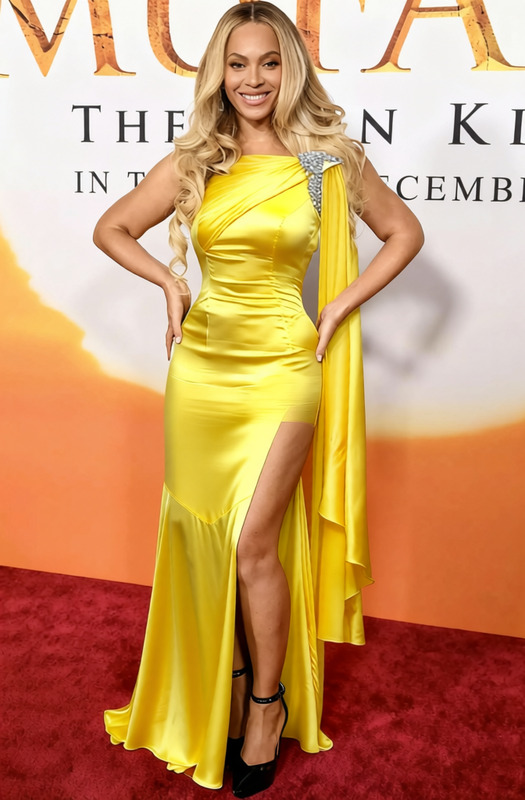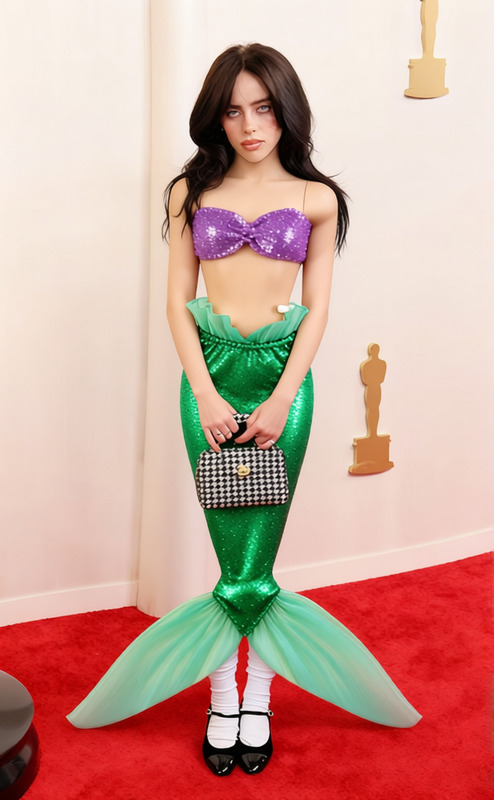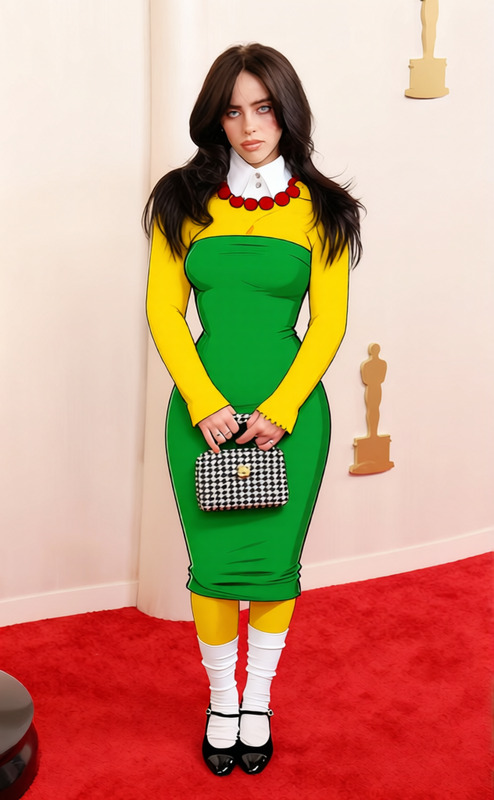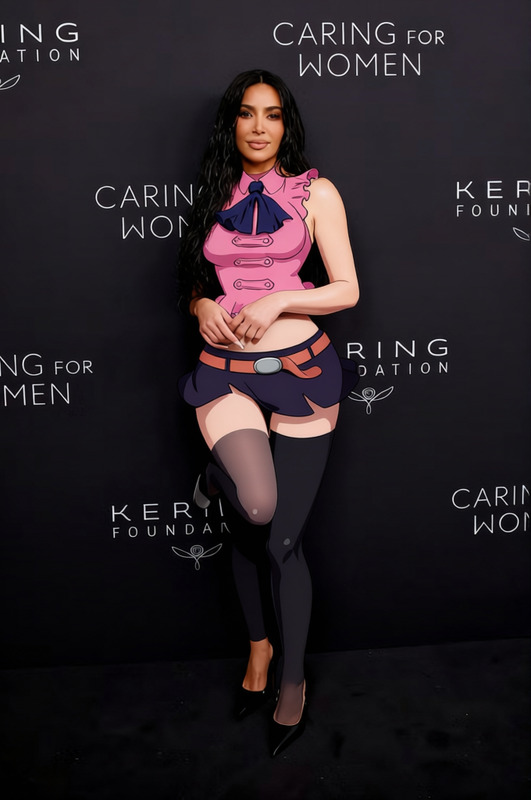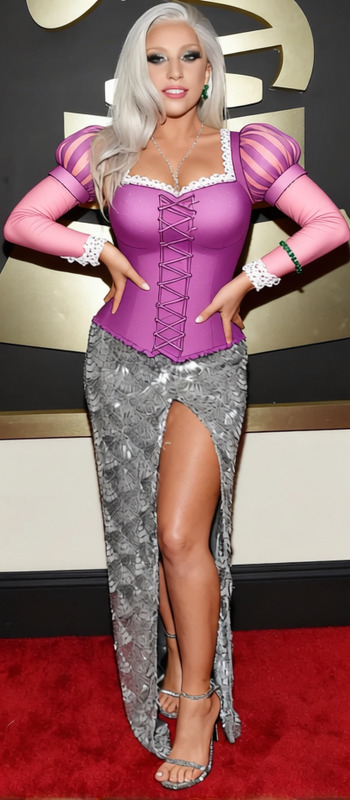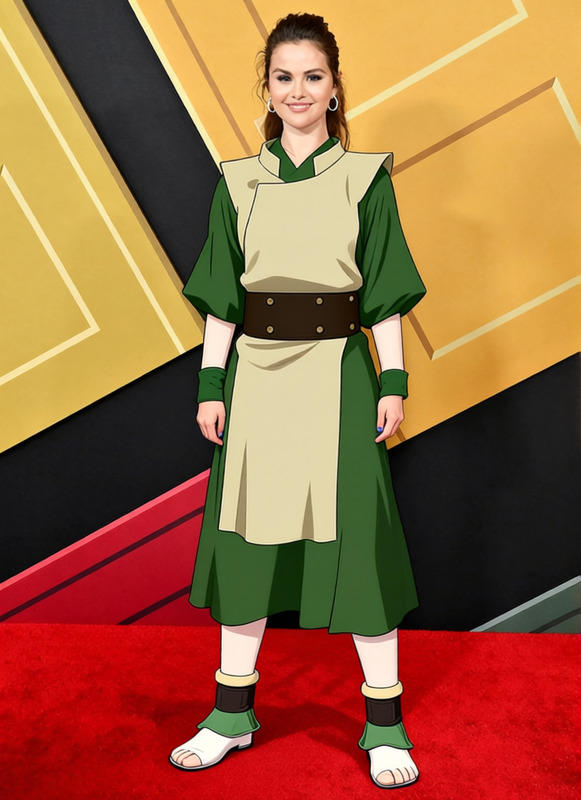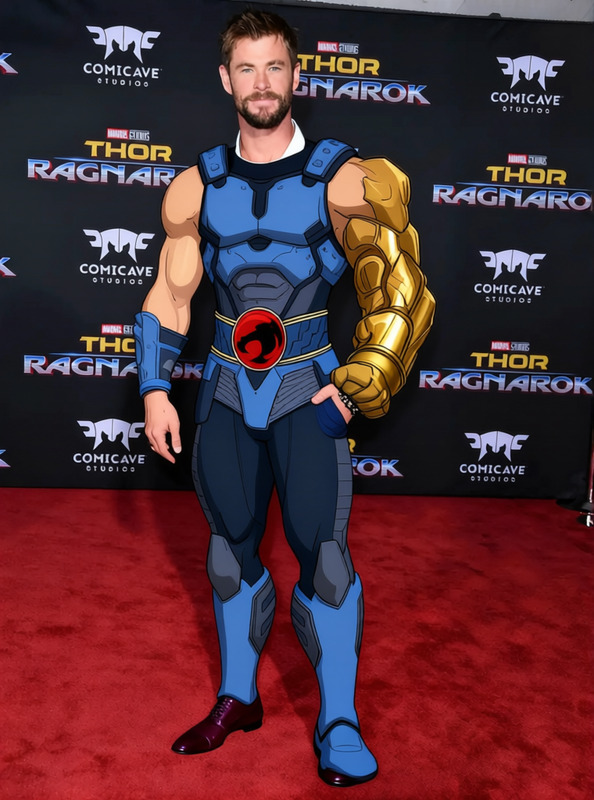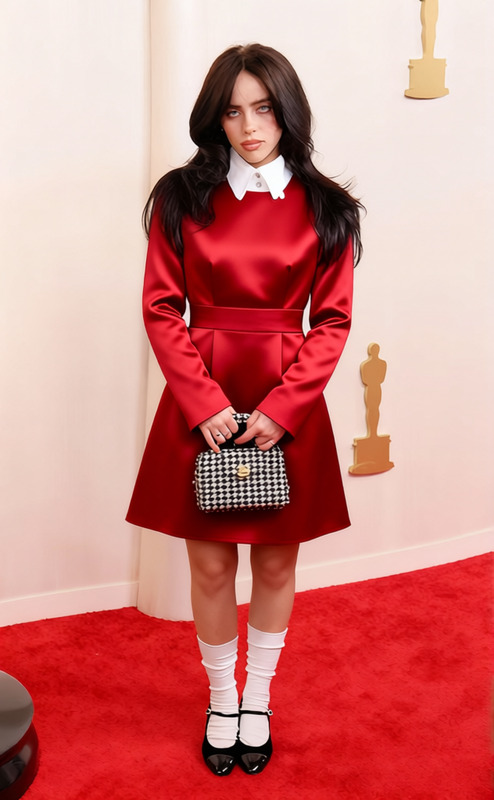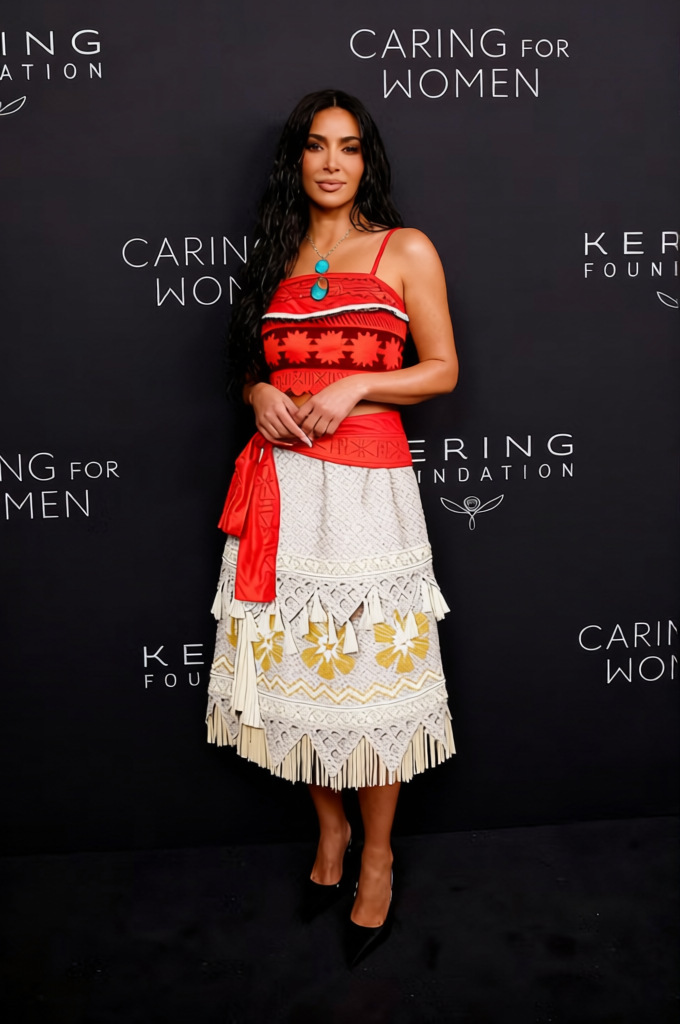
Moana Red Crop Top With Straw Skirt And Flower Lei 2
Any aspect ratio
Overview
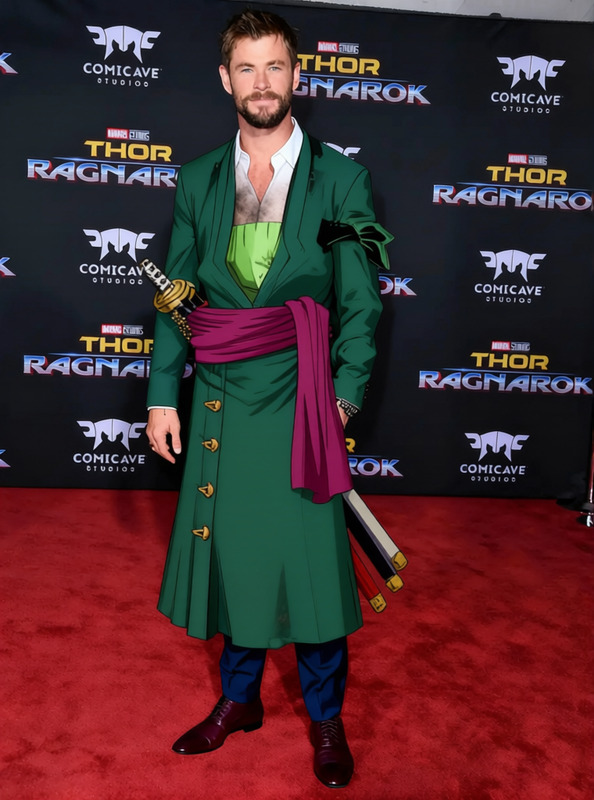
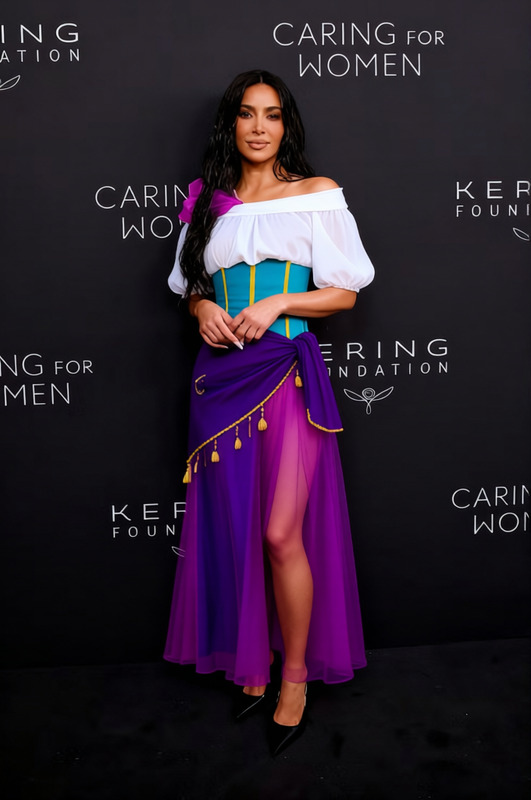
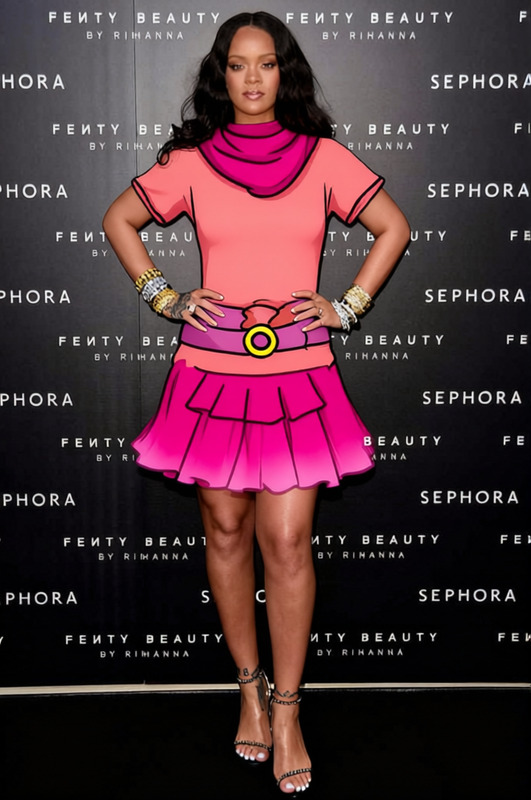
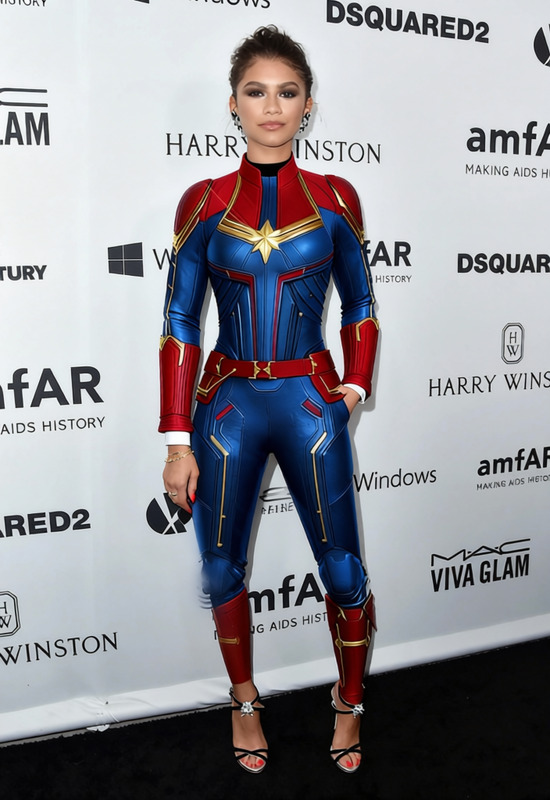
The "Moana Red Crop Top With Straw Skirt And Flower Lei 2" template is a creative tool to effortlessly change an outfit in your images. Whether you're working on digital art, photo editing, or creating visual content, this AI Clothes Changer template is here to enhance your images with a tropical Moana-inspired look.
What It Does
This template allows you to apply a fun, tropical style to any image with AI-powered precision. It changes the clothes in your photo to a red crop top, a straw skirt, and a flower lei without impacting the photo's overall quality. It's perfect for boosting engagement with vibrant visuals on social media or creating themed content for various campaigns.
Who It's For
This template is ideal for social media managers, digital artists, and content creators seeking to diversify their visual assets. It's particularly suited for those in the fashion and entertainment industries who want to experiment with virtual clothing styles. Hobbyists looking to enhance personal photos with a touch of creativity will also find this template valuable.
Summary
With this template, transforming your photos into vibrant, thematic visuals is just a few clicks away. Easily accessible and highly versatile, it integrates with your workflows to deliver quick and impressive results. Explore similar functionalities with our AI Image Editor or add dynamic backgrounds using the AI Background Changer.
How To
Choose the Template

Customize Your Inputs

Generate Your Image

Use Cases
Themed Social Media Posts
Fashion Mockups
Content Marketing
Best Practices
Select High-Quality Images
To ensure the best output, use images that are clear and well-lit. This helps the AI apply textures more precisely.Adjust Settings Carefully
Utilize the customization settings thoughtfully, especially for fit and placement, to ensure natural-looking results.Experiment with Angles
Different perspectives can yield better results, particularly with complex outfits or overlapping elements.