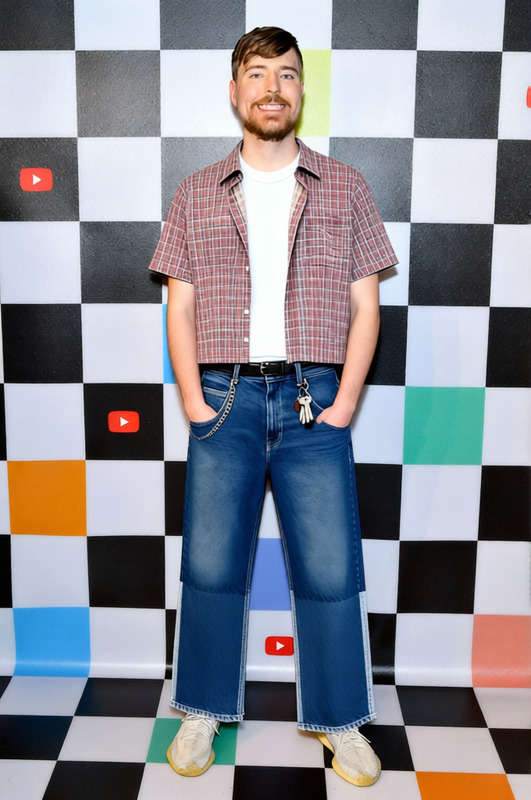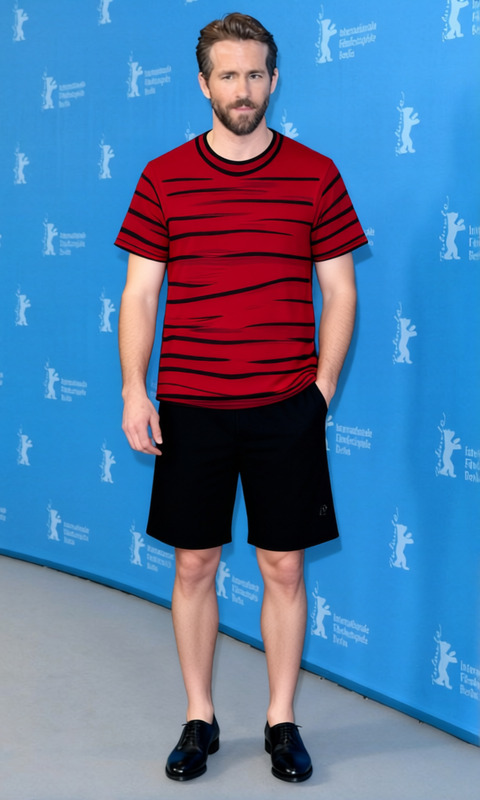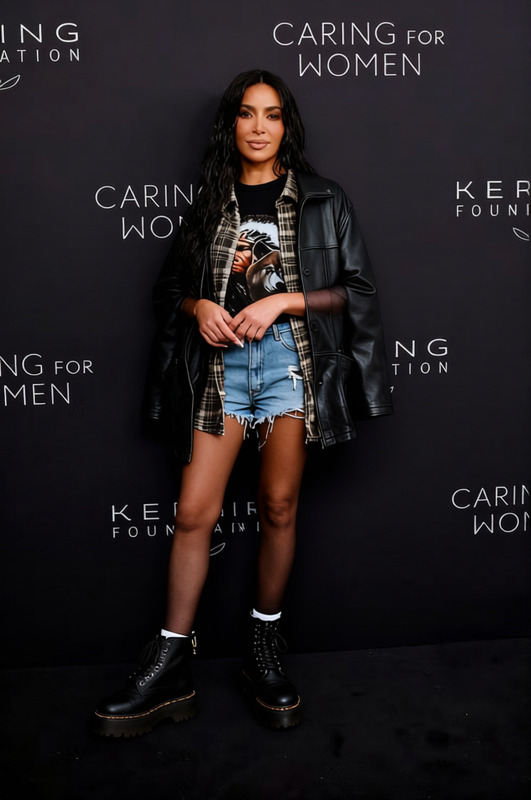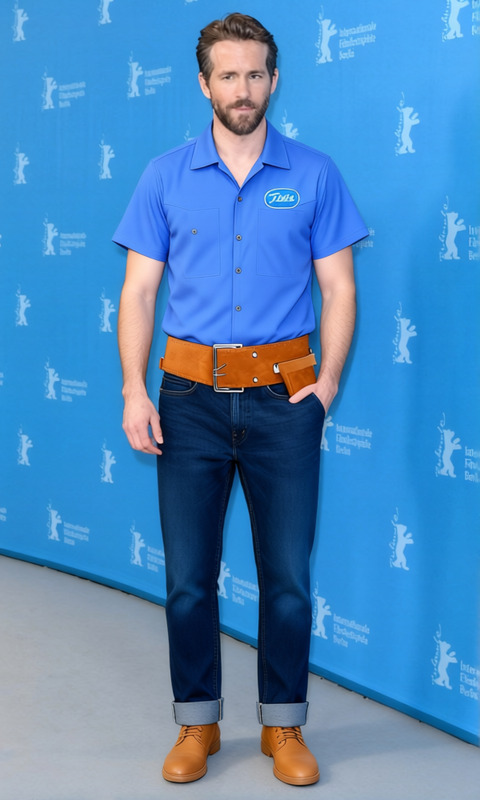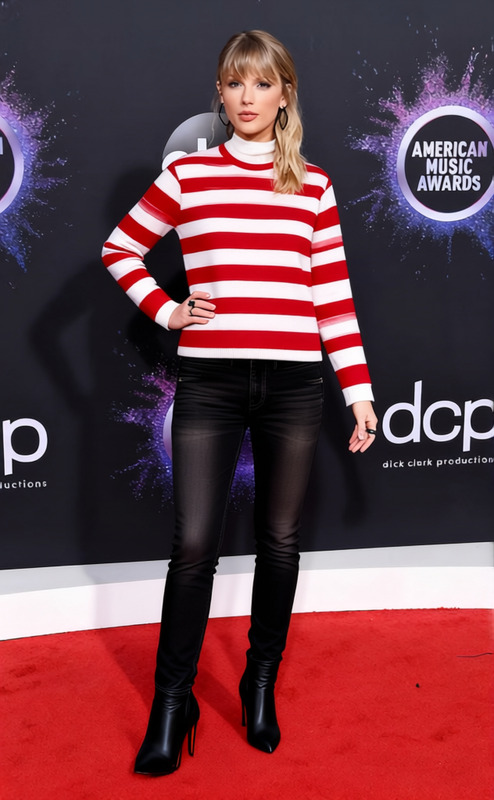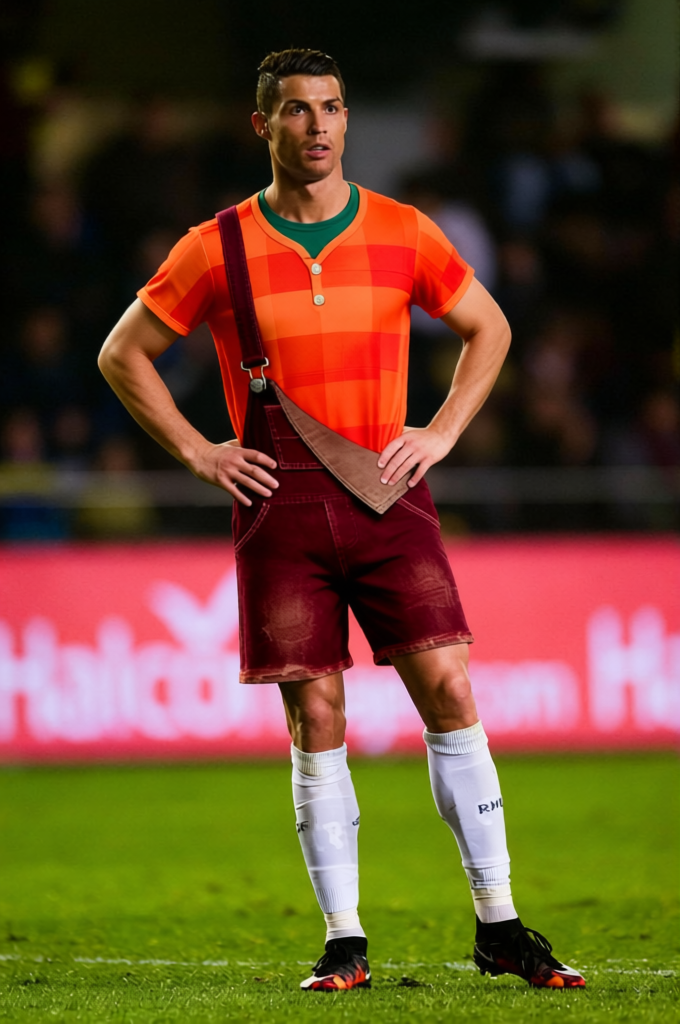
Wreck It Ralph Red Plaid Shirt With Brown Overalls
- Image
- 680 × 1024 px
Any aspect ratio
Overview
Transform your images with the Wreck It Ralph Red Plaid Shirt With Brown Overalls template. This easy-to-use Clothes Changer lets you alter outfits in photos by swapping clothes with Ralph's iconic red plaid shirt and brown overalls combo. This feature is ideal for fashion designers, digital content creators, and anyone looking to add a unique touch to their projects.
What It Does
The Clothes Changer template replaces the attire of subjects in your pictures, providing a creative makeover with Wreck It Ralph's signature look. It's perfect for generating standout social media content, designing marketing materials, and giving your images a special pop. Pair this with our AI Image Editor for complete control over your visuals.
Who It's For
If you are a content creator, marketer, or fashion enthusiast, this template is designed for you. It's ideal for those who want to reimagine character styles or add a playful element to promotional images. Users across various industries can find value in this tool, especially when used alongside our AI Clothes Changer and Face Swap products for even more creative possibilities.
Summary
With the ability to swap outfits quickly, this template can enhance your design projects instantly. It's a versatile tool for creating engaging content whether you are working in advertising or personal projects. Explore more with our AI Product Photography solutions.
How To
Choose the Template

Customize Inputs

Generate and Download

Use Cases
Social Media Content
Marketing Materials
Personal Projects
Best Practices
Use High-Quality Images
Ensure that the original image you upload is of high resolution to achieve the best results with the clothes swap.Check Fit
Preview and adjust the fit of the new clothes to ensure they align properly with the subject's body.Combine Tools
Enhance your images further by using additional tools like the AI Image Upscaler to boost image resolution after applying changes.