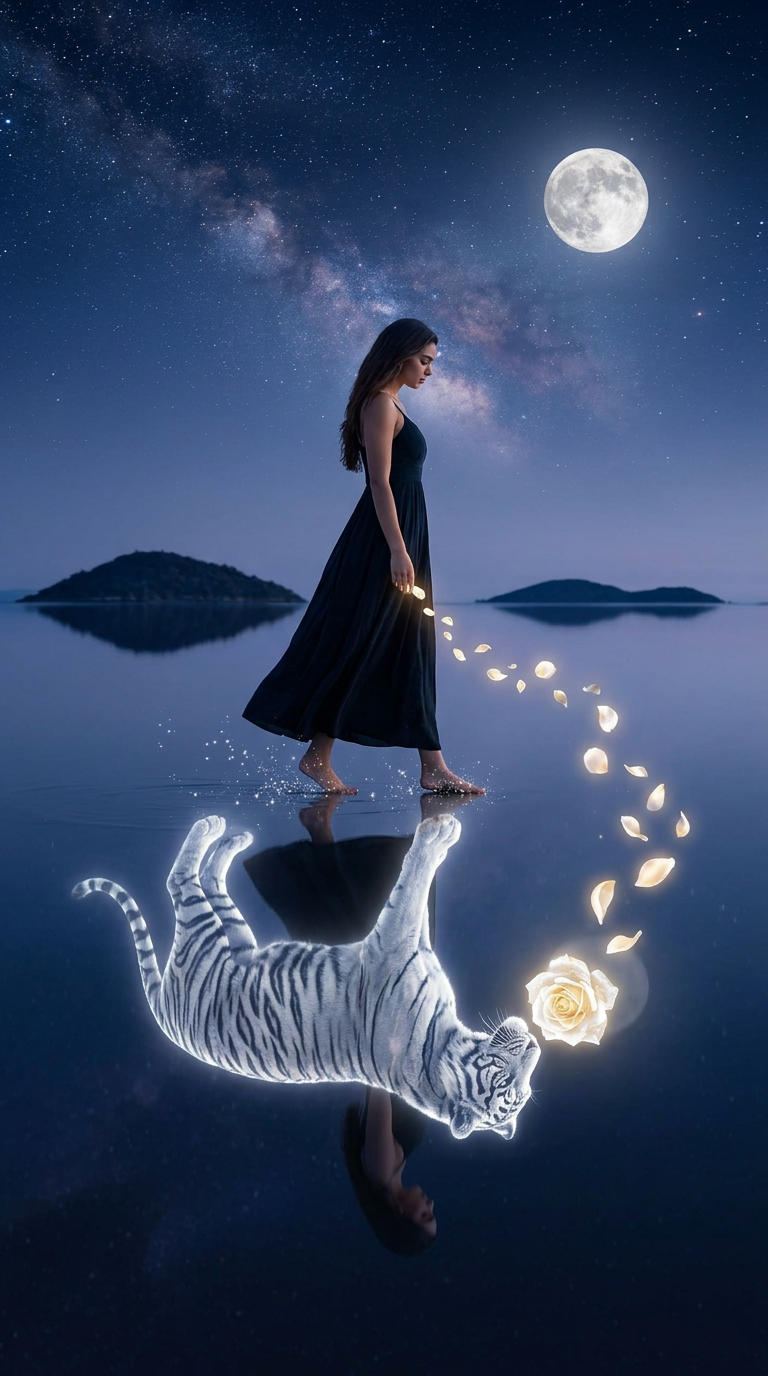
Moonlit Reflection: The Tiger and the Rose
Any aspect ratio
A wide cinematic photorealistic night scene: a {subject} walks barefoot in profile across mirror-like shallow water, wearing a flowing {outfit}, head slightly lowered. If reference provided, match her appearance closely. The water reflects perfectly, except beneath her feet where a glowing white-silver spirit tiger (soft blue light) replaces her reflection, sniffing a luminous white-gold rose visible only in the reflection. A trail of glowing rose buds and petals flows from her hand in an arc, connecting to the rose below; faint sparkles shimmer around her feet. Background: distant dark islands, indigo sky with stars, Milky Way, and a large glowing full moon. Cool cinematic moonlight mixed with internal glow from tiger and rose.
Overview
Moonlit Reflection: The Tiger and the Rose is a cutting-edge AI Image Editor built on the powerful nano-banana-2 model. This template is designed to craft stunning visual narratives, perfect for enhancing creative projects. Experience the magic of cinematic night scenes with intricate reflections and mesmerizing details.
What It Does
Moonlit Reflection allows you to generate a photorealistic night scene with an artistic twist: a subject walks across a reflective surface, under a celestial sky. The reflection incorporates an ethereal element with a spirit tiger and a luminescent rose, creating a unique visual storytelling opportunity. This template is ideal for users looking to produce cinematic images that captivate and inspire, all with the ease of AI-powered editing tools.
Enhance the imagery further using our AI Image Editor for customization, layering effects, and refining visuals.
Who It's For
This template is perfect for creators, storytellers, and designers who want to bring their narratives to life with a fantastical flair. If you're involved in producing gaming cinematics, digital art, or promotional material, this template offers a wealth of possibilities. Achieving complex reflective imagery has never been so accessible for both professionals and hobbyists.
Summary
The Moonlit Reflection template is designed for crafting immersive and cinematic scenes with ease. It allows for the integration of elaborate visual elements that are both dreamlike and photorealistic. Whether you're aiming to produce an image for a promotional campaign or a personal art project, the possibilities are as vast as the night sky depicted in your creations.
How To
Choose Your Template

Customize the Scene

Generate Your Image

Use Cases
Creative Storytelling
- Immersive children's book illustrations
- Visual narratives for modern fairy tales
- Cover art for novels or music albums
Presentation Enhancements
- Backgrounds for slide decks
- Mood-setting visuals for video introductions
- Engaging branding materials
Digital Art Projects
- Digital art series
- Concept art for games and films
- Online galleries and exhibitions
Best Practices
Customize Thoughtfully
When selecting the subject and outfit, think about the mood and story you wish to convey. This will enhance the connection between the visual and its narrative purpose.Experiment with Light
Adjust the balance between moonlight and internal glow sources such as the rose and spirit tiger to see what fits best.Use High-Quality References
If including references to match for appearance, ensure they are clear and high-resolution to obtain the best results from the template.