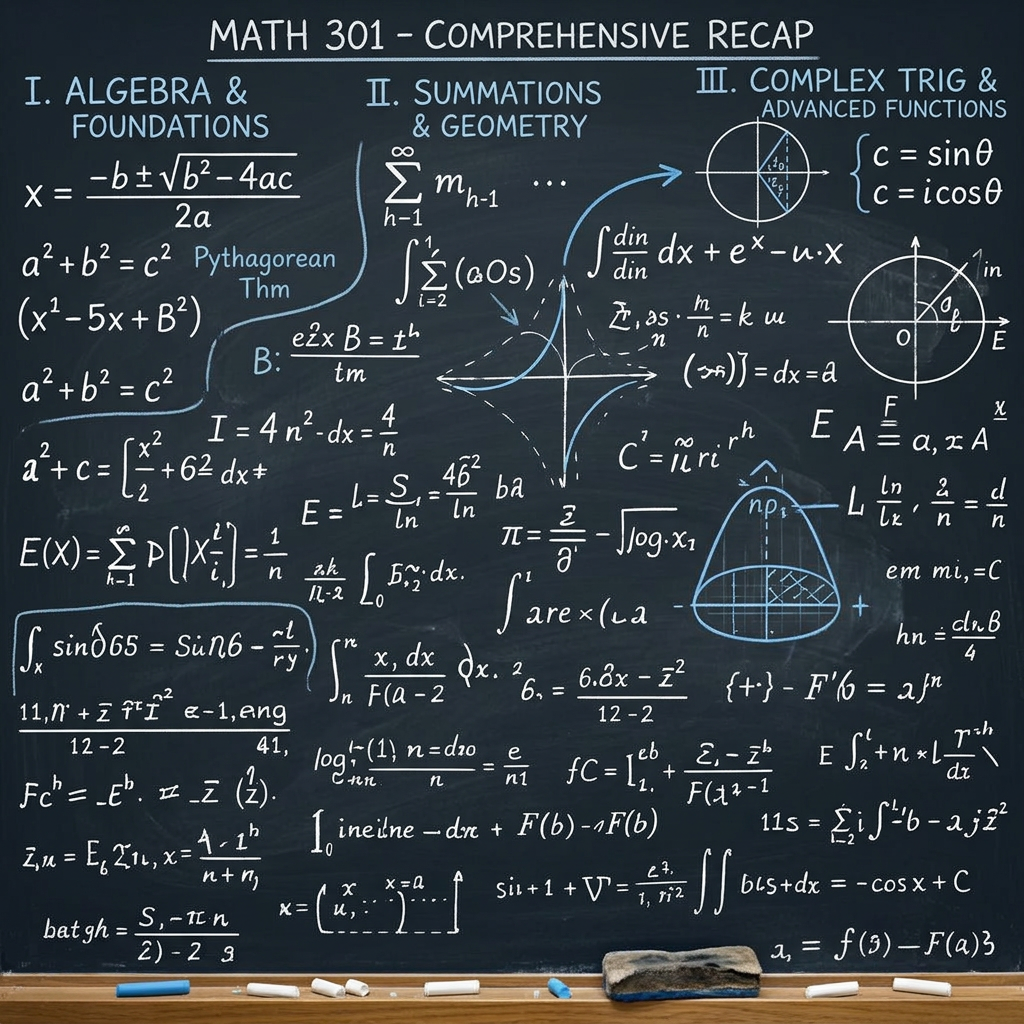
Professor's whiteboard
ai-image-editor
Any aspect ratio
Convert this paper into a professor's whiteboard image to help me understand the information
AI Image Editor Template: Instantly Transform and Refine Any Image with Precision
Turn rough ideas, raw photos, or design drafts into polished, production‑ready visuals using this AI Image Editor–powered template. Whether you’re a founder shipping landing pages, a marketer testing creatives, or a creator iterating on visual concepts, this template gives you a fast, repeatable way to:
- Remove distractions
- Replace or clean up backgrounds
- Fix faces and details
- Swap objects or add new elements
- Match a specific brand or aesthetic style
All directly in your browser, with no manual masking or complex tools.
What This Template Is For
This template is built on the AI Image Editor and is ideal for:
- Marketing & growth teams
- Tweak ad creatives for A/B tests
- Localize visuals for different markets
- Clean up UGC or influencer content before launch
- Startup founders & product teams
- Generate landing page hero images from screenshots or mockups
- Remove logos, clutter, or IP‑sensitive elements in product photos
- Prototype UI/UX visuals without a designer on call
- Creators, designers, and agencies
- Rapidly iterate concepts for clients
- Upscale and refine portfolio pieces
- Repair old or imperfect source files instead of starting from scratch
- Developers & technical users
- Quickly produce visuals for docs, demos, decks, and internal tools
- Align interface screenshots or diagrams to a consistent visual style
If you already use Magic Hour for generation, this editor is the fastest way to refine what you or your models have created.
How to Remix This Template in Magic Hour
You can use this template as‑is, or treat it as a starting point and build your own version in a few minutes by remixing it inside Magic Hour:
Open the template in Magic Hour
- Start from this page and launch the template. It will automatically open in the AI Image Editor environment.
Upload or import your base image
- Use:
- Product photos
- Ad creatives
- Portraits or headshots
- Screenshots or UI designs
- You can also generate a base image first using:
- Use:
Edit by describing what you want to change
- Use plain language:
- “Remove the background and replace it with a clean white studio look.”
- “Make this look like a cinematic product render.”
- “Turn the office into a modern coworking space.”
- “Change the color of the shirt to dark navy.”
- The AI will handle segmentation, masking, and blending for you.
- Use plain language:
Iterate quickly
- Run multiple variations with different prompts to:
- Try alternate colors or layouts
- Explore different visual styles (minimalist, cyberpunk, cinematic, editorial, etc.)
- Adapt the same core image for different platforms or campaigns
- Run multiple variations with different prompts to:
Export and reuse
- Once satisfied, export the final asset for:
- Landing pages, app stores, and marketing sites
- Paid ads and social posts
- Pitch decks, investor updates, or internal docs
- Once satisfied, export the final asset for:
You can repeat this flow to build your own internal “micro‑templates” for recurring tasks—e.g., a standard product‑launch hero image, or a recurring campaign format.
Practical Use Cases and Example Workflows
Below are concrete patterns smart teams use with the AI Image Editor, plus how you can extend them with other Magic Hour tools:
1. Clean, On‑Brand Product Images
- Remove messy backgrounds, unwanted objects, reflections, or logos
- Standardize lighting and style across a product catalog
- Add subtle context: desks, hands, environments for lifestyle shots
Complementary tools:
- Generate new product scenes with AI Background Generator
- Upscale and sharpen exports with AI Image Upscaler
- Remove stubborn elements with AI Remover or Remove Object from Photo
2. High‑Conversion Creatives for Paid & Social
- Quickly produce multiple ad variants from one base concept
- Localize backgrounds and visual cues for specific regions or audiences
- Generate thumbnails and social visuals in a consistent style
Useful complements:
- Design channel‑specific thumbnails via Thumbnail Maker
- Turn winning static creatives into short videos with Image to Video
- Generate memes or social‑native hooks with AI Meme Generator
3. Portraits, Headshots, and Personal Branding
- Clean up lighting, distractions, and cluttered backgrounds
- Adjust clothing colors to match brand palettes
- Subtly refine facial details for a professional look
Combine with:
- AI Headshot Generator for net‑new professional portraits
- AI Selfie Generator for more casual or social‑native looks
- AI Face Editor or AI Face Generator for advanced face‑level edits
4. Concept Art, Fictional Worlds, and Characters
If you’re building IP, games, or visual worlds:
- Start with a rough sketch or reference image
- Use the AI Image Editor to refine, extend, or restyle the scene
- Maintain consistent character or world aesthetics across many images
Advanced ideation with:
- AI Character Generator
- Animated Characters Generator
- AI Manga Generator
- DND AI Art Generator
- Fantasy Map Generator
- Dark Fantasy AI
Turning Static Images into Dynamic Content
Once you’ve polished your images with this template, you can quickly evolve them into motion, characters, and interactive media:
Talking and animated faces
- Use AI Talking Photo to animate portraits
- Combine with AI Voice Generator or AI Voice Cloner for lifelike personalities
- Turn them into full videos with Text to Video or Image to Video
Advanced video transformations
- Turn your edited keyframes into stylized clips with Video to Video
- Animate still characters using Animation Templates
- Sync lip movements in character videos using Lip Sync
- Swap faces in GIFs or clips with Face Swap Video Templates or Face Swap and Face Swap GIF
Short‑form, social, and GIF content
- Turn edited images into looping assets via AI GIF Generator
- Add subtitles in seconds with Auto Subtitle Generator
- Improve video quality using Video Upscaler
Design, Branding, and Visual Systems
For teams that need coherent, system‑level visuals:
- Use the AI Image Editor to align color palettes, backgrounds, and lighting
- Standardize assets across:
- Landing pages
- App UIs
- Slide decks
- Product tours and documentation
Then build surrounding assets with:
- AI Logo Generator for brand marks
- AI Icon Generator for UI icon sets
- AI Illustration Generator for spot illustrations
- Book Cover Generator and Album Cover Generator for content and media launches
- AI Fashion Generator and AI Outfit Generator for apparel and lookbooks
- AI Interior Design Generator and Architecture Generator for environment‑focused brands
Fixing, Repairing, and Enhancing Existing Images
Not all source material is perfect. This template helps you salvage and enhance what you already have:
Repair and restoration
- Clean up older assets and scans
- Remove unwanted text, watermarks, or timestamps with the editor plus:
Sharpen and clarify
- Improve low‑resolution images with:
Transformations and stylization
- Turn photos into sketches via Photo to Sketch
- Generate comic‑style or manga‑style versions with Comic Book Generator and AI Manga Generator
- Experiment with stylistic conversions like Disney AI Generator, Optical Illusion Generator, or Graffiti Generator
Advanced & Niche Creative Workflows
For more specific, high‑leverage workflows:
Avatars and identity
- Create consistent avatars using Avatar Generator
- Edit clothing and vibes with the AI Image Editor + AI Clothes Changer
- Explore alternative looks via Gender Swap or Full Body Generator
Fandom, gaming, and culture
- Generate stylized characters with:
- Refine them with the AI Image Editor to match your exact brand or campaign style
Tattoos and visual exploration
- Prototype body art with AI Tattoo Generator
- Use the editor to place or refine the tattoo concept on a photo realistically
QR, icons, and utilities
- Turn visuals into scannable experiences with AI QR Code Generator
- Add expressive visual language to products and communities with Emoji Generator
Why Use Magic Hour’s AI Image Editor Template
- Built for iteration – You can move from idea → rough visual → refined asset in minutes, not days.
- Creator‑ and startup‑friendly – Practical for growth, product, and content teams working under real deadlines.
- Part of a larger, composable stack – Every image you edit can be plugged into other Magic Hour tools (generation, video, voice, avatars, and more) without changing platforms.
Use this template as your base editing workspace, then remix it into your own internal toolkit for ads, product shots, headshots, UGC, concept art, or documentation assets. Each time you return, you can apply the same editing logic to new images, building a consistent, repeatable visual system powered by AI.