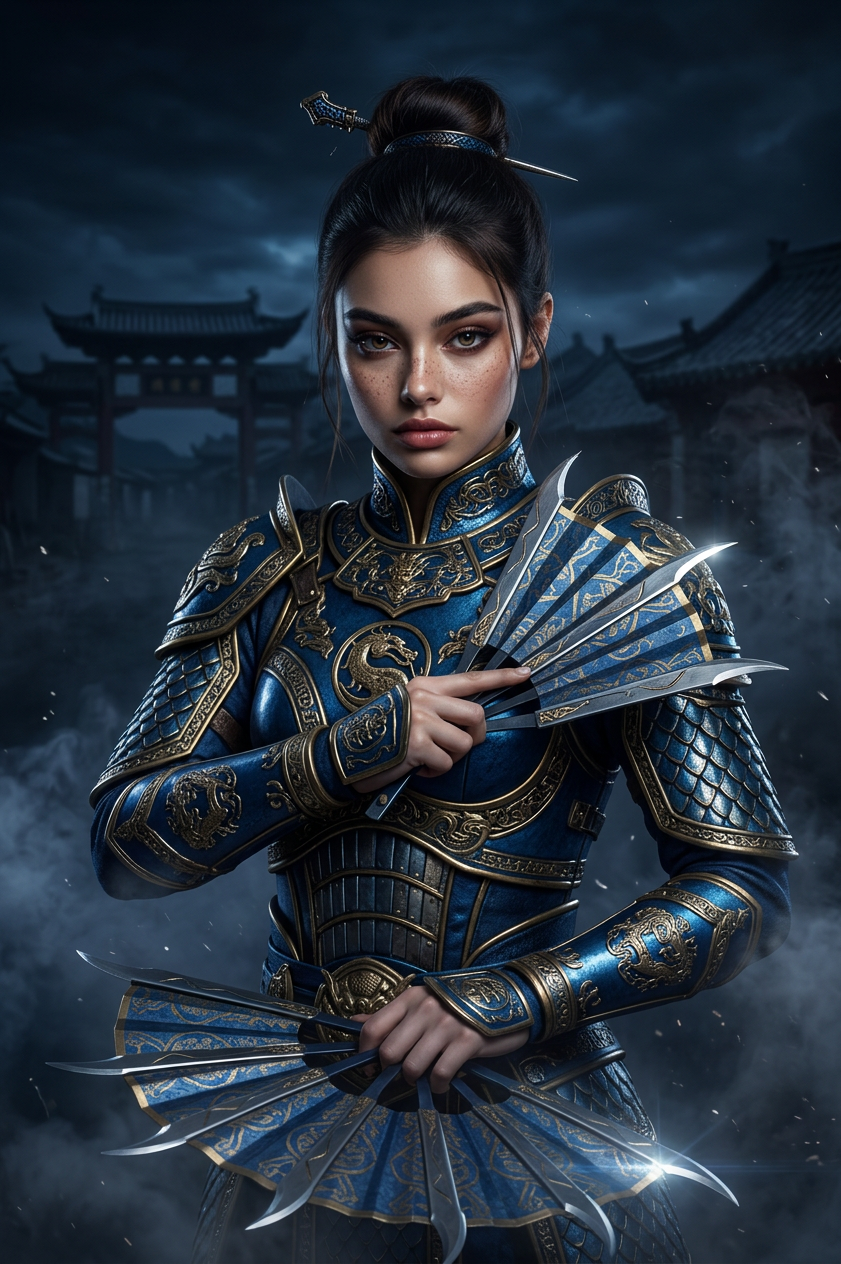
Kitana
Any aspect ratio
Transform your photo into a cinematic Mortal Kombat warrior portrait. Women become Kitana in metallic blue armor with elegant fans, men become Sub-Zero in armored ninja costume, children get age-appropriate fantasy versions. Dark navy background with smoke, Chinese village silhouette, and dramatic action-movie lighting.
Overview
The Kitana template offers a fascinating way to reenvision your photograph into an epic cinematic scene from Mortal Kombat. Using the power of the nano-banana-2 model, this template transforms portraits into martial arts warriors with cinematic backdrops.
What It Does
This AI Image Editor template uses advanced image processing technology to craft dynamic portraits inspired by Mortal Kombat characters. Female subjects transform into Kitana with metallic blue armor and elegant fans, while male subjects become the ice-powered Sub-Zero. Children receive custom fantasy versions appropriate for their age. The background features a dark navy hue with smoke effects, a Chinese village silhouette, and dramatic lighting.
Who It's For
Perfect for Mortal Kombat enthusiasts, creative photographers, and anyone looking to add a dynamic twist to their imagery. This tool supports creators working on meme videos, fantasy-themed content, or any multimedia project requiring visually striking transformations. It complements other tools like the AI Image Editor for refining and enhancing visuals.
Summary
Bring your photos to life with the Kitana template, crafting them into bold, warrior-themed fantasies. Ideal for fans of digital art and fantasy worlds, the output is as versatile as it is visually arresting. Integrate with other creative assets such as the AI Clothes Changer to further customize the appearance of your characters.
How To
Choose Your Template

Customize Your Input

Generate Your Artwork

Use Cases
Fan Art Creations
- Create unique fan posters
- Contribute art to fan forums
Social Media Content
- Engage audiences with themed posts
- Use in video narratives and stories
Event Promotions
- Design promotional material
- Create themed merchandise
Best Practices
High-Quality Images
Use high-resolution images for the best transformation results, ensuring clarity and detail in the output.Character Consistency
When altering group photos, ensure each subject's settings are correctly set to maintain character consistency and prevent mix-ups.Background Considerations
Consider combining this template with the AI Background Changer for further enhancing the scene's ambiance.