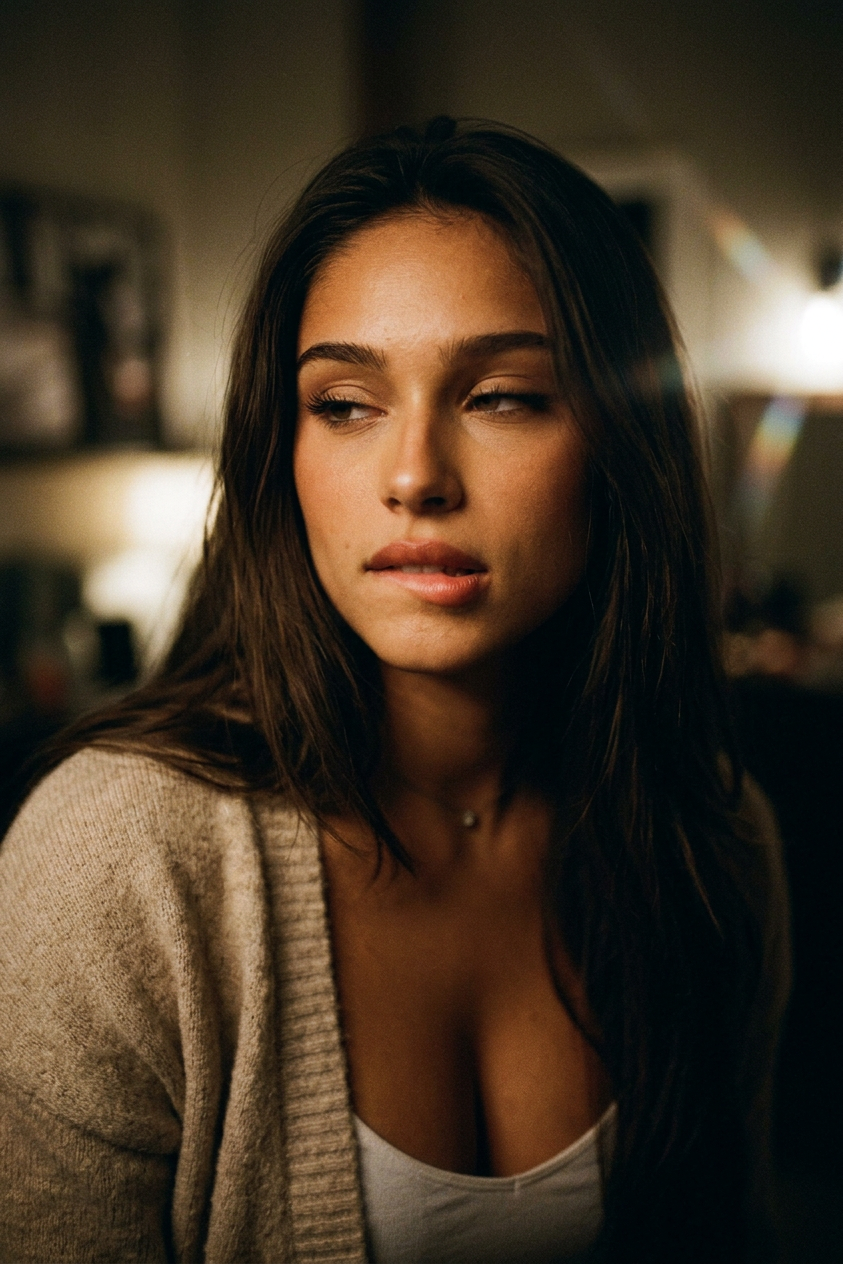
Noir Reel
Any aspect ratio
Cinematic noir, she is always looking to the side, never at the camera. She flirts subtly — slightly parted lips, then slowly and sensually bites her lower lip. Her chest rises gently, expression intensely seductive, eyes heavy-lidded and half-closed, a barely perceptible tension in her jaw as she releases her lip. Gaze fixed to the side. Slow motion, intimate close-up energy, shallow depth of field, soft film grain, warm dark noir lighting.
Overview
The Noir Reel template takes your imagery into the world of cinematic noir, with a focus on intimate, slow-motion beauty shots. Using our advanced nano-banana-2 model, this template layers subtle, seductive cues over every frame, creating a deep sense of intrigue and allure.
What It Does
This template transforms your existing images into noir-style masterpieces. The AI Image Editor skillfully adds a dynamic noir effect by accentuating soft film grain and warm, dark lighting, making it ideal for creating a mood board or a professional showcase.
Who It's For
The Noir Reel template is perfect for photographers, filmmakers, and digital content creators looking to add depth and sophistication to their visuals. It serves experts in video style transfer or anyone aiming to convey a particular mood in product advertisements or social media posts.
Summary
Bring your visuals into a noir-inspired world with subtle sensual undertones and deep, intimate close-ups. Explore our AI Image Editor to experience how easily you can transform any image into a noir film classic using the Noir Reel template.
How To
Choose Your Template

Customize Your Inputs

Generate Your Noir Video

Use Cases
Cinematic Storyboards
- Enhance narrative depth
- Focus on seductive visuals
- Create mood-specific story arcs
Social Media Campaigns
- Stand out with unique edits
- Convey sophisticated narratives
- Capture audience interest
Advertising Material
- Increase brand appeal
- Craft a luxe image
- Target upscale audiences
Best Practices
Choose Appropriate Subjects
Opt for close-up shots where subtle expressions can enhance the noir effect.Leverage Lighting and Contrast
Promote depth by maintaining the lighting and contrast typical of noir cinematography.Harmonize with Text Elements
When used in digital campaigns, pair your noir visuals with congruent typography for a cohesive look.