Enchanted Ruin Romance
Any aspect ratio
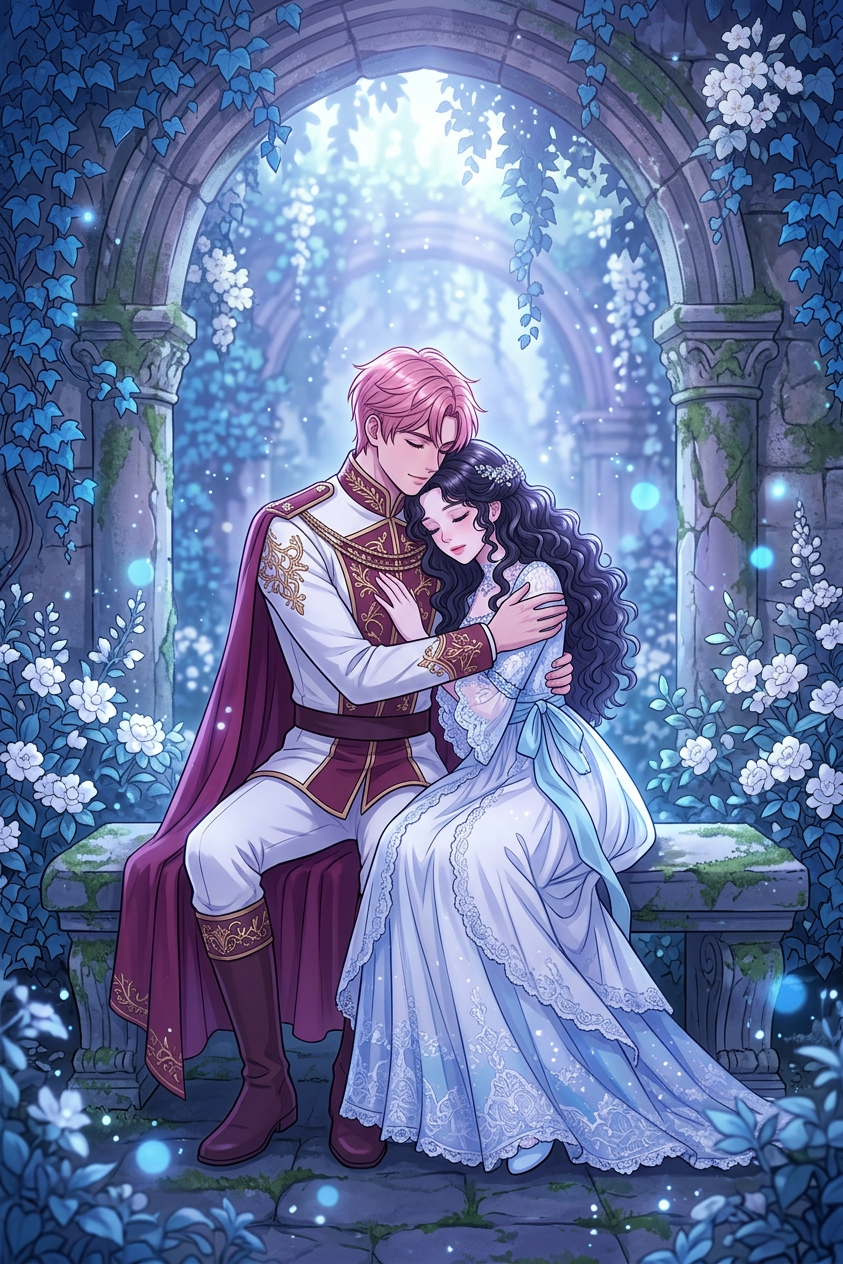
Generate an anime-style illustration of two subjects seated closely on a moss-covered stone bench within an ancient, overgrown arched ruin; one has pink hair and wears an ornate white and maroon uniform with a flowing cape, gently embracing the other, who has long dark hair and wears a delicate white and blue dress; soft, magical light filters from above, casting a dreamy glow across the scene; the environment is rich with blue ivy, white flowers, and aged stone textures; sparkling dust particles and subtle blue bokeh lights float through the air, enhancing the ethereal atmosphere; the color palette is dominated by cool blue and purple tones, creating a romantic, serene, and otherworldly mood.
Overview
Step into a world where romance meets mystery with the "Enchanted Ruin Romance" template. This AI Image Editor tool allows you to create stunning anime-style illustrations that capture the essence of love stories set against the backdrop of an ancient, enthralling ruin. Whether it's custom artworks or mood-driven visuals, this template offers the perfect blend of aesthetics and emotion.
What It Does
The "Enchanted Ruin Romance" template employs the powerful capabilities of nano-banana-2 to transform your concepts into artwork. The template allows you to generate scenes with intricate details: two characters in a romantic pose, magical lighting, and an environment rich with nature's elegance. It's an ideal choice for artists and storytellers aiming to evoke an ethereal atmosphere.
Who It's For
This template is designed for creatives seeking to enhance their visual storytelling prowess. Whether you are an illustrator working with AI Image Generator technologies, a game developer looking to craft romantic cutscenes, or a content creator in search of enchanting visuals, this template serves a wide array of artistic needs.
Summary
Summon the allure of a bygone era with the "Enchanted Ruin Romance" template. Designed for those who wish to immerse their audience in a world of mystical romance, this tool uses advanced AI Image Editor capabilities to create breathtaking illustrations. A must-have for anyone looking to enrich their creative projects with a touch of magic.
How-To
Choose Your Template

Customize Your Scene

Generate and Download

Use Cases
Visual Storytelling
- Enhanced romantic visuals
- Perfect backdrop for storytelling
Game Development
- Rich environmental details
- Engaging character designs
Social Media Content
- Attractive visuals for engagement
- Eye-catching details
Best Practices
Focus on Emotional Impact
When customizing your illustration, emphasize mood and emotion through color and composition to enhance storytelling.Character and Background Integration
Ensure that the characters harmonize with the environment by matching color tones and textures.Experiment with Lighting
Adjust light sources and intensity to highlight key elements or moods in your artwork for dramatic flair.