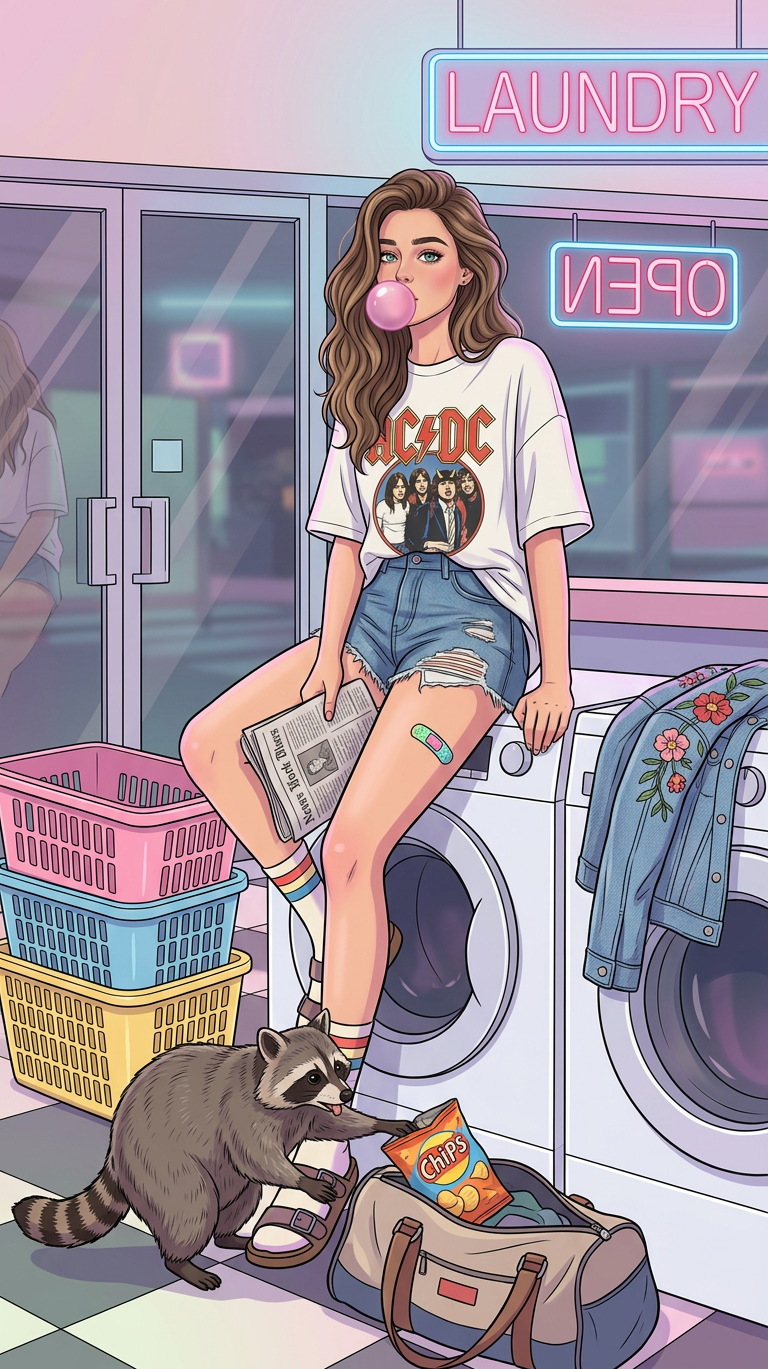
Retro Laundromat Bubblegum Scene
Any aspect ratio
A detailed full-body digital illustration of a subject with and green eyes, blowing a pink bubblegum bubble, wearing an oversized white AC/DC t-shirt, denim shorts, and striped socks with sandals, sitting on top of a white washing machine in a retro-futuristic laundromat. The subject holds a newspaper, with a colorful band-aid on the leg, while a mischievous raccoon rummages through a duffel bag grabbing chips. Pink, blue, and yellow laundry baskets are stacked nearby, and a denim jacket with floral embroidery rests on another machine. Neon signs reading “LAUNDRY” and mirrored “OPEN” glow in the background, reflecting on a glass door. Soft ambient lighting creates a dreamy nostalgic mood, with pastel tones of pink, blue, and purple, enhanced by detailed reflections, checkered flooring, and rich fabric and fur textures.
Overview
Embark on a journey to the past with the Retro Laundromat Bubblegum Scene, an AI Image Editor template designed using the nano-banana-2 model. This template captures the essence of vintage-inspired aesthetics with a vibrant retro-futuristic laundromat setting, perfect for visual storytelling and creative projects.
What It Does
This template allows you to create detailed full-body illustrations featuring a subject in a colorful laundromat setting. The emphasis is on vibrant pastel tones, detailed textures, and dynamic compositions. Enhance your visuals with lifelike reflections, fabric textures, and engaging details such as a mischievous raccoon in the scene.
Who It's For
Ideal for digital artists, content creators, and graphic designers aiming for a nostalgic aesthetic. Whether you're designing a cover for a retro-themed project, enhancing your portfolio, or working on a personal artwork, the Retro Laundromat Bubblegum Scene offers endless creative possibilities.
Summary
The Retro Laundromat Bubblegum Scene provides a unique opportunity to emulate vintage vibes in your digital illustrations. Navigate through intricate details and personalized stylings to bring a dreamy, nostalgic mood to life in your projects. Pair it with the AI Image Editor for seamless editing and enhancement options.
How to Use
Choose the Template

Customize Your Scene

Generate Your Image

Use Cases
Social Media Content
- Instagram art posts
- Facebook cover images
- Pinterest graphics
Illustration Portfolios
- Display your skills
- Showcase detail-oriented work
Marketing Materials
- Flyers and posters
- Online ads
Best Practices
Focus on Detail
Ensure the unique details like the raccoon and vibrant neon signs stand out, as these elements add character to the scene.Experiment with Colors
Leverage pastel tones and neon lights to enhance the retro feel. Also, consider how these colors can complement your brand or style.Combine with Other Tools
Maximize the potential of this scene by integrating it with the AI Clothes Changer for varied outfit styles or the AI Image Upscaler for high-quality finishes.